Webflow Website Maintenance and Support for B2B Teams
Webflow handles hosting, security patches and backups. We handle content, pages, integrations, forms and fixes, plus the performance and SEO upkeep your marketing team relies on.
.webp)


What does Webflow maintenance include when Webflow already hosts and patches the platform?
Webflow runs the hosting layer for every site on a paid Site plan. It applies security patches and platform updates automatically, issues and renews SSL/TLS certificates, serves pages through a global CDN with DDoS and bot protection, and keeps automatic backups you can restore. There are no plugins or server updates for your team to install. Webflow maintenance therefore covers what sits on top of the platform, which your team owns: accurate pages and CMS content, forms and integrations that keep working, custom code and third-party scripts, and technical SEO. Webflow's support policy puts custom code, DNS, SEO and third-party integrations outside its support scope. ActiveSet handles that layer for B2B teams, from content and pages to integrations, forms and fixes, with the scope and response times agreed in your plan.
Webflow's The 2026 State of the Website (with Vanson Bourne; June-July 2025 survey) found that "92% of organizations say that requests for website updates are growing in size and complexity, and 95% of organizations report they are receiving more web project requests overall."
What Webflow handles and what your team owns
On a paid Site plan, Webflow runs the platform and the hosting. What you build and publish on top of it stays with your team, or with the agency you appoint. The split below follows Webflow's own documentation, checked on 10 October 2026, and each row links to its source.
Security
Webflow handles
Platform security patches and updates, applied automatically with no customer-managed updates. Webflow reports SOC 2 Type II compliance and ISO 27001 certification.
Your team owns
Who can access your Workspace and site, two-factor authentication on each account, and every custom script or third-party tool you add.
Hosting and uptime
Webflow handles
Managed hosting on paid Site plans, with no server updates, packages or capacity planning. Webflow support investigates hosting, performance and uptime problems.
Your team owns
Your domain registrar and DNS records, which Webflow support does not cover, and choosing the Site plan your site needs.
SSL/TLS
Webflow handles
Free SSL/TLS certificates on every Site plan, renewed automatically. HSTS is on by default for non-Enterprise sites.
Your team owns
Keeping your custom domain's DNS records correct, since DNS sits outside Webflow support.
CDN and traffic protection
Webflow handles
Delivery through a global CDN with built-in DDoS and bot protection.
Your team owns
The weight of what you publish: image and video sizes, fonts and third-party scripts.
Backups
Webflow handles
Automatic backups as you work, with a restore point on every 50th auto-save. Paid Site plans keep unlimited backups. Webflow does not offer scheduled backups.
Your team owns
Saving a named restore point before big changes, knowing who can restore (only Site managers can access backups), and re-checking forms after a restore, because a restore refreshes reCAPTCHA settings and turns bot protection off.
Content and CMS
Webflow handles
The Designer, CMS and editing tools, and support when a core feature does not work as expected.
Your team owns
The accuracy of every page and CMS item: offers, team pages, legal text and items scheduled to publish.
Source
SEO
Webflow handles
Advanced SEO controls on paid Site plans, and an auto-generated sitemap.xml (when turned on) that updates each time you publish.
Your team owns
What goes into titles, descriptions and headings, redirects when URLs change, structured data and Search Console. Webflow support does not cover SEO.
A monthly check of the pages that already earn search clicks, and link requests to sites that mention your company without linking to it.
Integrations and custom code
Webflow handles
Custom code fields on paid Site plans.
Your team owns
Writing and maintaining custom code and third-party integrations, such as CRM, analytics and scheduling tools. Webflow's support policy places these with the customer.
Forms
Webflow handles
Storing submissions, sending notification emails, spam filtering (on by default for new sites) and optional bot blocking with Cloudflare Turnstile.
Your team owns
Notification recipients, turning bot blocking on, testing each critical form after changes, and any custom form action, which sends submissions elsewhere and stops Webflow's notification emails.
Accessibility
Webflow handles
An Audit panel with four accessibility checks (missing alt text, non-descriptive links, skipped heading levels and duplicate element IDs) and a color contrast checker in the color picker.
Your team owns
Everything the panel does not check, including components, CMS-bound images and text contrast, plus testing against WCAG with a keyboard and a screen reader.
Plan and billing
Webflow handles
Billing support for Workspace owners and admins.
Your team owns
Choosing and paying for the Site plan, which is needed to publish to a custom domain. Only Site managers can buy and manage a Site plan and its billing.
On a maintenance plan, ActiveSet handles the content, pages, integrations, forms and fixes listed under 'Your team owns', along with the performance and SEO work set out in your plan.
What Our Webflow Maintenance Covers


Speed checks in every maintenance plan
How We Keep Your Webflow Site Running Smoothly
.png)

.webp)
What Sets Our Webflow Maintenance Apart?
How a Webflow maintenance engagement is set up
- Sites we take on: Webflow sites we built and sites built by other teams. Each engagement starts with an audit of your current site.
- How requests reach us: Technical support via Slack on the Essential plan. Growth adds priority email and Slack support, and Enterprise clients get a dedicated Slack channel.
- Reporting: A monthly report showing the work completed, performance metrics and recommendations.
- Scope and hours: Set out in your plan. The Growth plan includes up to 10 hours of updates per month.
- Response times: Agreed in your plan. We prioritize requests by business impact.
- Changing or ending a plan: You can upgrade, downgrade or cancel your plan at any time with 30 days' notice.
Need new pages every month, not just upkeep?
Maintenance or a development retainer?
- What it's for: Keeping the site you have accurate, working and fast
- Typical work: Content updates, form and integration checks, fixes, performance and SEO upkeep
- How work is planned: Ongoing tasks plus requests as they come in
- Who it suits: Teams whose site is stable and mainly needs care
- What it's for: Adding to the site every month
- Typical work: New pages and sections, new CMS templates, campaign pages, page-by-page redesign rollouts
- How work is planned: A prioritized monthly backlog agreed with your team
- Who it suits: Teams shipping new pages or products often, without an in-house Webflow developer
How a retainer runs
- A shared Slack channel for requests and questions.
- A ClickUp backlog, prioritized with you each month.
- Design in Figma when a request needs it, then the Webflow build.
- Review on staging through Markup.io before anything is published.
- Publishing through an agreed process, with a backup restore point saved first.
- A monthly summary of what shipped and what's next.
Scope and capacity
Retainers and ongoing development we run
- mesoneer — Client since May 2023; monthly retainer since August 2024. Rolled out the 2025–26 redesign page by page, then added product, insurance and event pages and a new feature section in 2026.
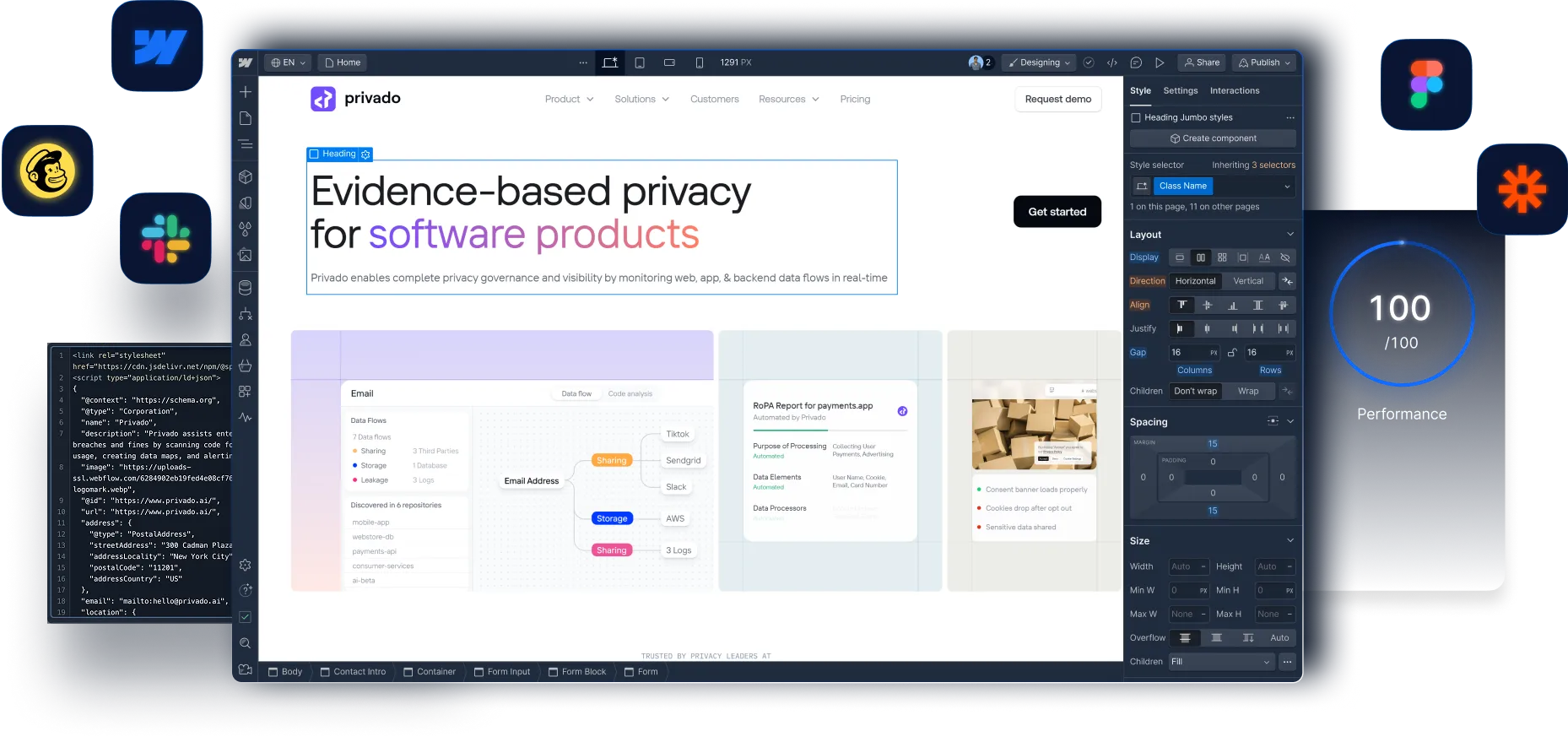
- Privado — Client since May 2022. Product and solution pages, CMS templates, a 2025 homepage and platform-page redesign, a multi-author blog and ongoing technical SEO work. Privado case study
- HeartFocus — Client since April 2024. New pages and site updates on request since the 2024 launch, most recently in October 2026. HeartFocus case study
What the research says
“97% of technical leaders report technical debt is impacting their team's ability to effectively manage the website.”
— Webflow with Vanson Bourne, The 2026 State of the Website, 2025. Survey of marketing and technical leaders, June–July 2025. Survey.
Choose Your Maintenance Plan

Essential Maintenance
Perfect for smaller sites that need basic upkeep and occasional content updates.
Growth Maintenance
Ideal for growing businesses that need regular content updates and campaign support.

Enterprise Maintenance
For larger organizations with complex sites and frequent update needs.


Let's Keep Your Webflow Site Running Smoothly


Frequently Asked Questions
Webflow hosts your site and handles platform security patches, SSL certificates, its global CDN and automatic backups. Our maintenance covers what your team owns on top of that: content updates and new pages, forms and integrations, custom code, performance, bug fixes and technical SEO. The scope and response times are agreed in your plan.
Response times are agreed in your maintenance plan. We prioritize requests based on business impact.
Yes. Our team includes experienced Webflow developers who can handle advanced customizations, complex CMS implementations, and custom code integrations as part of ongoing maintenance.
No problem. We maintain Webflow sites regardless of who built them originally. We'll start with a comprehensive audit to understand your site's structure and identify any immediate issues that need attention.
We provide detailed monthly reports showing all work completed, performance metrics, and recommendations. Enterprise clients get dedicated Slack channels for real-time communication and updates.
Absolutely. You can upgrade, downgrade, or cancel your maintenance plan at any time with 30 days notice. We want you to have the right level of support for your current needs.
Enterprise plan clients receive emergency support for critical issues that impact business operations. Response times for every plan are agreed in your maintenance plan.
Support terms are agreed in your maintenance plan. If we miss something or make an error, we fix it and review our process to prevent similar issues.
Our maintenance team covers performance, custom code, SEO and advanced Webflow development, so you are not relying on one person for every skill. Compare our scoped proposal with the cost of hiring before you decide.
Maintenance keeps your existing site accurate, working and fast. A development retainer adds monthly build capacity for new pages, templates, campaign pages and CMS changes. Many clients have both.
Through a shared Slack channel. We log each request in ClickUp, agree priorities with you each month, and review work on staging before it is published.
Yes. When a request needs a new layout, our designer works in Figma first and the Webflow build follows once you approve the design.
Tell us early. Extra work is quoted separately before we start, or you can move up a plan for the next month.
Yes. We check Core Web Vitals for key templates each month, review new scripts before they go live, and report regressions with a proposed fix.
We test it on staging first, load it only on the pages that need it, and if it still costs too much speed, we show you the trade-off before it goes live.