Webflow CMS development

Webflow CMS development your marketing team can run

ActiveSet designs and builds Webflow CMS setups for B2B teams. We model your collections and fields, build the templates, lists and filters, connect outside data through the Webflow API where it helps, and hand over with recorded walkthroughs, so marketers can publish blog posts, events, resources and job openings without waiting for a developer.
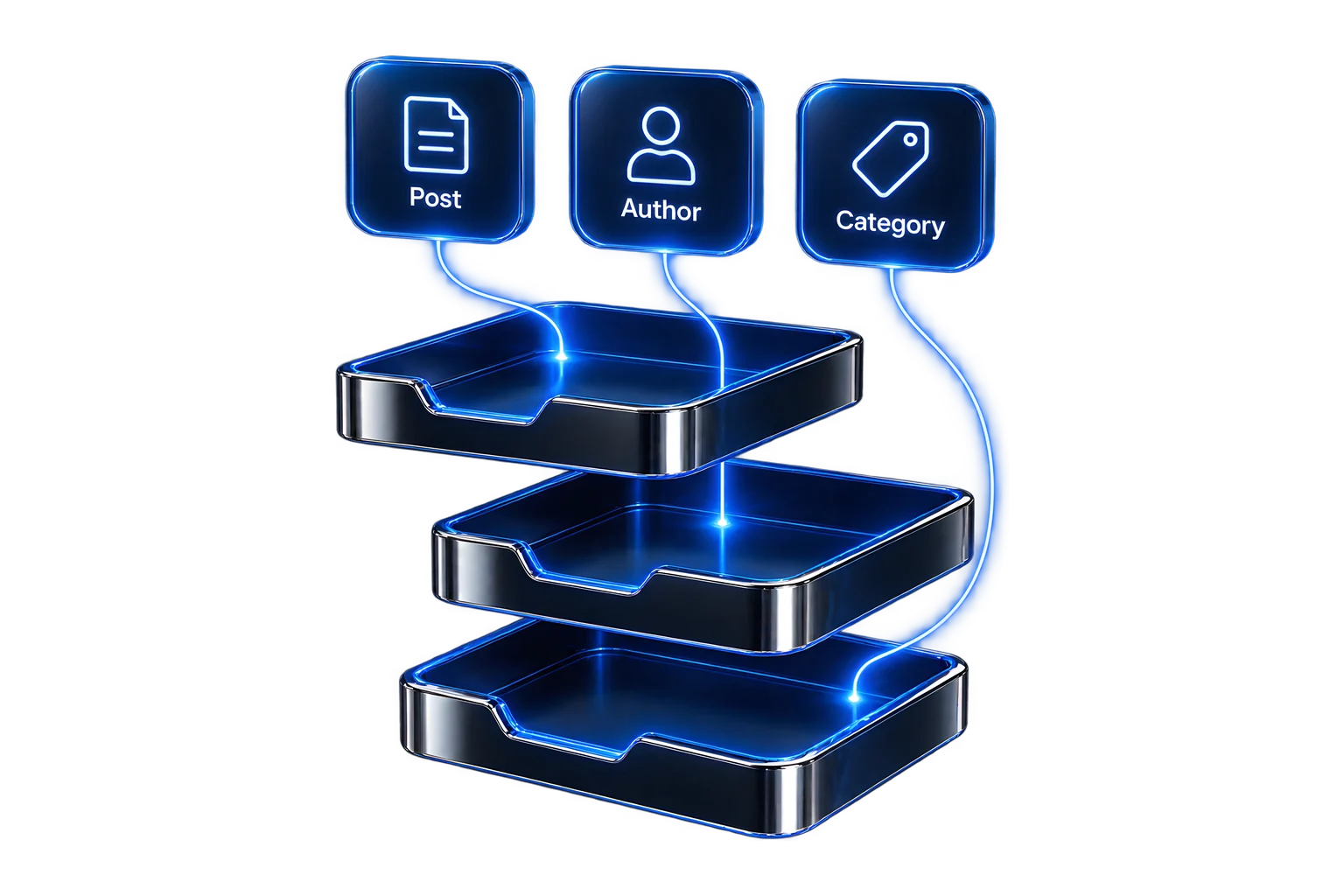

Stacked glass CMS collection trays linked to Post, Author and Category content cards
In short

What does Webflow CMS development cover?

It covers everything between your content and the pages that show it. We decide which content belongs in CMS collections and which stays on static pages, define the fields for each collection and how collections reference each other, then build the collection templates, list pages, filters and forms that use them.

Where content lives in another system, such as an applicant tracking system or a spreadsheet, we can sync it into the CMS through the Webflow API. Every build ends with editor walkthroughs, so your team adds and updates content through the CMS rather than asking for page edits.

Signs your CMS needs work

When a CMS project pays off

This page is for teams already on Webflow, or moving to it, whose content structure is the bottleneck. For a full new site, see Webflow development.
01
Pages built by copy-paste
Each new webinar, case study or job opening is a duplicated static page, so layouts drift and updates have to be made page by page.
02
Fields that don't fit the content
Editors paste formatted text into one rich-text field because the collection has no field for speakers, dates, categories or authors.
03
Content trapped elsewhere
Job openings, product data or documents live in another tool and are re-typed into Webflow by hand.
04
Requests waiting on a developer
Routine publishing goes through a ticket because editors can't do it safely in the CMS.
What's included

What we build in the Webflow CMS

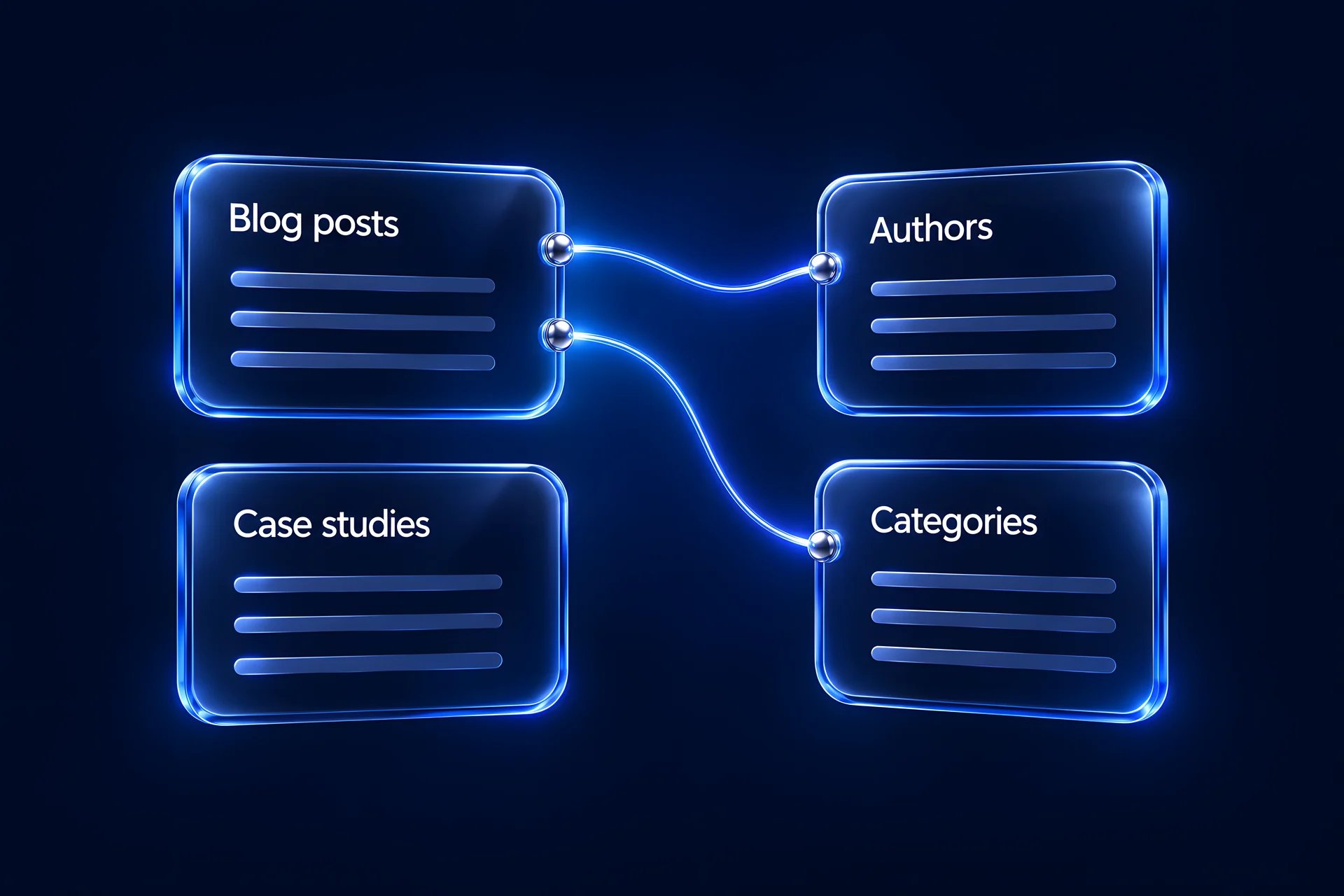
Webflow CMS content model linking Blog posts to Authors and Categories, alongside Case studies
01
Content model
Collections, fields, reference and multi-reference fields, option fields and slug rules, written up as a field-by-field spec you approve before we build.
02
Collection templates
Detail pages for posts, events, webinars, resources, glossary terms, case studies and job openings, built from reusable components.
03
Lists, filters and search
Listing pages with categories, filters, featured items and pagination, so visitors find content without a developer curating each page.
04
Editor experience
Field names and help text that explain what goes where, required fields where content would otherwise break, and a structure built on the Client-First naming system.
05
Structured data from CMS fields
Fields that feed structured data on each template, so new items carry the right markup when they are published.
06
API syncs
Syncs that bring content such as job openings from another system into a collection through the Webflow API, documented so your team knows what updates automatically.
07
CMS restructuring and imports
Moving content from static pages or another platform into collections, with a URL map and 301 redirects for every address that changes.
08
Handover
The project sits in your Webflow workspace, with recorded walkthroughs of adding, editing and publishing each content type.
Rule of thumb

What belongs in the CMS, and what doesn't?

Not everything should be a collection. We use these rules when we model a site.
Our recommendation: When a page type will have more than a handful of entries, or is updated by more than one person, it usually belongs in a collection.
Option 1
Put it in the CMS
  • How often it repeats: Many items share one layout: posts, events, jobs, team members
  • Who updates it: Marketing adds or edits items regularly
  • How it's found: Listed, filtered or referenced from other pages
  • Where the data comes from: Another system that can sync through an API
Option 2
Keep it as a static page
  • How often it repeats: One-off layouts: home, pricing, a campaign page
  • Who updates it: Changes rarely and usually with a design change
  • How it's found: Linked from navigation
  • Where the data comes from: Written once for that page
How it works

From content audit to a CMS your team runs

We confirm the schedule after the audit, because it depends on collection count, templates, imports and syncs.
Step 1
Content audit
We list your content types, how often each is published, who publishes it and where its data lives today.
Step 2
Content model
We write the collections, fields and references as a spec. You approve it before anything is built.
Step 3
Templates and lists
We build templates, listing pages and filters on staging using your design system or Figma files.
Step 4
Import or sync
Existing content is imported and checked; API syncs are built and tested against real records.
Step 5
Review on staging
Your team reviews and comments on staging through Markup.io, and test-publishes items themselves.
Step 6
Launch and walkthroughs
We publish, check redirects for any changed URLs, and record walkthroughs for each content type.
Delivered work

CMS work we've shipped on Webflow

ActiveSet is an excellent resource, they're master at Webflow and design and has been a real gem to any task I've given them. They makes sure all the deadlines meet and that also with the highest standards.

— Vaibhav Antil, Founder, Privado

Build standard: Client-First naming, the style guide set up first, reusable components, and the project in your own Webflow workspace.
Client since May 2022
Privado
Glossary listing and detail templates (2022); webinar templates for upcoming and on-demand sessions with HubSpot forms, plus ebook and event pages (2023); a multi-author blog and a schema CMS field (2026).
privado.ai · Case study
Client since May 2023
mesoneer
A Recruitee-to-Webflow job sync over the API (live 2025) and redesigned blog and use-case templates (2025).
mesoneer.io
2026
Udemy Production Hub
A Free/Paid CMS field, a tools filter and mobile filter pills on productionhub.udemy.com.
productionhub.udemy.com
Client since April 2024
HeartFocus
A CMS-driven user manuals page and a News page with a CMS-driven 'As seen in' block, in a site built in English and French.
heartfocus.ai · Case study
2026
Orchid Pharma
A Webflow build with a product CMS, an investor-documents CMS and a live share-price feed, from designs by our partner designer.
2024–2026 (past client)
Happier
Rebuilt the site in Webflow with a courses CMS migration and 301 redirect mapping.
meditatehappier.com
What the research says

Why the CMS decides who can change your site

“as our survey of 500 marketing leaders reveals, roughly 80% of marketing leaders feel restricted in making even small changes to their site without dev help.”

— Webflow, The marketer’s website, August 2024. Webflow survey of 500 marketing leaders. Vendor survey.

“93% of marketing leaders report they are at least somewhat reliant on website developers, agencies, and/or expertise outside of their department.”

— Webflow with Vanson Bourne, The 2026 State of the Website, 2025. Survey of marketing and technical leaders, June–July 2025. Survey.

“A decade of technology investment produced platforms that assumed a developer or a designer would make the change, so a ten-minute change waits behind a two-week sprint.”

— Dave Steer, Webflow CMO, in Webflow's ebook “Your job hasn't changed. The world has.”, August 2026. Webflow's CMO, Dave Steer. Vendor commentary.

Free planning tool

Sketch your content model

Pick your content types and the builder suggests collections, fields and references you can take to any developer. Nothing you enter leaves your browser.

FAQ’s

Frequently Asked Questions

(01)
How is this different from your Webflow development service?

Webflow development covers full site builds. This service is for teams whose content structure is the problem: collections that don't fit, pages built by copy-paste, or data re-typed from other tools. It often runs on an existing Webflow site.

(02)
Can you restructure our CMS without breaking URLs?

Yes. We list every URL the change touches, keep slugs where we can, and add a 301 redirect for every address that changes. Redirects are tested on staging and again after publishing.

(03)
Will our marketing team be able to publish without a developer?

That is the goal of the build. Fields carry help text, required fields stop incomplete items, and we record a walkthrough for each content type. New layouts or new content types still need a design and build step.

(04)
Can you sync content from another system into Webflow?

Yes, through the Webflow API. For example, we built a sync that brings mesoneer's job openings from Recruitee into Webflow. We check the source system's API first and document what updates automatically and what to check if items stop arriving.

(05)
Do Webflow CMS limits matter for our site?

They can. Item counts, collection counts and field limits depend on your Webflow site plan. We compare them with your content volume during the audit, so the model fits your plan.

(06)
Can CMS fields drive structured data?

Yes. We add fields that feed structured data on each collection template, as we did with a schema CMS field for Privado, so new items carry the markup when they are published.

(07)
Do you work on CMS setups another team built?

Yes. We start with an audit of the existing collections, templates and custom code, and propose changes that keep live URLs and content intact.

(08)
How long does a CMS project take, and what does it cost?

It depends on the number of collections, templates, imports and syncs. We confirm both in a scoped proposal after the content audit.

Layer
Give your marketing team a CMS they can run
Tell us which content types slow you down. We'll come back with a content model and a scoped proposal.
Talk about your CMS