Webflow localization for multilingual B2B websites
ActiveSet plans and builds multilingual Webflow sites for B2B teams. We decide which pages and CMS collections each locale needs, set them up in Webflow Localization or Weglot, import or machine-translate the copy, check locale URLs, hreflang tags and forms, and train your team to publish in every language.
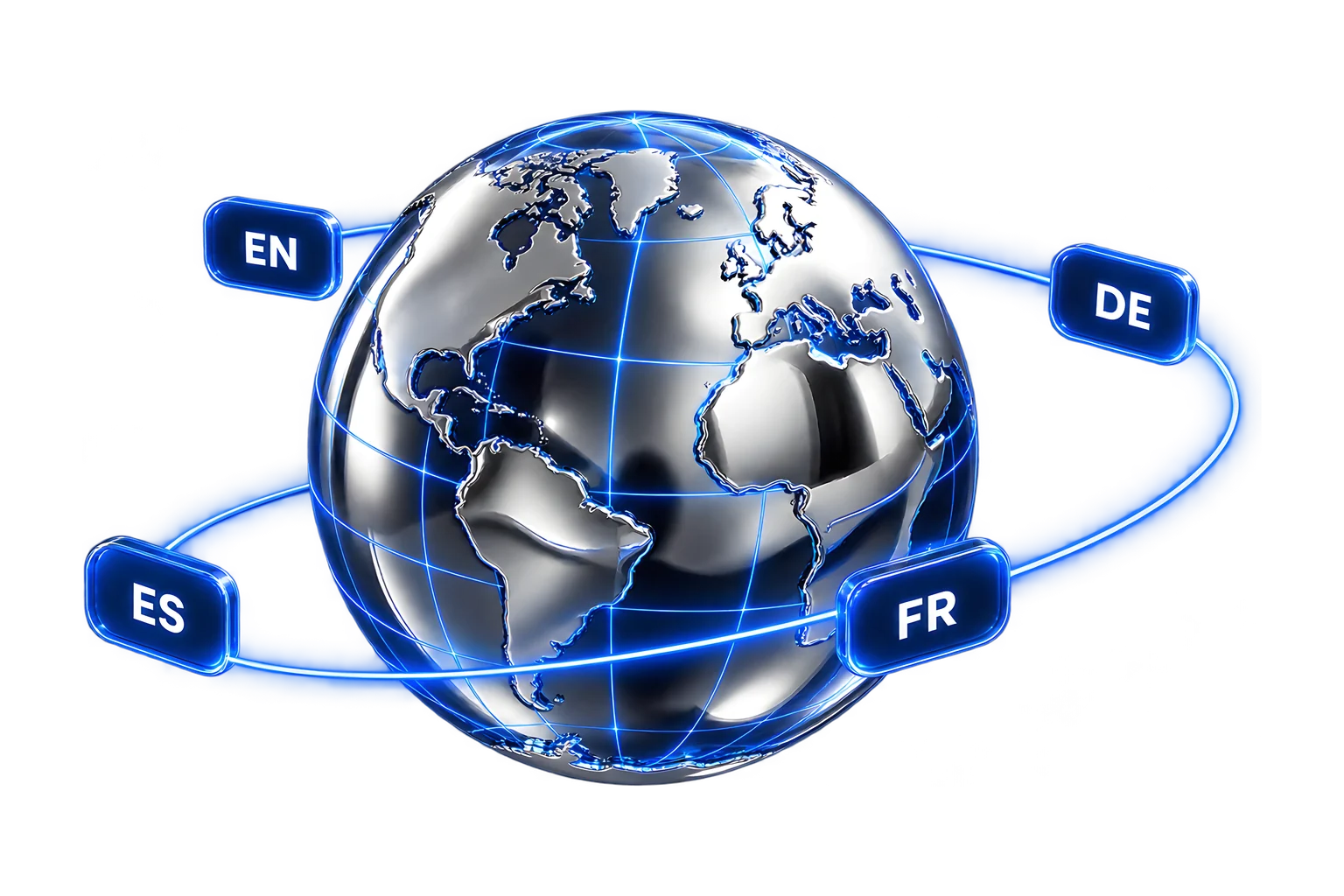

How does ActiveSet localize a Webflow site?
We work in a fixed order. First we list every page, CMS collection, form and script on your site and mark what each new language needs. Then we agree a locale plan: the locales, the URL pattern for each one, what gets translated, who translates it and who approves it.
We build the locales on staging, import or machine-translate the copy, and adjust layouts for languages that run longer than English. Your reviewers check each language on staging before launch. After launch we re-check the locale switcher, URLs, hreflang tags, sitemap and forms on the live domain, then hand over with recorded walkthroughs so your team can add pages and CMS items in every language.
What a Webflow localization project covers
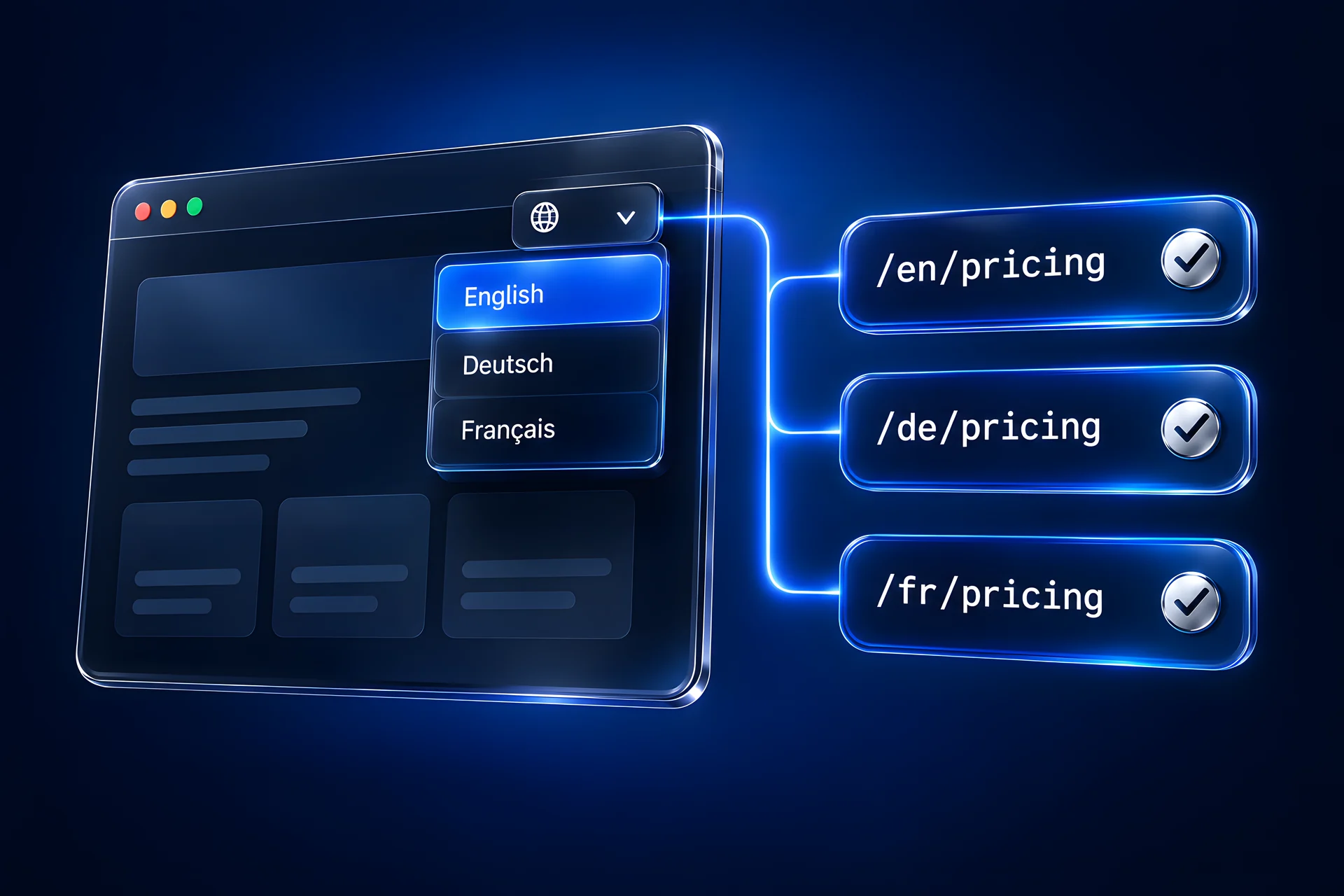
Webflow Localization or Weglot: which should you use?
- Where translations live: Inside your Webflow project, next to the original content
- Who edits them: Your team, in the Webflow Designer and CMS
- CMS content: Translated item by item inside the CMS
- Differences per language: Copy, and depending on your plan, images and element visibility, can differ by locale
- Works beyond Webflow: Webflow sites only
- Cost model: A Webflow add-on with plan tiers
- Where translations live: In Weglot's dashboard, outside Webflow
- Who edits them: Your team or translators, in Weglot
- CMS content: Translated in Weglot after it is published
- Differences per language: Text, and media on some Weglot plans, is translated; the layout follows the original page unless you add custom code
- Works beyond Webflow: Also covers other platforms, which helps when one translation memory serves several properties
- Cost model: A separate Weglot subscription
Six steps from one language to several
Multilingual Webflow sites we've built
heartfocus.ai · Case study
frontrow.udemy.com
commons.work
mesoneer.io
Why teams move localization into Webflow
“This cut down the development time from what previously took months to just a week, enabling a small team to manage extensive localization tasks efficiently.”
— Forrester Consulting (commissioned by Webflow), The Total Economic Impact™ Of Webflow, September 2024. On a Webflow customer's switch to native localization. Vendor-commissioned study.
“were able to launch in 11 locales in two months. This included spinning up the Spanish site in three hours, leveraging Webflow’s AI-powered translation capabilities.”
— Webflow, The marketer’s guide to website personalization, August 2024. Webflow customer example (Smaller Earth Group). Vendor-reported customer example.
Plan your locales before you brief anyone
List your languages, pages and collections. The planner sketches the locale map, the amount of content to translate and whether native Localization or Weglot fits better. Nothing you enter leaves your browser.
Is this the right service for you?
- Your site is on Webflow, or moving to it, and needs a second language or more.
- Translated content has to be edited by your own team after launch.
- Your CMS (blog, resources, events, jobs) needs to exist in every language.
- You need a translation agency to write all the copy; we set up the workflow and import translations, and can work with your translation vendor.
- You want one-language pages per country with completely different sites; that is usually separate Webflow projects, which we can scope instead.
Frequently Asked Questions
Yes. Webflow Localization is a paid add-on to a Webflow site plan. It adds locales to your site, each with its own URL path, and lets you translate static pages and CMS items inside Webflow. Its tiers differ in how many locales you get and which controls are included, so we check the current limits against your locale list before we scope.
If your site lives fully on Webflow and your team will edit translations, we usually recommend Webflow Localization, because translations, layouts and CMS items stay in one project. Weglot fits when your translators already work in it or the same translations must cover other platforms. We have shipped both.
Each locale gets its own URL path, translated titles and descriptions, and translated slugs where your plan supports them. We check hreflang tags, sitemap entries and canonical tags on staging and again after launch, and confirm the locales in Search Console. Search engines decide how each language ranks, so we don't promise rankings.
Yes, as a first draft. Webflow Localization includes machine translation, and we have used it on live sites. We recommend a native speaker reviews key pages, and anything legal or regulated should be checked by the person who owns that text.
Translations usually come from your team, your translation vendor, or machine translation that your reviewers check. We set up the workflow, import the copy into each locale, fix layouts and check every page on staging.
Yes. We start with a content audit of the existing site, because class structure, CMS design and custom code affect how cleanly a new locale can be added.
We translate labels and messages, and route submissions so each language or region reaches the right inbox or CRM list. Each form is test-submitted in every locale before launch.
Both depend on the number of locales, pages and CMS items, and on who translates. We confirm them in a scoped proposal after the content audit.
