What Does a B2B Marketing Site Cost to Run for 3 Years? Webflow vs WordPress vs Headless


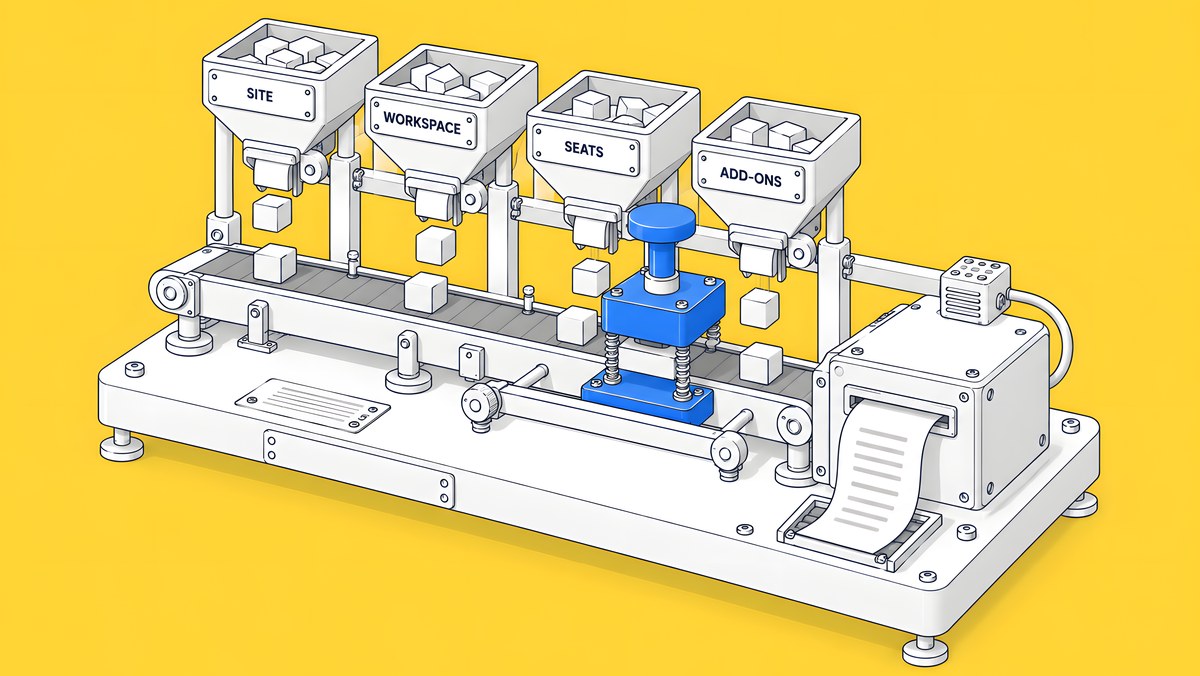
Platform fees rarely decide a 3-year website budget. On list prices, a Webflow Premium site with an owner and four Limited editors costs $85 a month, or $3,060 over three years, and a Sanity Growth project with five seats plus Vercel Pro costs $95 a month, or $3,420: a $360 gap. WordPress software is free, so its subscription line is whatever your host and plugins charge. Any bigger gap comes from the hours your team or vendor spends building, maintaining and publishing, so this model leaves those numbers to you.
| Stack | What's included in the subscription line | Monthly list price | 3 years |
|---|---|---|---|
| Webflow | Premium Site plan $25, Starter Workspace $0, owner's full seat included, 4 Limited seats at $15 | $85 | $3,060 |
| Sanity + Vercel | Sanity Growth, 5 seats at $15; Vercel Pro platform fee $20 | $95 | $3,420 |
| Storyblok + Vercel | Storyblok Growth billed annually, 5 seats included, $90.75; Vercel Pro $20 | $110.75 | $3,987 |
| WordPress | Free software; hosting and plugin licences at your own prices | Your figure | Your figure |
Vendor list prices in USD from Webflow, Sanity, Storyblok and the Vercel Pro plan docs, checked 15 Oct 2026. Prices change, so confirm on each vendor's page. Taxes and usage overages are extra. None of these figures are ActiveSet fees.
What goes into a 3-year cost?
Three buckets, added up over the same period for every stack:
- Subscriptions. Platform, CMS, hosting and plugin fees, at list price. These are the only numbers a vendor publishes.
- One-off build. Design, development, content migration and launch. This is your quote or your team's estimate.
- Recurring labour. The hours someone spends each month on updates, fixes and publishing, multiplied by what an hour costs you.
In plain words, the formula is: 3-year cost = 36 × monthly subscriptions + build cost + 36 × monthly hours × hourly rate.
We don't fill in labour for you. Hours depend on your team's skills, how often you publish, how many integrations you run and who does the work, and any default we picked would tilt the result. We are also a Webflow partner, so a default from us would not be neutral. The calculator starts every labour field at zero and tells you when you have left them empty.

What do the platforms cost on list price?
Each stack bills differently, so compare the lines, not just the headline plan.
Webflow. Hosting is part of the Site plan, and Webflow's Site plan guide says each site on a custom domain needs its own plan. On yearly billing, Webflow's pricing page lists Premium at $25 a month, Full seats at $39 and Limited seats at $15 a month each, and the Workspace owner's full seat is included. A paid Workspace (Core $19 or Growth $49) is optional.
WordPress. WordPress.org describes WordPress as open source software, licensed under the GPLv2, and its download page offers self-installation to anyone comfortable arranging their own hosting and domain. Your subscription line is your hosting plan plus any premium plugin or theme licences, so the calculator leaves both as your inputs. Managed WordPress hosts publish their own prices, often with first-year discounts; use the renewal price you will actually pay.
Headless CMS. The CMS and the website are separate subscriptions:
| Line | List price | Notes |
|---|---|---|
| Sanity Growth | $15 per seat a month | Up to 50 seats; self-serve plans are billed monthly only |
| Sanity Free | $0 | Up to 20 seats, but only 2 permission roles |
| Storyblok Growth | $99 a month, or $90.75 a month billed annually | 5 seats included, $15 per extra seat, up to 10 |
| Vercel Pro | $20 a month platform fee | Includes $20 of usage credit and 1 deploying seat; extra deploying seats $20 a month each |
| Vercel Hobby | $0 | Vercel says it is for personal, non-commercial use |
| Cloudflare Pages Free | $0 | Up to 20,000 files per site |
Sources: Sanity pricing, Storyblok pricing, Vercel Pro plan, Vercel pricing and Cloudflare Pages limits, checked 15 Oct 2026. Contentful's pricing page blocked our script on the day we checked, so the calculator takes its price as your input.
Where do the hours go on each stack?
The recurring work differs more than the subscriptions do. This table describes the kind of work, not how long it takes:
| Recurring work | Webflow | WordPress | Headless CMS |
|---|---|---|---|
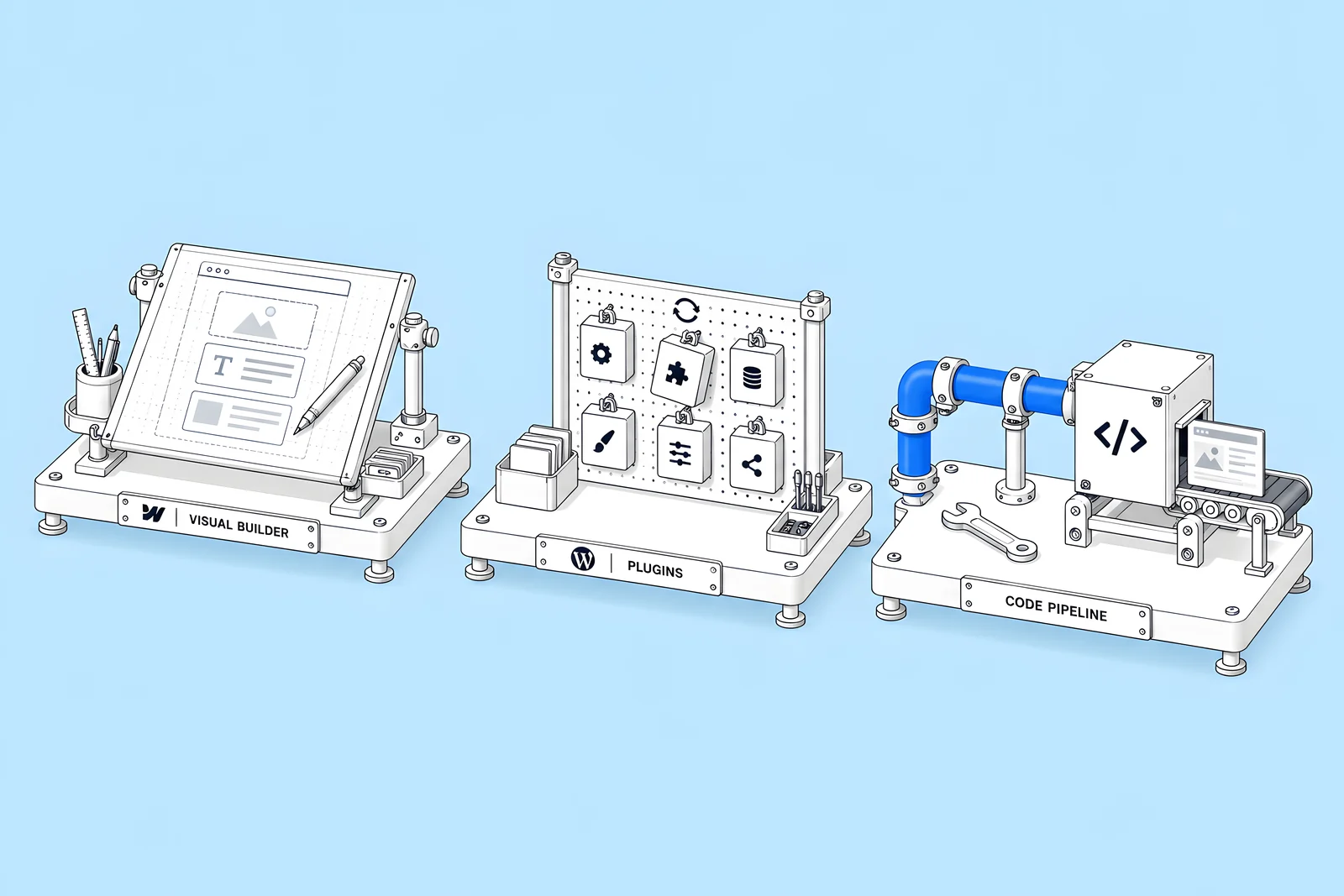
| Software and security updates | Handled by Webflow's hosting | Core, plugins and themes, by you or your host | Frontend framework and dependencies, by your developers |
| Hosting and capacity | Part of the Site plan | Your host, set up and monitored by you | Your frontend host, plus usage limits to watch |
| Publishing a new page | Marketers build it from components in the Designer | Editors use the theme's blocks and templates | Editors fill in content types; new layouts need a developer |
| Previews and staging | Built in | Depends on host and plugins | Set up by developers for each frontend |
| Content model changes | In the CMS settings | Custom fields or plugins | Schema code, then a deploy |
Two sources set the baseline. WordPress's own auto-updates documentation says that to keep your site secure, you should always update your plugins and themes to the latest version. Webflow's hosting page describes its hosting as having no updates to run, packages to install or capacity planning; that is Webflow's own description of its product. On a headless stack, the frontend is your own codebase, so its upkeep sits with whoever maintains that code.
None of this makes one stack cheaper by default. A team with in-house developers may spend little extra time on a headless frontend, and a WordPress site with few plugins can be quiet for months.
How do you run your own 3-year model?
Work through the calculator in this order:
- Set the team. Enter how many people edit content and how many change layouts or code. Seats follow from those numbers.
- Pick the plans. Webflow Site plan and Workspace; your WordPress hosting and plugin costs; your headless CMS and frontend host.
- Add your build cost. Use a real quote for each stack, or leave it at zero to compare running costs only.
- Add your labour. Monthly hours and hourly rate for each stack. Use your own data if you have it, such as last year's maintenance invoices or tracked hours.
- Read the largest bucket. If labour dominates, that is the number to test with vendors and your team, not the plan price.
The calculator shows a total per stack and the share of it that is subscriptions, build and labour.
When does each stack cost less?
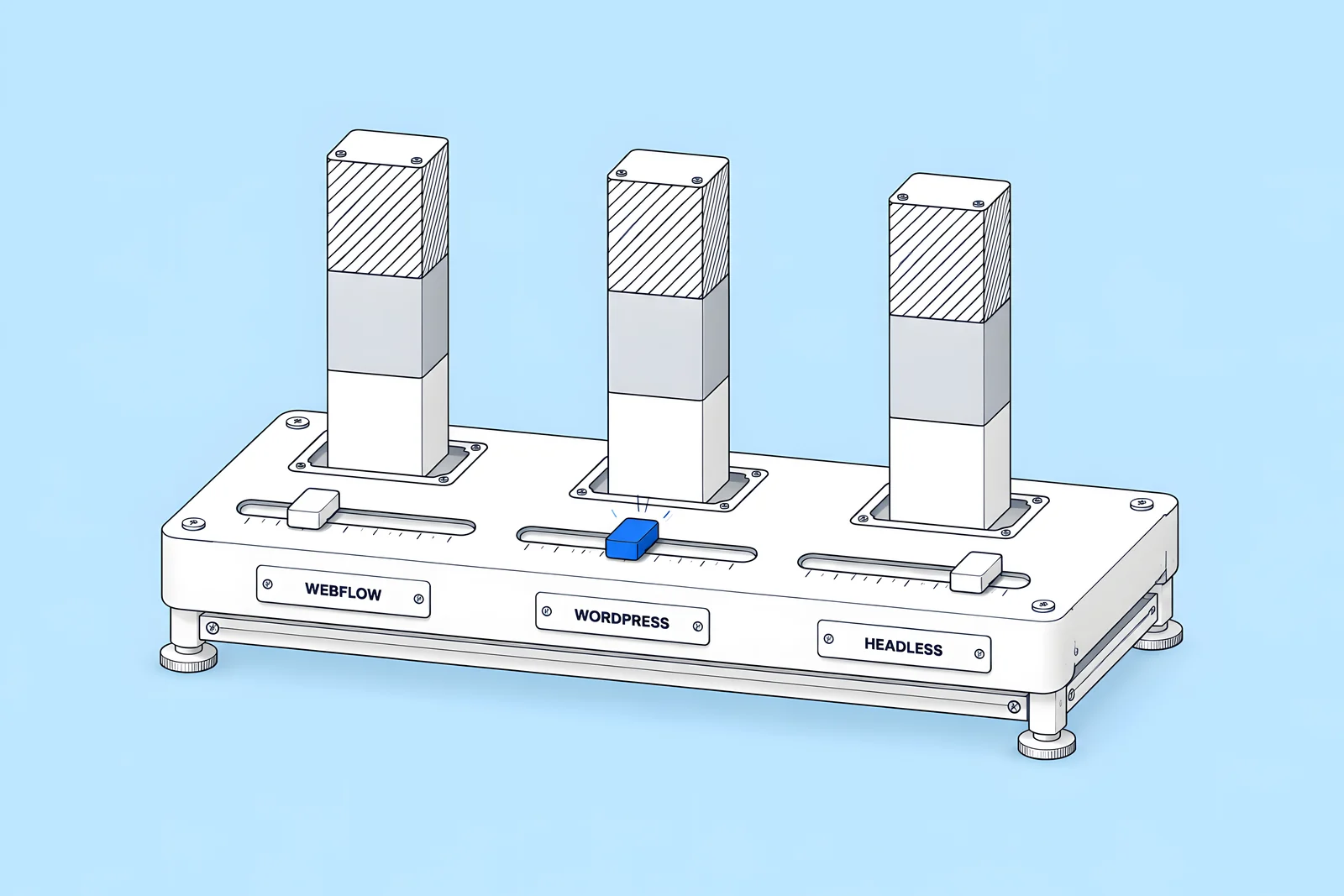
These are conditions, not verdicts. Each one maps to a calculator input you can test:
- Headless tends to cost less when you already pay developers who own the frontend, the same content feeds more than one channel (a website and an app, for example), and the CMS seats replace a tool you were paying for anyway. Test it by entering your real developer hours, not new ones.
- WordPress tends to cost less when you publish rarely, your team already has WordPress skills, the site uses few plugins, and your hosting is inexpensive. Test it with a low monthly hours figure and your actual hosting renewal price.
- A visual platform such as Webflow tends to cost less when marketers publish every week and would otherwise wait for a developer, and you would rather pay a subscription than manage hosting and updates. Test it with the hours a developer currently spends on routine page requests.
If two stacks land within a few hundred dollars over three years, the cheaper one is not the point. Choose on who will do the work and how fast you need to publish. Our Webflow vs WordPress comparison for B2B SaaS covers the non-cost differences.
What does the model leave out?
A 3-year model with three buckets is deliberately simple. It does not include:
- Taxes. Webflow's pricing page says all prices are in USD, plus applicable taxes at checkout; other vendors add taxes too.
- Usage overages. Webflow upgrades a plan automatically if usage stays over a limit for two consecutive billing months, per its surge protection article. Vercel bills usage on demand after the $20 credit, and Sanity's Growth plan is pay-as-you-go for higher usage.
- Migration. Moving content and keeping old URLs working is a project of its own. Our WordPress to Webflow migration checklist lists the steps.
- Redesigns and security incidents. Both are real costs, but too uneven to average.
- Opportunity cost. The campaigns that wait while a page waits for a developer.
The cheapest possible setup is a static site built from code and hosted on a free tier, such as Cloudflare Pages, which allows up to 20,000 files per site on its Free plan. It removes subscriptions but puts every change in developers' hands. Our Astro vs Webflow guide looks at that trade-off.
How ActiveSet does it
ActiveSet is a Webflow Premium Partner based in Bengaluru, India, and on sales calls we regularly recommend Webflow over WordPress, Framer and Wix. That is exactly why this model takes its labour numbers from you rather than from us. When we build a site, it is built in, or moved to, the client's own Webflow Workspace, and the handover includes editor guides or short recorded walkthroughs so the marketing team can publish without us.
If you are weighing a move between platforms, see Webflow website migration.
Disclosure: ActiveSet is a Webflow Premium Partner and earns a commission from Webflow on Webflow plans. The prices in this post are Webflow's own list prices.
Sources
- Webflow, Plans & pricing, checked 15 Oct 2026
- Webflow Help Center, Choose a Site plan, updated 2 Aug 2026, checked 15 Oct 2026
- Webflow Help Center, Surge protection for overages, updated 10 Aug 2026, checked 15 Oct 2026
- Webflow, Hosting, checked 15 Oct 2026
- Sanity, Pricing, checked 15 Oct 2026
- Storyblok, Pricing, checked 15 Oct 2026
- Vercel Docs, Vercel Pro Plan, checked 15 Oct 2026
- Vercel, Pricing, checked 15 Oct 2026
- Cloudflare Docs, Pages limits, checked 15 Oct 2026
- WordPress.org, About, checked 15 Oct 2026
- WordPress.org, Get WordPress, checked 15 Oct 2026
- WordPress.org Documentation, Plugin and themes auto-updates, checked 15 Oct 2026
Frequently Asked Questions
It depends on your hosting, plugins and hours, not the software price. WordPress software is free, while a Webflow Premium site with four Limited editors lists at $85 a month on yearly billing, checked 15 October 2026. If your WordPress hosting and plugin licences cost less than that and your team spends few hours on updates, WordPress can cost less. Enter both in the calculator to see your own result.
Because any default would decide the answer. Labour can outweigh every subscription in a 3-year cost, and it varies with team skills, publishing frequency and who does the work. The calculator warns you when labour fields are empty, so you know the totals show subscriptions only. Use tracked hours or past maintenance invoices if you have them.
On the plans in this post, yes. Sanity Growth charges $15 per seat a month, and Storyblok Growth includes 5 seats with extra seats at $15 a month, up to 10. Sanity's Free plan allows up to 20 seats but only two permission roles. Viewers are free on Sanity. Check each vendor's page for the roles your editors need.
Vercel's pricing page says its Hobby plan is for personal, non-commercial use, so a company marketing site normally needs Pro, which has a $20 monthly platform fee including $20 of usage credit. Cloudflare Pages has a Free plan that allows up to 20,000 files per site. Both prices were checked on 15 October 2026.