Webflow vs HubSpot Content Hub: What Does Each Cost for a B2B Website?


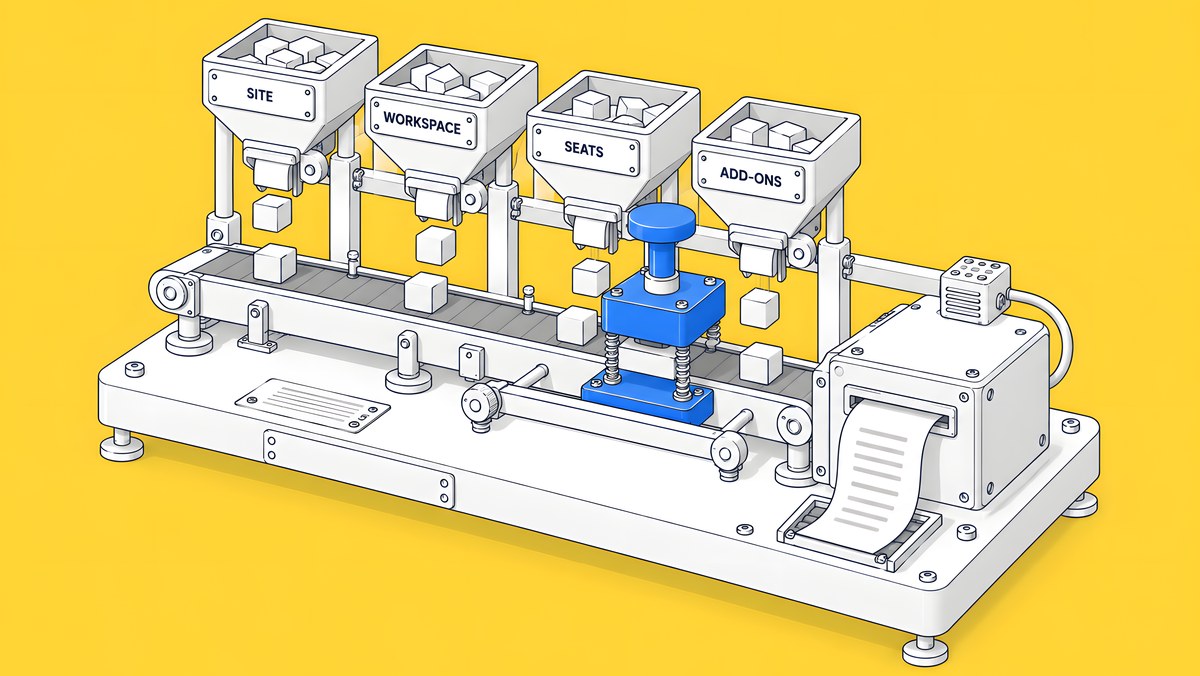
On list prices checked on 15 Oct 2026, a Webflow site on the Premium plan costs $25 a month billed yearly, plus $39 a month for each extra Full seat and $15 for each Limited seat. HubSpot lists Content Hub Starter at $20 per seat a month, Professional at $500 a month with 3 Core Seats and Enterprise at $1,500 a month with 5 Core Seats. Most of the gap pays for CRM-native features: smart content, built-in A/B testing and memberships are in Content Hub Professional, while Webflow sells A/B testing and personalization as its Optimize add-on. Which costs less for you depends on how many people edit the site and which of those features you will actually use.
This guide is for B2B marketing leads who already run HubSpot as their CRM and are deciding where the website should live. Every price below is a vendor list price in USD, copied from the vendor's own page on 15 Oct 2026 and linked. Prices change, so confirm them on Webflow's pricing page and HubSpot's Content Hub pricing page before you budget.
What does each platform charge?
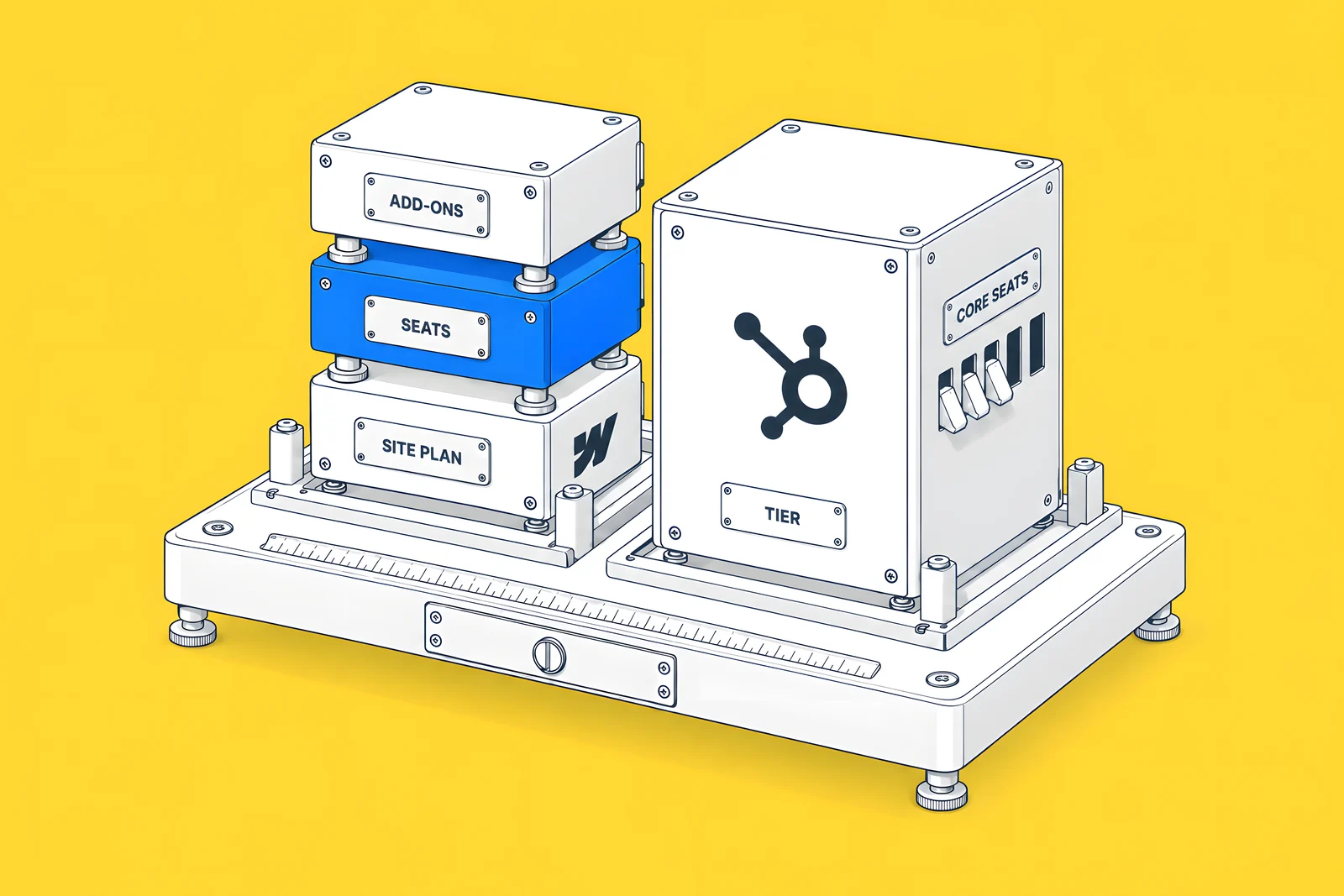
The two vendors package the bill differently. Webflow charges per site for hosting and features, per person for access, and separately for add-ons. HubSpot charges per tier, with a set number of Core Seats included above Starter.
| Line | Webflow | HubSpot Content Hub |
|---|---|---|
| Plan for a CMS-driven site | Premium: $25/month billed yearly, or $39 billed monthly | Starter: $20/month per seat. Professional: $500/month. Enterprise: $1,500/month |
| Seats included | One Full seat for the Workspace owner | Professional: 3 Core Seats. Enterprise: 5 Core Seats |
| Extra seats | Full $39, Limited $15 per seat a month billed yearly; reviewers free | Professional $50/month per Core Seat; Enterprise $75/month per Core Seat |
| Workspace | Starter Workspace free; Core $19 or Growth $49 a month billed yearly | No separate charge |
| AI usage included | 200 to 400 AI credits a month, by Workspace plan | 500, 3,000 or 5,000 HubSpot Credits, by tier |
Webflow's figures are from webflow.com/pricing; its May 2026 plan update article gives the same Premium prices. HubSpot's figures are from hubspot.com/pricing/content with the currency set to USD; the page showed Indian rupees by default from India, so check the currency you are quoted in.
Three details on HubSpot's page matter when you compare. First, Professional is on an annual commitment: $500 a month when you pay monthly, or $450 a month when you pay the year up front, with extra Core Seats at $45 rather than $50. Second, Starter carried a new-customer offer on the day we read it ($10 per seat a month on monthly billing, $7 on annual), with the $20 list price shown struck through; the banner said select offers are available for a limited time. Third, HubSpot's Products & Services Catalog says that if you hold a mix of Starter, Professional and Enterprise products, your Core Seats are priced at the highest level you subscribe to. If you already pay for Marketing Hub or Sales Hub seats, ask HubSpot how adding Content Hub changes your seat bill.
What limits matter for a B2B site?
On Webflow, the limits sit on the Site plan. Premium includes 300 static pages, 20,000 CMS items and 40 CMS Collections, according to Webflow's plan update article, and 50 GB of bandwidth, with bandwidth add-ons from an extra 50 GB at $20 a month billed annually (pricing page). A site that needs more than 300 hand-built pages should use CMS templates rather than static pages.
HubSpot's Content Hub pricing page, as read on 15 Oct 2026, lists features by tier rather than page counts. Ask HubSpot for the limits that apply to your tier before you compare page counts like for like. What the page does make clear is which tier unlocks which feature:
| Feature | Webflow | HubSpot Content Hub |
|---|---|---|
| Website pages, blog, landing pages | Premium Site plan | Starter and above |
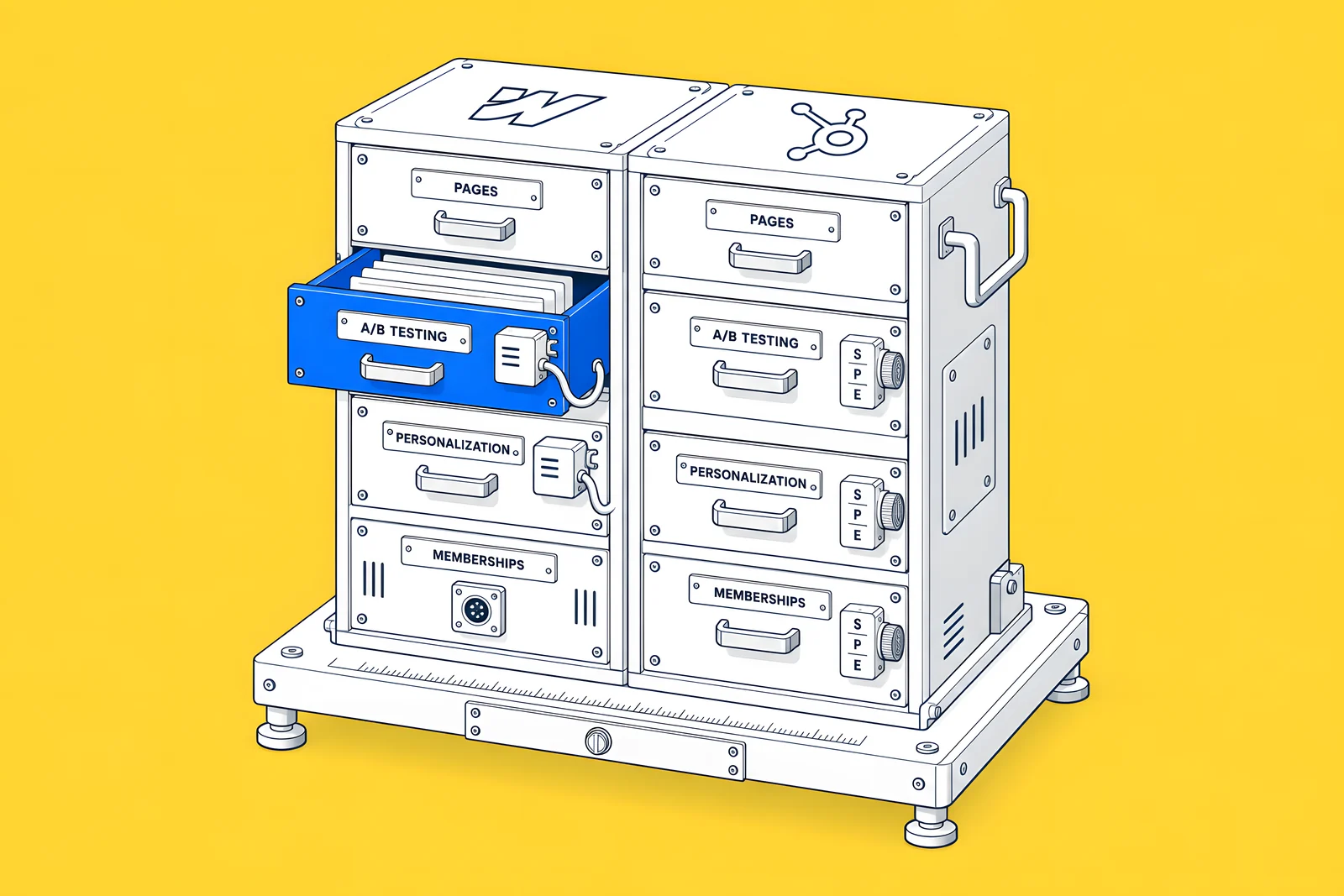
| A/B testing | Optimize add-on | Professional and above |
| Personalized page content | Optimize add-on (personalization, audience targeting) | Professional and above ("Smart content for pages") |
| Gated content and memberships | Not native since User Accounts was sunset; use a third-party tool | Professional and above ("Memberships") |
| Several sites | Each site has its own Site plan | Enterprise ("Multisites") |
| Approvals before publishing | Design approvals on Enterprise | Enterprise ("Content Approvals") |
The memberships row is a real decision point. Webflow's User Accounts sunset article confirms that its native gated-content feature stopped working on 29 January 2026. If your site needs logged-in areas, budget for a third-party tool on Webflow, or treat it as a reason to look at HubSpot Professional.
What do you pay extra for on each?
On Webflow, extras are add-ons bought per site. Webflow's Manage add-ons article lists four site add-ons: Localize, Analyze, Optimize and Bandwidth. They are not available on Starter or Ecommerce Site plans, and they follow the billing cycle of the Site plan. List prices, billed yearly, from the pricing page:
| Webflow add-on | List price (billed yearly) | Priced by |
|---|---|---|
| Optimize (A/B testing, personalization) | $299/month for 25,000 page views a month | Monthly page views, up to 500,000 |
| Analyze (site analytics) | $9/month for 2,000 sessions a month | Monthly sessions |
| Localize Essential | $9/month per locale, up to 3 locales | Locales |
| Localize Advanced | $29/month per locale, up to 10 locales | Locales |
| Bandwidth | $20/month for an extra 50 GB | Extra GB, Premium only |
On HubSpot, the main extra is moving up a tier, because A/B testing, smart content and memberships start at Professional. After that, the extras are Core Seats beyond those included, and HubSpot Credits beyond the tier's allowance, which HubSpot sells in packs or on a pay-as-you-go basis according to the pricing page.
One cost only appears when you combine the two. Webflow's HubSpot app article says the developer embed, which lets you style a HubSpot form in Webflow, requires a HubSpot Marketing Professional or Enterprise plan. The iframe embed and the native Webflow form route do not carry that requirement.
How do Webflow and HubSpot CRM work together?
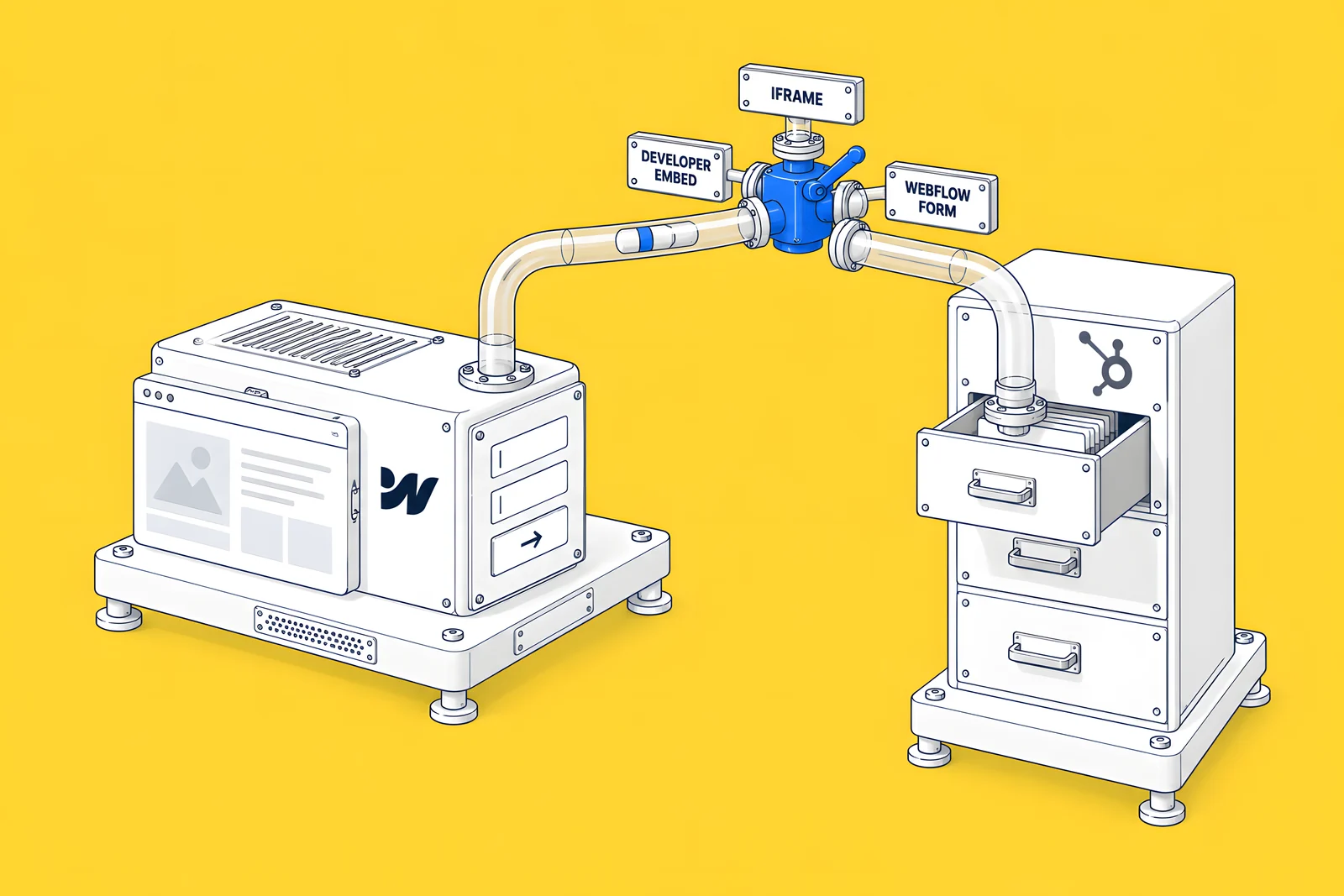
Choosing Webflow for the website does not mean leaving HubSpot as your CRM. Webflow's HubSpot app gives three ways to connect forms: an iframe embed managed in HubSpot, a developer embed styled in Webflow, and a native Webflow form that sends submissions to HubSpot through HubSpot's non-HubSpot forms tool. The native route supports text inputs only, so dropdowns, checkboxes and text areas need a HubSpot form. The same app has a setting to turn on HubSpot's tracking script, so page views can be tied to contacts.
Our guide to Webflow forms vs HubSpot forms covers the three routes, field mapping and testing in detail.
The integration question is worth taking seriously. In the CMO Alliance's CMO Insights Report 2026 (September 2026, a survey and interviews of 50 senior marketing leaders, published with Webflow as headline partner), “61% cited an inability to properly integrate new solutions as the single biggest barrier to closing gaps in their tech stack”. On either platform, decide which system owns forms, contact data and tracking before you build.
What would your own setup cost?
Enter your team and the features you need. The calculator uses the list prices in this post, billed yearly, and works out a yearly subscription for each platform. It covers subscriptions only: not design, build, migration or the time your team spends.
What does a five-person team pay on each?
A worked example on list prices: one site, one Workspace owner who manages the account, one designer and three content editors, so five people edit or build.
| Setup | Monthly | Yearly |
|---|---|---|
| Webflow Premium, 1 extra Full seat, 3 Limited seats, free Starter Workspace | $25 + $39 + $45 = $109 | $1,308 |
| The same Webflow setup plus Optimize at 25,000 page views | $109 + $299 = $408 | $4,896 |
| HubSpot Content Hub Starter, 5 seats at the $20 list price | $100 | $1,200 |
| HubSpot Content Hub Professional, 3 seats included plus 2 at $50, paid monthly | $600 | $7,200 |
| HubSpot Content Hub Professional, paid annually (plus 2 seats at $45) | $540 | $6,480 |
| HubSpot Content Hub Enterprise, 5 seats included | $1,500 | $18,000 |
Read the rows in pairs. Webflow Premium and HubSpot Starter are close on subscription, but Starter does not include A/B testing or smart content. Webflow with Optimize and HubSpot Professional both test and personalize pages, but Professional also includes memberships, which Webflow would need a third-party tool for. Neither row includes domains, design and build, a translation tool or the HubSpot subscriptions you may already pay for.
When is HubSpot Content Hub worth the difference?
When the features in Professional are things your team would use every week, not things that look good on a comparison table. That usually means:
- Pages personalized from CRM data. You want page content to change by lifecycle stage, list membership or company, using data that already lives in HubSpot.
- One vendor for marketing and website. Your team already works in HubSpot daily, and one login, one support contract and one invoice matter more to you than design control.
- Gated content. You need memberships or logged-in content, and you would rather not add a separate tool.
- Several sites under one governance model. Multisites, content approvals and access limits are on HubSpot's Enterprise tier.
When does Webflow fit better?
When the website is a design and publishing job first, and the CRM connection is a set of well-defined forms and tracking. That usually means:
- Design control. Your brand or product needs custom layouts, interactions and components that your designers build visually.
- Many landing pages and CMS content. Premium's 20,000 CMS items and 300 static pages cover a large content library, and Limited seats let editors work without design access.
- A separate CRM, or a light HubSpot set-up. You keep HubSpot for CRM and email, and connect forms through Webflow's HubSpot app.
- Testing as an option rather than a default. Optimize is an add-on, so you only pay for it when you are ready to run experiments.
Work through the checklist below with your team before you choose. It keeps the decision on what you will use rather than on feature counts.
How ActiveSet does it
ActiveSet is a Webflow Premium Partner based in Bengaluru, India. We became Privado's Webflow development partner in May 2022, and our delivered work for Privado includes HubSpot form integrations, alongside CMS templates for webinars, events and the glossary, and ongoing technical SEO. When a client runs HubSpot, we agree which system owns each form and field before the build, and review the forms on staging with Markup.io before launch.
See the Privado case study, or our Webflow integrations page if you are connecting Webflow to HubSpot. For the wider budget, our Webflow website cost guide separates platform fees from project costs.
Disclosure: ActiveSet is a Webflow Premium Partner and earns a commission from Webflow on Webflow plans. The prices in this post are Webflow's own list prices.
Sources
- Webflow, Plans & pricing, list prices in USD, checked 15 Oct 2026
- Webflow Help Center, Updated pricing and simplified plans for May 2026, updated 31 Aug 2026, checked 15 Oct 2026
- Webflow Help Center, Manage add-ons, updated 23 Sep 2026, checked 15 Oct 2026
- Webflow Help Center, Install and use the HubSpot App, updated 7 Nov 2025, checked 15 Oct 2026
- Webflow Help Center, User Accounts sunset, updated 25 Feb 2026, checked 15 Oct 2026
- HubSpot, Content Hub pricing, USD view, checked 15 Oct 2026
- HubSpot, Products & Services Catalog, checked 15 Oct 2026
- CMO Alliance (headline partner Webflow), CMO Insights Report 2026, September 2026, survey and interviews of 50 senior marketing leaders, checked 15 Oct 2026
Frequently Asked Questions
Yes. Webflow's HubSpot app connects forms in three ways: an iframe embed, a developer embed and a native Webflow form that sends submissions to HubSpot. The app can also turn on HubSpot's tracking script. The developer embed needs a HubSpot Marketing Professional or Enterprise plan; the other two routes do not, though the native form route needs HubSpot's non-HubSpot forms setting turned on.
It depends on what you need beyond pages. HubSpot's pricing page lists website pages, blog, landing pages and a drag-and-drop editor on Starter, at a $20 per seat monthly list price on 15 Oct 2026. A/B testing, smart content for pages and memberships start at Professional. If you need those, compare Professional with Webflow plus Optimize instead.
Yes, as a paid add-on. Webflow Optimize lists A/B testing, personalization and audience targeting, at $299 a month billed yearly for 25,000 page views a month (list price, checked 15 Oct 2026), priced up by page views. Site add-ons are not available on Starter or Ecommerce Site plans, so the site needs a paid Basic or Premium plan.
HubSpot's pricing page shows regional currencies and limited-time offers. On 15 Oct 2026 it showed Indian rupees by default from India, and a new-customer offer on Starter with the $20 list price struck through. Professional also costs less per month when paid annually. Compare the same currency, billing term and seat count, and ask HubSpot which price applies to you.