How Many CMS Items Can a Webflow Site Hold, and How Do You Plan for It?

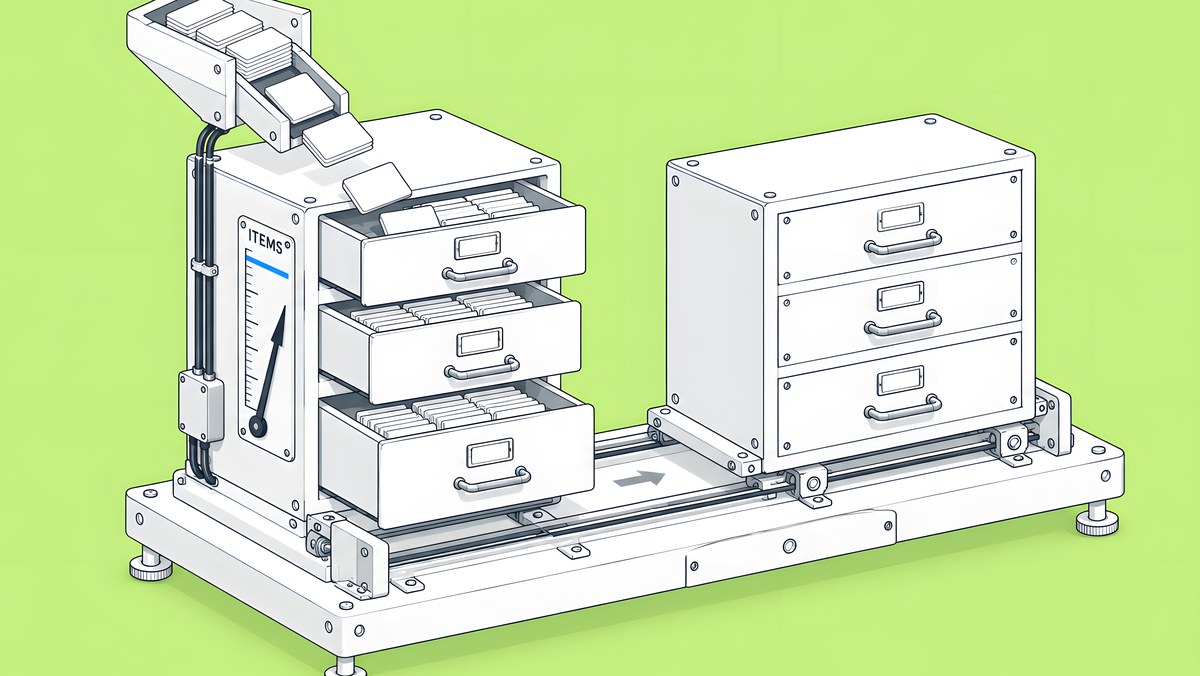
Webflow has two kinds of CMS limits. Storage depends on the plan: the Premium Site plan includes 20,000 CMS items and 40 Collections, the Team plan includes a site with 100 Collections, and Enterprise can go higher. Display limits apply to every page on every plan: up to 40 Collection lists, 10 nested lists, three levels of nesting and 100 items per list unless you paginate. Reference fields are also capped per Collection: Webflow's help article gives up to 10 on non-Enterprise plans and up to 20 on Enterprise, while its pricing page lists 20 for the Team plan.
This guide is for the content or web lead planning a blog, resource library, glossary or programme of landing pages on Webflow. It explains each limit, shows how to estimate when you will reach one, and lists the modelling choices that keep a site well inside them. Every number comes from Webflow's documentation or pricing page, checked on 14 Oct 2026; plans change, so check again on the day you decide.
What limits apply to the Webflow CMS?
Webflow's Dynamic content limits article separates the two clearly: “These limits control what visitors see on a page — they don't cap how many items you can store in your Content Management System (CMS), which depends on your Site plan or Platform plan.”
| Kind of limit | What it caps | Set by | Where to check |
|---|---|---|---|
| Storage | CMS items and Collections on the site | Your Site plan or Platform plan | Webflow pricing page; Site settings > Plans |
| Structure | Reference fields per Collection | Your plan | Site settings > Plans > All site features |
| Display | Collection lists, nesting and items shown per page | The same for every plan | Dynamic content limits article |
The distinction matters because the fixes are different. Running out of storage is a plan or architecture decision. Running into a display limit is a page design decision, usually solved with pagination or a different layout.
How many CMS items and Collections does each plan include?
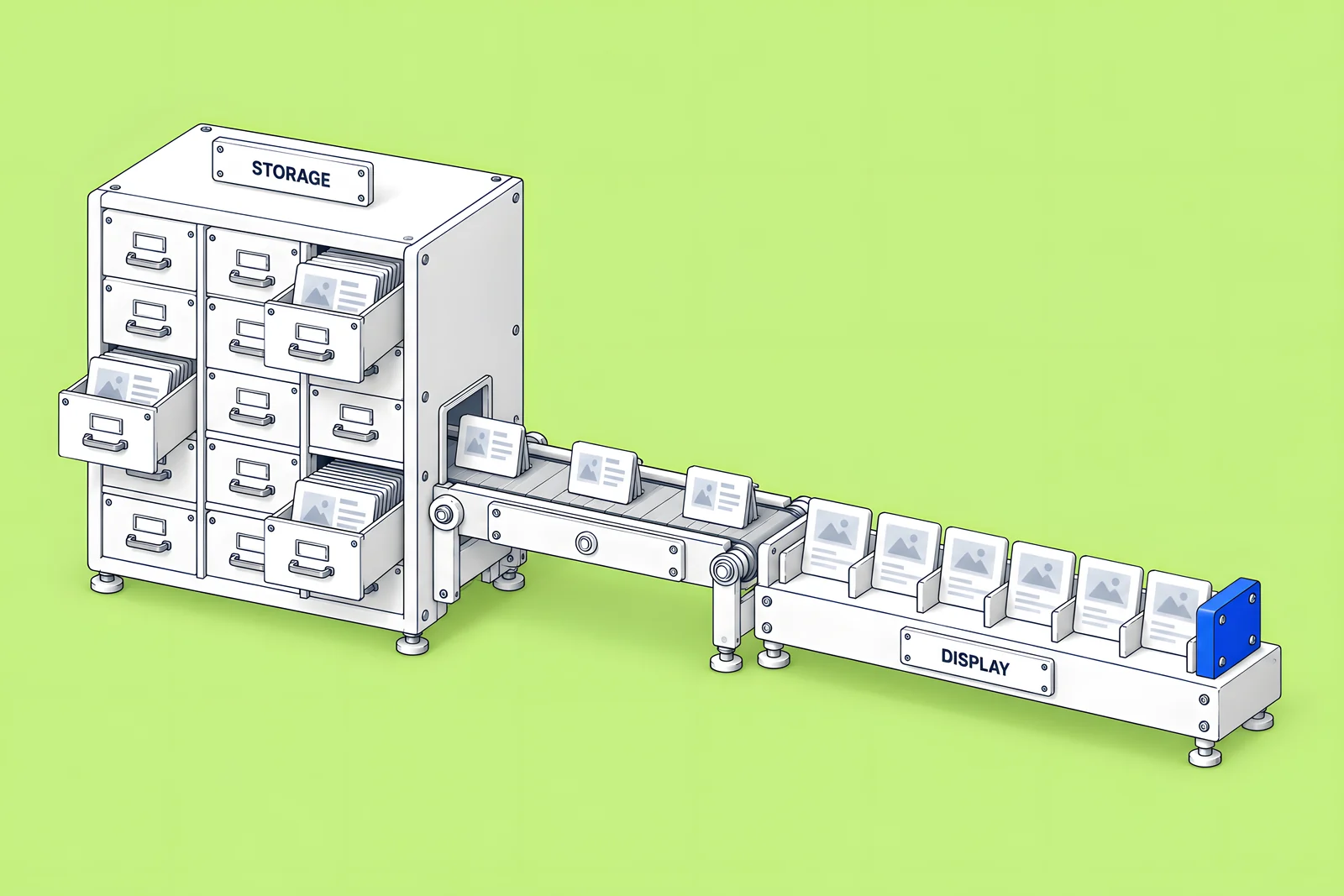
After Webflow's May 2026 plan changes, the figures are:
| Plan | CMS items | CMS Collections | Source |
|---|---|---|---|
| Starter (free) | 50 | 20 | Choose a Site plan; pricing page |
| Basic | No CMS | No CMS | Choose a Site plan |
| Premium | 20,000 | 40 | Updated pricing and simplified plans for May 2026; pricing page |
| Team | 20,000, more for a separate fee | 100 | Pricing page; May 2026 article |
| Enterprise | Custom | Custom | Enterprise and non-Enterprise plans |
Webflow's May 2026 article describes the change for sites on the old CMS plan as “CMS items — increases from 2,000 to 20,000” and Collections from 20 to 40. It describes the Team plan as including “a site with 100 CMS Collections”, along with 10 seats and Webflow Localize.
Timing matters if your site is older. The same article says existing sites move to the new plans at their next renewal or billable change on or after 29 June 2026, or on or after 16 November 2026 for sites in Freelancer or Agency Workspaces and sites on legacy discounts from 2022 or earlier. Until that happens, a site on the old CMS plan keeps its old limits. If an agency hosts your site in its Workspace, ask which date applies.
What are the per-page limits for Collection lists?
These apply to every page, static or Collection page, regardless of plan. According to Dynamic content limits, each page can have:
- Up to 40 Collection lists, including nested lists.
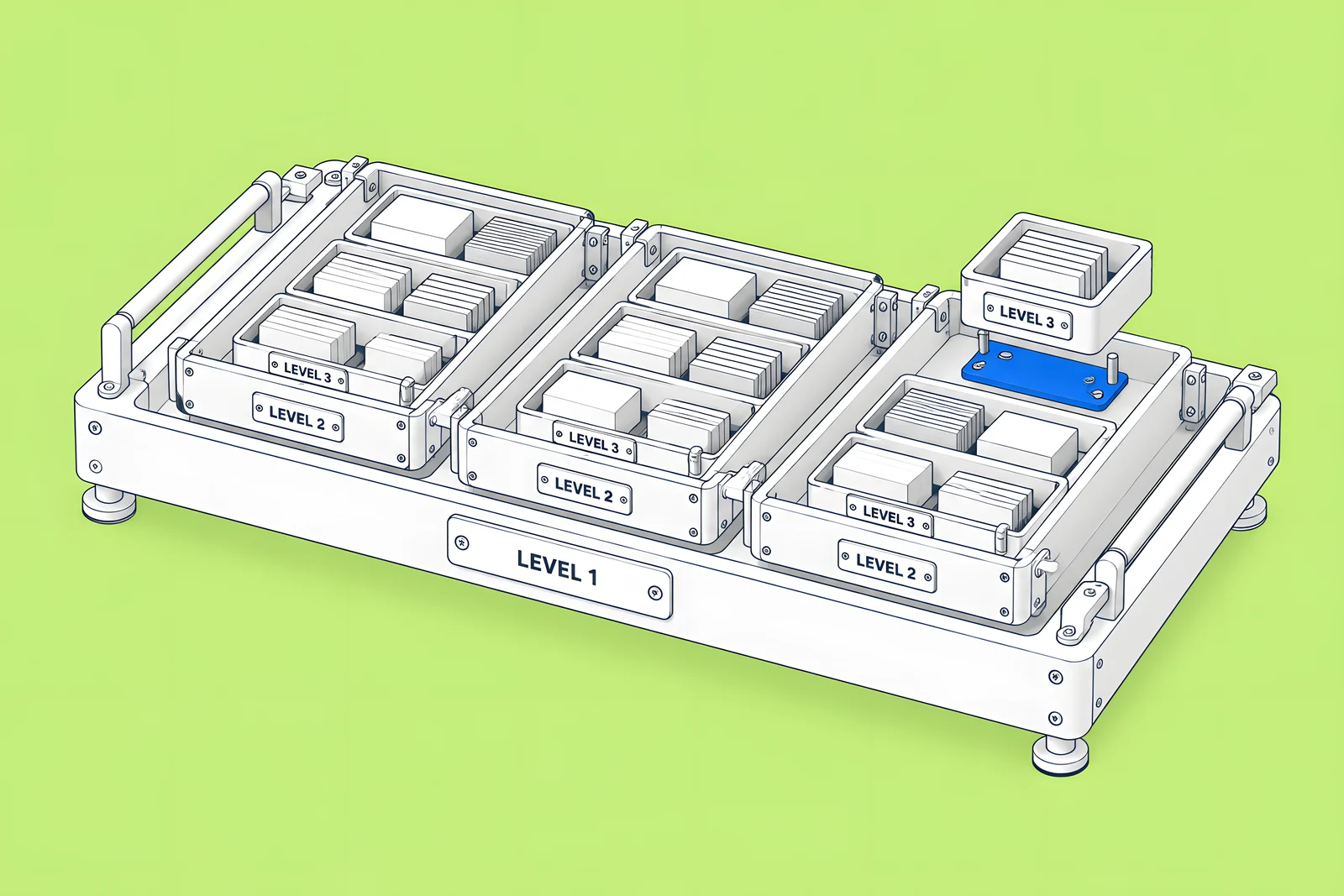
- Up to 10 nested Collection lists, meaning a list inside another list.
- Up to three levels of nesting.
- Up to 100 items per list by default. In Webflow's words: “By default, a Collection list displays up to 100 items.” This applies to nested lists too.
To show more than 100 items, Webflow offers two options. Pagination splits items across pages, with up to 100 per page and Previous and Next buttons. Skip shows more on one page: duplicate the list, limit the copy to 100 items and skip the first 100. Each duplicate counts toward the 40-list limit, so Skip is for occasional use, not for a 5,000-item glossary.
Two more details from Webflow's nesting documentation: nested lists display up to 100 nested items per parent item, and you cannot nest Collection lists inside components. If your design calls for a reusable mega-menu built from the CMS, plan for that second point early.
How do reference and multi-reference fields count?
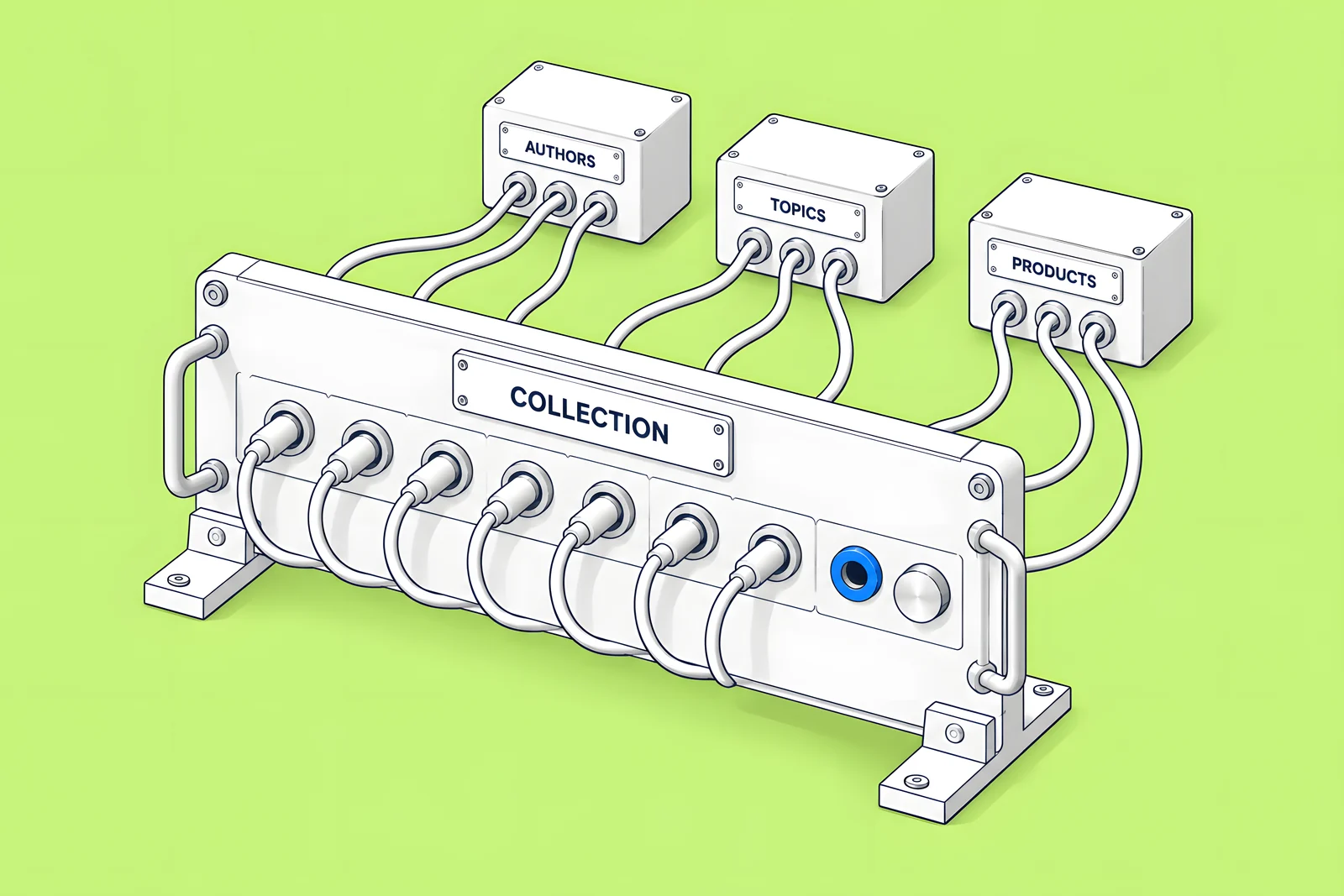
Reference fields connect items across Collections, such as a blog post to its author. Webflow's Reference Collection field article sets the cap per Collection: “Enterprise plans — can add up to 20 reference fields per Collection”, while non-Enterprise plans can add up to 10, depending on the Site plan. Webflow's pricing page (checked 14 Oct 2026) lists 20 reference fields for the Team plan, so the two sources differ for Team. Webflow points you to Site settings > Plans > All site features to see your exact number.
Multi-reference fields link one item to several others, such as a post to several topics. They are also what nested Collection lists depend on: the nesting documentation requires a multi-reference field to link the parent and child Collections.
In practice, ten reference fields is plenty for most marketing Collections. The cap starts to bite on hub Collections, such as a resource that links to an author, a product, an industry, a use case, a campaign and related resources. When a Collection nears the cap, ask whether some of those links should be Option fields instead.
How do you estimate when you will hit a limit?
Count what you have, estimate what you will add each month, and divide. A Collection with 1,200 items today that gains 150 a month will need 18,800 more items before it reaches a 20,000-item plan limit, which is about 125 months. Add every Collection together, because the item limit is for the whole site.
Growth is rarely flat. In Webflow's survey report with Vanson Bourne, The 2026 State of the Website (survey June to July 2025), “92% of organizations say that requests for website updates are growing in size and complexity”. Plan with your busiest realistic month, not your average, and add anything you know is coming: a localized version, a programme of comparison pages, an events archive.
Which model choices save items and Collections?
Most capacity problems are modelling problems. These choices keep a site well inside its limits:
- Use Option fields for short, fixed lists. Webflow's Collection fields article describes an Option field as a list of predefined values. A content type with five fixed values (webinar, guide, case study) does not need its own Collection.
- Use Switch fields for yes or no. A featured flag or a show-in-navigation flag is a Switch field, which Webflow says can filter lists or control conditional visibility.
- One Collection per content type, not per page design. Two layouts for blog posts can share one Collection with a field that picks the layout.
- Keep large, structured datasets out of the CMS when editors never touch them, such as a full product catalogue synced from another system (see the last section).
- Review archived and draft items. Webflow's documentation does not say whether archived or draft items count toward the item limit, so check your site's plan usage in Site settings before relying on archiving to free space.
For the editorial side of these choices, our CMS architecture and editor handoff guide covers fields, templates and who edits what.
When do you need Enterprise or a different architecture?
When the model is sound and the numbers still do not fit. Webflow's comparison of Enterprise and non-Enterprise plans says: “Enterprise can unlock higher CMS items, Collections, and API request limits tailored to your organization's needs.” On other plans, you work within the fixed maximums on the pricing page.
There are two other routes before Enterprise:
- The Team plan, if you need more Collections rather than more items: it includes 100 Collections on one site, per the May 2026 article.
- Data outside the CMS. Large datasets that editors never touch can live in a database and be rendered by code. Webflow Cloud, per its overview, offers SQLite, key-value and object storage for apps connected to a Webflow site. This adds code your team must maintain, so it suits data, not marketing content.
Display limits do not change with any plan. A page that needs 300 items at once needs pagination, Skip or a different design, whatever you pay.
For budgeting the plan alongside the build, see our Webflow website cost guide.
How ActiveSet plans CMS capacity
ActiveSet is a Webflow Premium Partner based in Bengaluru, India. We set up the style guide first and build reusable components, so new CMS templates reuse what exists rather than adding one-off structure. For Privado we have delivered CMS templates for webinars, events and the glossary, and a multi-author blog. For HeartFocus we built the site with CMS, forms and English and French localization.
If you are planning a content model, see Webflow CMS development.
Sources
- Webflow Help Center, Dynamic content limits, updated 6 Oct 2026, checked 14 Oct 2026
- Webflow Help Center, Updated pricing and simplified plans for May 2026, updated 31 Aug 2026, checked 14 Oct 2026
- Webflow Help Center, Choose a Site plan, updated 2 Aug 2026, checked 14 Oct 2026
- Webflow, Pricing, checked 14 Oct 2026
- Webflow Help Center, Reference Collection field, updated 1 Aug 2026, checked 14 Oct 2026
- Webflow Help Center, Nest Collection lists, updated 9 Apr 2026, checked 14 Oct 2026
- Webflow Help Center, Collection fields, updated 30 Jun 2026, checked 14 Oct 2026
- Webflow Help Center, Differences between Enterprise and non-Enterprise plans, updated 2 Jul 2026, checked 14 Oct 2026
- Webflow Help Center, Webflow Cloud overview, updated 29 May 2026, checked 14 Oct 2026
- Webflow (with Vanson Bourne), The 2026 State of the Website, survey June to July 2025
Frequently Asked Questions
No. The per-page limits of 40 Collection lists, 10 nested lists, three levels of nesting and 100 items per list apply to every plan. Webflow states that these limits control what visitors see on a page, not what you can store. Upgrading raises storage, such as items and Collections, but a page that needs more items still needs pagination or Skip.
Treat the limit as a ceiling: plan to remove items, move data out of the CMS or change plan before you reach it. If Webflow asks you to upgrade while your site is under its plan's item count, its Dynamic content limits article says to contact Webflow Support. Check your plan and usage in Site settings before a large import, not after.
Webflow says your Site plan determines how many Collections and CMS Collection items your site can have, so treat 20,000 as the total across all Collections on the site. A site with a 15,000-item glossary has 5,000 items left for everything else. When you estimate growth, add every Collection together.
Not in a single list. A Collection list shows up to 100 items. To go further, use pagination, which splits items across pages, or Skip, where duplicated lists each show the next 100 items. Each duplicate counts toward the limit of 40 Collection lists per page, so Skip suits a few hundred items, not thousands.


