What Changes for Webflow Sites in Agency Workspaces on 16 November 2026?

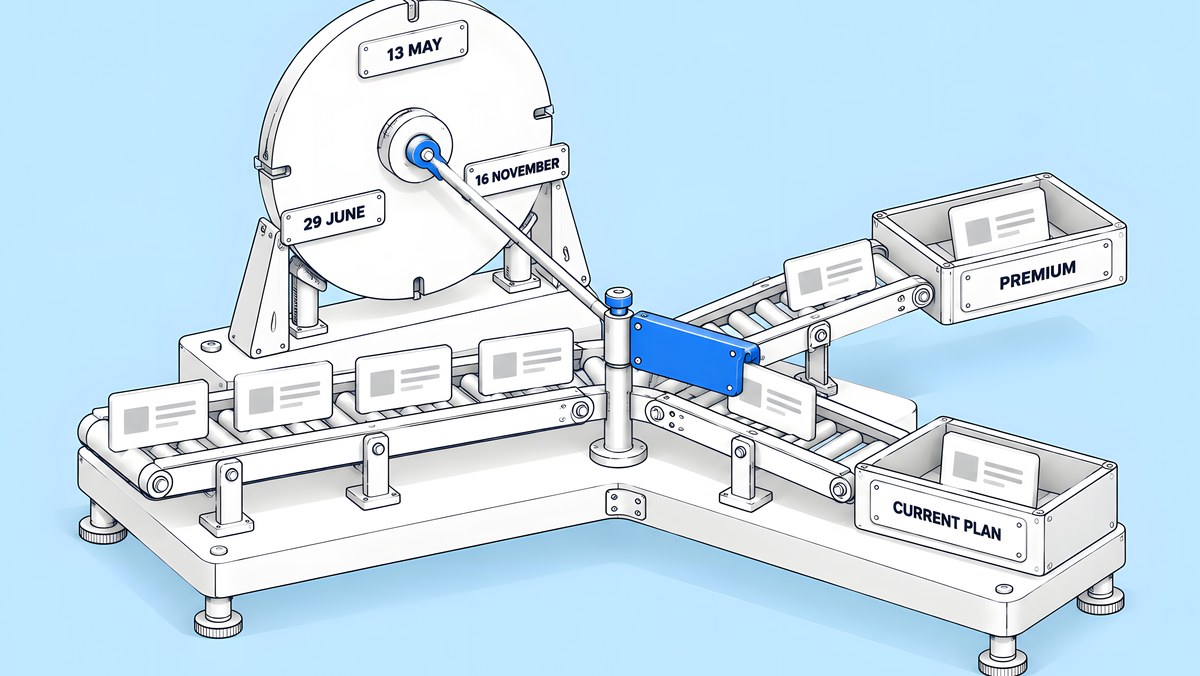
From 16 November 2026, existing Webflow sites in a Freelancer or Agency Workspace, and sites on legacy discounts from 2022 or earlier, move to Webflow's new Site plans. Nothing changes before that date; on or after it, the change happens at the site's next renewal or at a billable change, whichever comes first. Basic stays Basic at a higher price, CMS and Business both become the new Premium plan, and Ecommerce is unchanged for now. Switching from monthly to yearly billing before the change keeps the current plan for one more year.
Every fact in this post comes from Webflow's help article Updated pricing and simplified plans for May 2026 (last updated 31 August 2026, read again on 14 October 2026). It is written for the marketing or web lead whose site is billed through an agency's or a freelancer's workspace, and who needs to know what will change and when. Prices are Webflow's list prices in US dollars, not ActiveSet fees.
Which sites change on 16 November 2026?
Webflow is rolling the new plans out in three phases:
| Date | What Webflow says happens |
|---|---|
| 13 May 2026 | The new Site plans apply to new Site plan purchases. |
| 29 June 2026 | The changes start for most existing sites, excluding sites in Freelancer or Agency Workspaces and sites on legacy pricing from 2022 or earlier. |
| 16 November 2026 | The changes start for existing sites in a Freelancer or Agency Workspace, and for sites on legacy discounts from 2022 or earlier. |
Webflow also says that customers who will see updated pricing in November were notified about this timeline, so check your inbox (and your agency's) for that notice before you plan anything.
To find out whether your site is in a Freelancer or Agency Workspace, open the Workspace that holds the site and click Plans; Webflow's guide to choosing a Workspace plan shows the freelancer and agency plans on their own tab. If an agency built your site and still hosts it in its own workspace, you may not be able to see this yourself: Webflow's Workspace billing and invoices article says billing details are only available to the Workspace owner and Workspace admins. In that case, ask your agency.
When does the new plan start for your site?
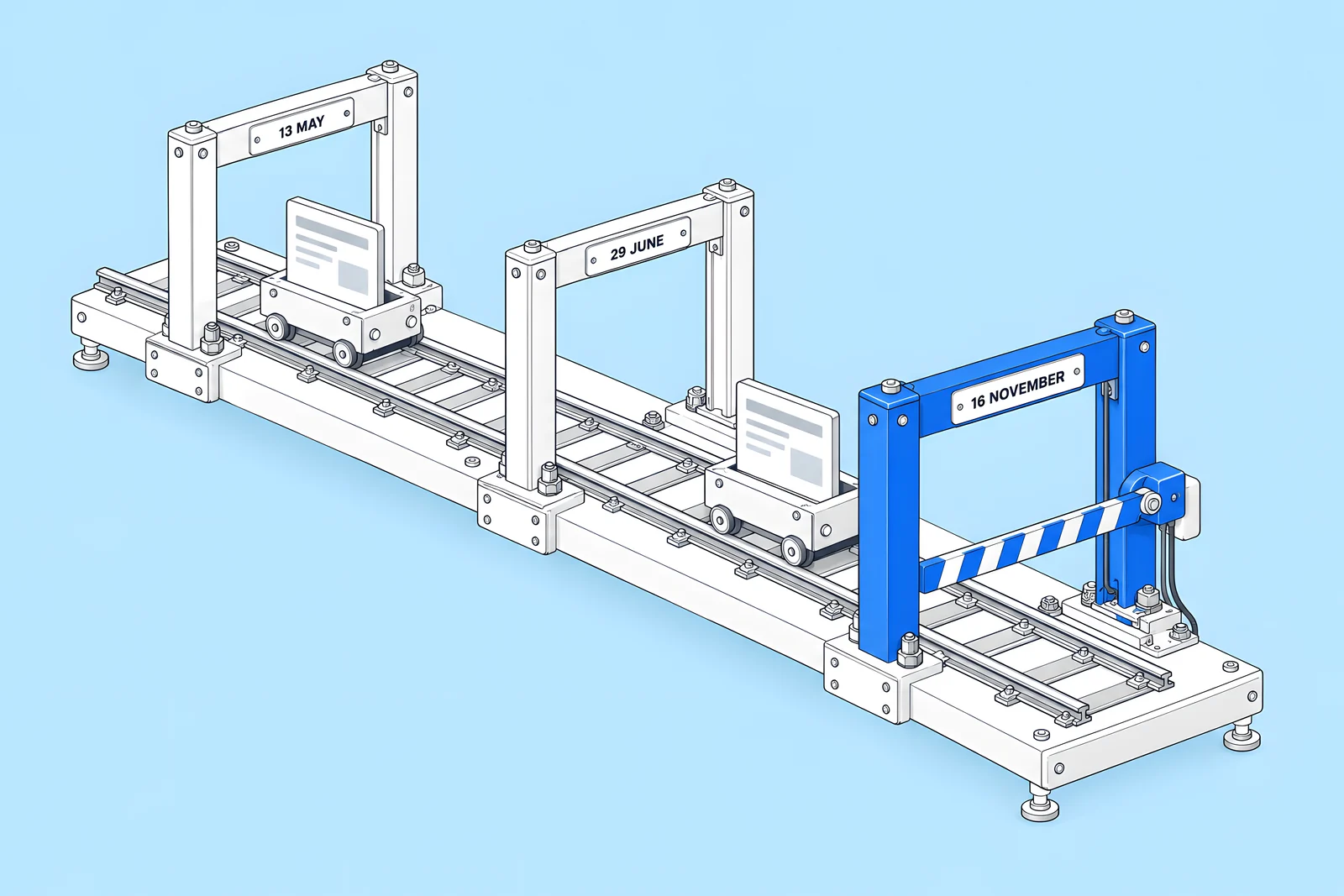
Not on 16 November itself, unless something triggers it that day. Webflow's wording for each plan is that, on or after the date, the changes take effect at your next renewal or if you make a billable change. In practice, the new plan arrives at whichever of these comes first:
- Your next renewal on or after 16 November. Paid Webflow plans renew automatically at the end of each billing cycle, so a monthly site will reach this point within a month of the date; a yearly site may not reach it for up to a year.
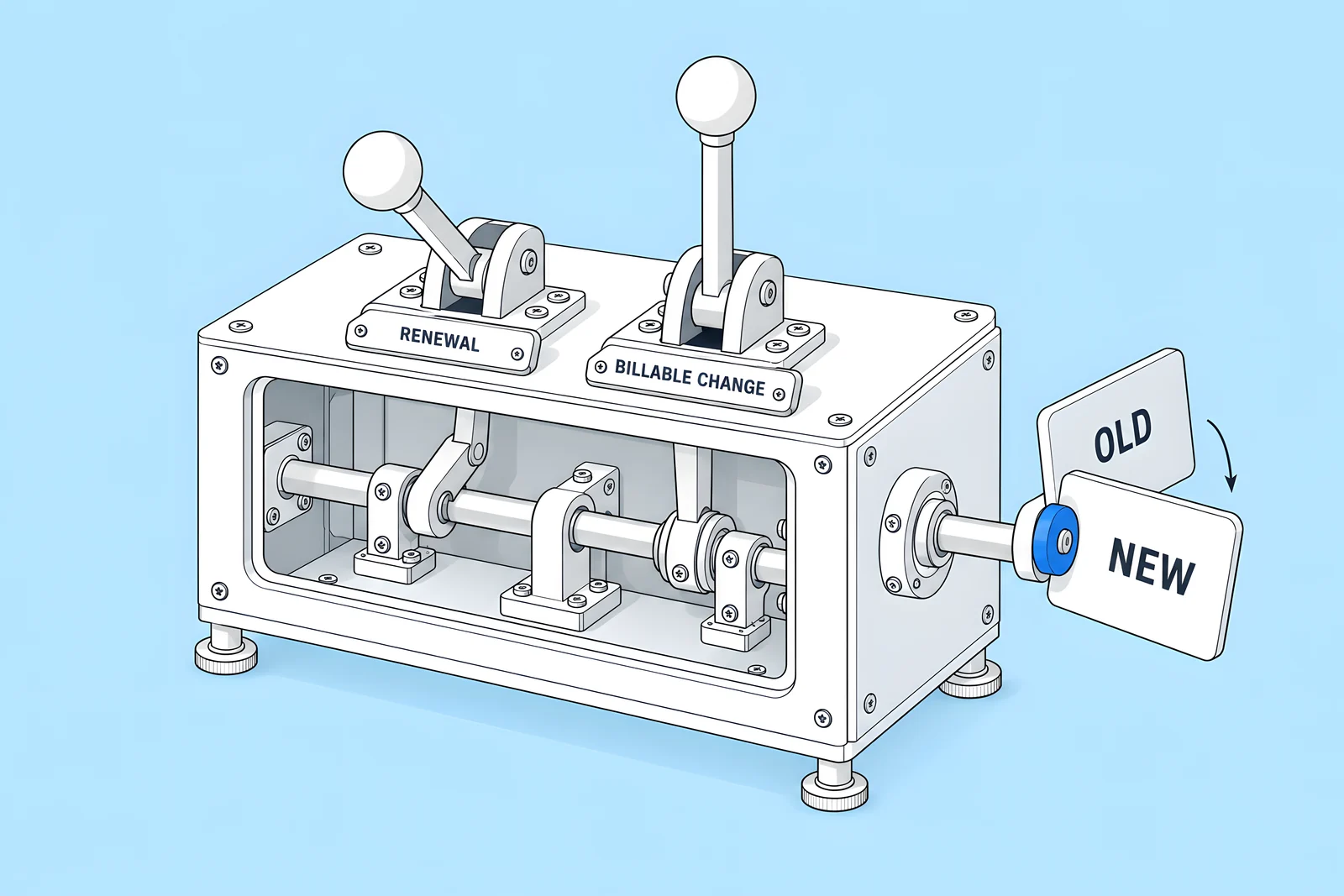
- A billable change on or after 16 November. Webflow defines a billable change as upgrading or downgrading your base Site plan, or switching between monthly and yearly billing.
You can see each site's dates in the Workspace's Billing settings. The Site plan subscription summary lists the plan name, price and frequency, and the billing start and end dates, which Webflow describes as the date the plan was renewed and the date it will expire.
What happens to Basic, CMS, Business and Ecommerce plans?
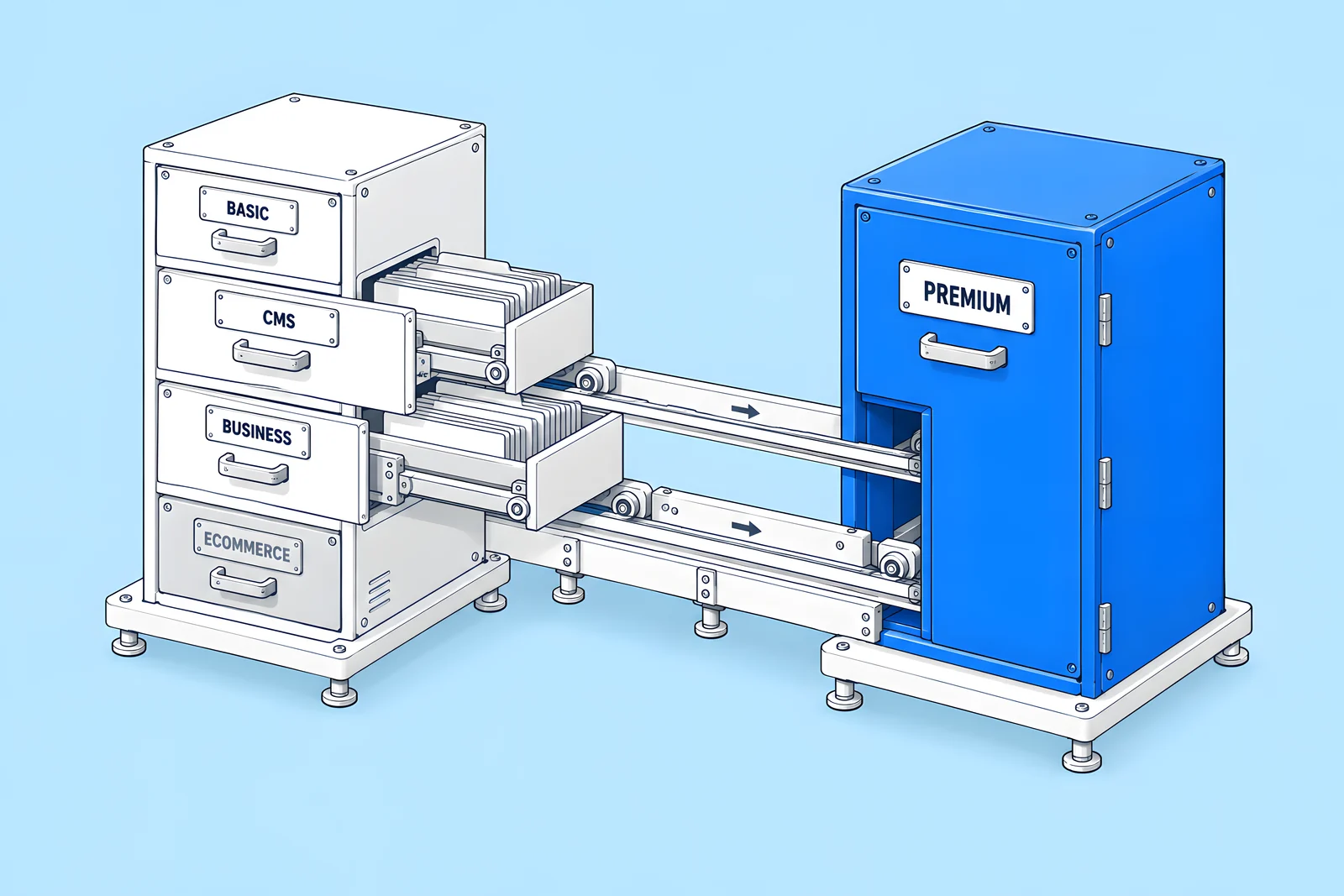
Here is the plan map from Webflow's article. The "price after" column is Webflow's list price per month in US dollars.
| Your plan today | What happens | Price after (yearly / monthly billing) | Limits that change |
|---|---|---|---|
| Basic | Stays on Basic; the price rises | $15 / $25 | Static pages go from 150 to 300 |
| CMS | Moves to Premium automatically | $25 / $39 | Static pages 150 to 300; CMS items 2,000 to 20,000; Collections 20 to 40; Webflow Cloud limits go up |
| Business | Moves to Premium automatically | $25 / $39 | CMS items 10,000 to 20,000; bandwidth 100 GB to 50 GB; Webflow Cloud limits go down |
| Ecommerce | Nothing changes at this time | Not changed | None announced |
Webflow says the CMS-plan price is an increase and the Business-plan price is a decrease. CMS-plan sites also gain file form upload, well-known files and faster search indexing, which Webflow's Choose a Site plan article lists as features of Premium.
Two details that are easy to miss:
- CMS items add-ons are removed. If a Business-plan site pays for a CMS items add-on, Webflow removes it at renewal, because the 20,000-item Premium limit covers what the add-on unlocked.
- Webflow Cloud limits move in opposite directions. CMS-plan sites get higher limits (web app requests from 1M to 2M a month, CPU usage from 15 to 30 a month); Business-plan sites get lower ones (requests from 10M to 2M a month, CPU from 120 to 30 a month). This only matters if you run a Webflow Cloud app on the site.
Will a Business plan site pay more or less?
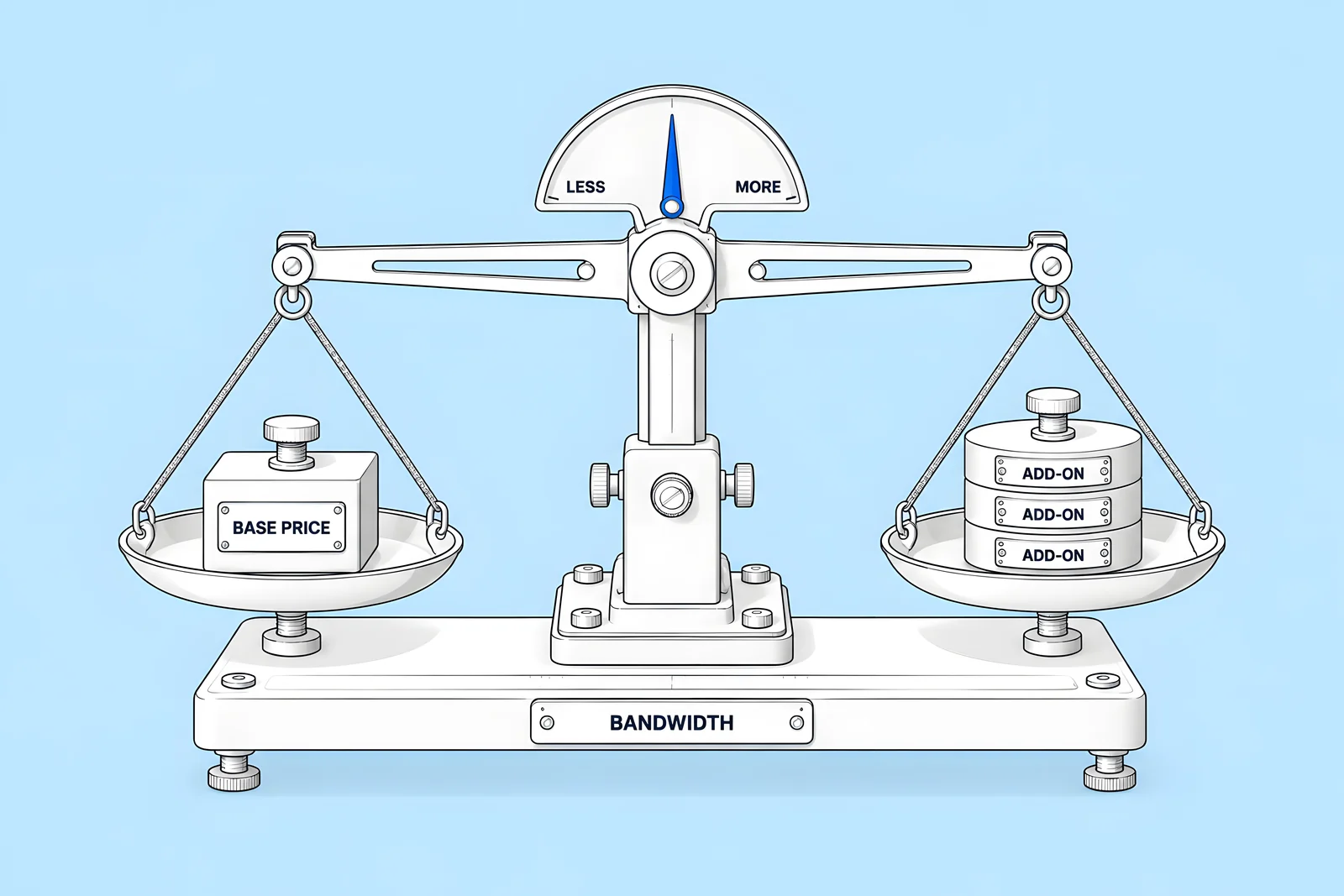
It depends on bandwidth. The Premium base price is lower than Business, but Premium includes 50 GB of bandwidth instead of 100 GB. Webflow's article says that if your site has exceeded 50 GB in the past two billing months, bandwidth add-ons will be added to your Site plan to cover your usage. Those add-ons can cancel out the lower base price, or more than cancel it.
Webflow publishes three examples in the article: a monthly Business site under 50 GB pays less, a yearly site using 500 GB pays the same, and a yearly site using 150 GB pays more. Treat those as illustrations of the trade-off, not as your price. To get your number:
- Open Site settings > Site usage and read total bandwidth for each of the last two billing months. Webflow's Bandwidth overview explains the dashboard, and notes that it counts bot traffic and every status code, including redirects and 404s.
- Enter your plan, billing cycle and bandwidth into Webflow's pricing calculator.
- If bandwidth is close to 50 GB, look at the assets breakdown in the same dashboard. Webflow flags images over 2,000 px, GIFs over 1 MB, images not in WebP or AVIF, and script or CSS bundles over 250 KB, and lightening those can reduce what you need to buy.
Does switching to yearly billing before the change make sense?
Webflow's article says that if you switch from monthly to yearly billing before the Site plan changes go into effect for your account, you can lock in your current plan for one more year. For a site in an agency workspace, that means switching before 16 November 2026.
Whether it makes sense is a business decision for the site owner, not something this post can answer. The trade-off is simple to state:
| If you switch to yearly before 16 November | If you do nothing |
|---|---|
| You keep today's plan and its limits for one more year | The site moves at its next renewal or billable change on or after 16 November |
| You commit to a year of billing; Webflow's billing article says purchases are nonrefundable | You stay on monthly billing and can change plans as usual |
| You do not get the new limits (for example, 20,000 CMS items) until the year ends | A CMS-plan site gains the higher limits at its change date |
Run the numbers for both paths in Webflow's calculator, check who in your organisation approves a year's commitment, and agree a decision date well before 16 November. Remember that switching billing cycle is itself a billable change, so doing it on or after 16 November moves the site to the new plan straight away.
What do the new limits mean for your CMS and pages?
For most B2B marketing sites on the CMS plan, the new limits remove a ceiling. Going from 2,000 to 20,000 CMS items and from 20 to 40 Collections means a growing blog, resource library, glossary or events archive is far less likely to hit the plan limit. Static pages rise from 150 to 300 for Basic and former CMS-plan sites.
For Business-plan sites, items rise from 10,000 to 20,000, so the item limit is unlikely to bite either. The limit that matters for them is bandwidth.
What does not change is how much a single page can show. Webflow's Dynamic content limits article says a Collection list displays up to 100 items by default and a page can hold up to 40 Collection lists, and that these display limits are separate from how many items your plan lets you store. A bigger plan limit does not remove the need for pagination on a long archive page.
Two checks are still worth doing before your change date:
- Count what you have. Note your static pages, Collections and CMS items today, so you can confirm the new limits after the move.
- Check the full comparison. Webflow keeps the complete list of plan limits on its pricing page, under the site plan comparison; the plan-change article only lists the limits that change.
What should you check before your renewal date?
Use this checklist with whoever holds the Workspace billing role, whether that is your team or your agency. Ticks are saved in your browser only.
What does Webflow's article not cover?
Webflow's article explains who changes, when, and to what. It does not say whether moving a site between workspaces, or handing billing to a client before 16 November, changes the timing or the price. Webflow does describe how an agency can transfer a site with a paid Site plan to a client, but that article says nothing about the plan change.
So if you are considering a transfer or a billing handoff because of the plan change, ask Webflow support or your Webflow account contact in writing first, and keep the answer. This post does not recommend a transfer either way.
Also check the article itself again before you act. It has been updated since the changes were announced, and the dates and prices above are as of the version updated on 31 August 2026.
How ActiveSet does it
ActiveSet is a Webflow Premium Partner based in Bengaluru, India. Sites we build are built in, or transferred to, the client's own Webflow workspace, with editor guides or short recorded walkthroughs at handover, so the client can see its own plan, renewal date and bandwidth. Nothing in this post is advice to change plan, billing cycle or workspace; the decision belongs to the site owner.
If you want a second pair of eyes on the checklist above, or ongoing care for a Webflow site, see Webflow maintenance. Our Webflow maintenance checklist covers what Webflow handles and what your team owns, and our Webflow website cost guide puts plan costs in the context of a full project. Questions can go to us through contact.
Disclosure: ActiveSet is a Webflow Premium Partner and earns a commission from Webflow on Webflow plans. The prices in this post are Webflow's own list prices.
Sources
- Webflow Help Center, Updated pricing and simplified plans for May 2026, updated 31 Aug 2026, checked 14 Oct 2026
- Webflow Help Center, Choose a Site plan, updated 2 Aug 2026, checked 14 Oct 2026
- Webflow Help Center, Choose a Workspace plan, updated 13 May 2026, checked 14 Oct 2026
- Webflow Help Center, Workspace billing and invoices, updated 10 Sep 2026, checked 14 Oct 2026
- Webflow Help Center, Webflow billing, updated 16 Sep 2026, checked 14 Oct 2026
- Webflow Help Center, Bandwidth overview, updated 31 Aug 2026, checked 14 Oct 2026
- Webflow Help Center, Dynamic content limits, updated 6 Oct 2026, checked 14 Oct 2026
- Webflow Help Center, Can I transfer a site with a paid Site plan to my client?, updated 8 Sep 2026, checked 14 Oct 2026
- Webflow, Pricing calculator, checked 14 Oct 2026
Frequently Asked Questions
Usually not on the day itself. For sites in a Freelancer or Agency Workspace, or on legacy discounts from 2022 or earlier, 16 November is the date from which the change can happen. The site moves to the new plan at its next renewal on or after that date, or earlier if you make a billable change, such as upgrading the plan or switching between monthly and yearly billing.
Webflow defines a billable change as either upgrading or downgrading your base Site plan, or switching between monthly and yearly billing. If either happens on or after the rollout date for your site, the new plan applies from that moment rather than waiting for your next renewal. Adding or removing seats is not listed as a billable change in the plan-change article.
Not at the moment. Webflow's plan-change article says nothing is changing for Ecommerce Site plans at this time. The new prices and limits apply to Basic, CMS and Business plans. Check the article again before your next renewal, because Webflow updates it when details change.
In the Billing settings of the Workspace that holds the site. The Site plan subscription summary lists each paid site with its plan name, price and frequency, and its billing start and end dates. Only the Workspace owner and Workspace admins can see billing details, so if your agency hosts the site, ask them for the dates.
No. Webflow says the lock only works if you switch from monthly to yearly billing before the Site plan changes go into effect for your account. For sites in agency or freelancer workspaces, that means before 16 November 2026. A switch on or after that date is itself a billable change and moves the site to the new plan.


