How Do You Set Up Cookie Consent and Tracking on a Webflow Site?


Decide your consent policy with your legal adviser first, then set it up in three places. Choose a consent tool: a consent management platform app or integration, an existing provider connected through Webflow's APIs, or your own banner built with custom code. Set Webflow Analyze and Optimize to "Always track visitors", "Let visitors opt out" or "Don't track by default"; the last two need that consent tool. Configure Google tags with consent mode, where basic mode blocks tags until the visitor chooses and advanced mode loads them and adjusts what they send. Then test accept, reject and withdraw, and repeat the test whenever tags change.
This article is general information about how the tools work. It is not legal advice, and it does not say which set-up meets any particular law. Use the policy your own counsel sets.
Which rules shape cookie consent?
The rules depend on where your visitors are. Two official summaries are a useful starting point:
- European Union. The EU's Your Europe guide to data protection online says a website wishing to use cookies has to obtain consent before installing one, that visitors should be able to withdraw consent, and that not all cookies require consent: those used only to transmit a communication, and those strictly necessary for a service the visitor explicitly requested, are exempt.
- United Kingdom. The Information Commissioner's Office guidance on storage and access technologies lists five exceptions to the ban on storing or reading information on people's devices, including a "statistical purposes" exception for some analytics. The ICO says that exception does not allow you to monitor or track individual visitors; beyond that, you need consent.
Webflow's own privacy compliance article notes that GDPR, the ePrivacy directive, the CCPA and similar US state laws all have requirements for cookies and analytics technologies, and suggests working with legal counsel, including to understand the requirements of each US state law. That is one more reason the policy is a legal decision, not a web one.
Trust is part of the picture too. Webflow's marketer's guide to website personalization (August 2024) cites Twilio Segment research that only 51% of consumers “trust brands to keep their personal data secure and use it responsibly.”
What does Webflow do about consent by itself?
Webflow's own analytics and testing products, Analyze and Optimize, share one set of tracking settings. According to Analyze & Optimize tracking settings, tracking is off by default. When you switch it on in the Insights tab, you choose one of three defaults:
| Webflow default | What Webflow says it does | Consent tool needed? |
|---|---|---|
| Always track visitors | Tracking is always on for visitors | No |
| Let visitors opt out | Tracking is on unless the visitor opts out | Yes |
| Don't track by default | Tracking is off unless the visitor explicitly opts in | Yes |
Webflow is clear about responsibility: “Site owners are responsible for deciding their own policy on site tracking and whether a consent management solution is necessary to comply with privacy laws like GDPR and CCPA.” Its compliance article adds that only "Don't track by default" waits for consent before tracking begins.
These settings cover Analyze and Optimize only. Google Analytics, ad pixels, chat widgets and anything else you add through custom code or apps need their own consent handling.

The decision tree below maps a policy your counsel has set to one of Webflow's three defaults.
Which consent tools work with Webflow?
Webflow's Manage site tracking consent article lists three routes: “You can use a third-party consent management platform (CMP) App or integration, integrate an existing CMP provider via Webflow’s APIs, or design a consent banner and manage site tracking consent yourself via custom code.”
In practice:
- A CMP app or integration. Webflow documents DataGrail, which works through Google Tag Manager and adjusts the Analyze and Optimize default by the visitor's location and choice, and the Consent Pro app, which creates an opt-in or opt-out banner to match your Webflow default. Other Webflow Apps exist too.
- An existing provider. If your company already uses a CMP such as OneTrust or TrustArc, Webflow points to its developer docs for connecting it.
- Your own banner. Possible with custom code and Webflow's APIs, but you then own the logic, the record of choices and every future change.
When you compare tools, check four things: whether it can set Webflow's tracking default, whether it can hold back other tags until consent, whether it supports regional rules if your policy needs them, and how it loads, because a banner that loads slowly delays everything behind it.
What is the difference between basic and advanced consent mode?
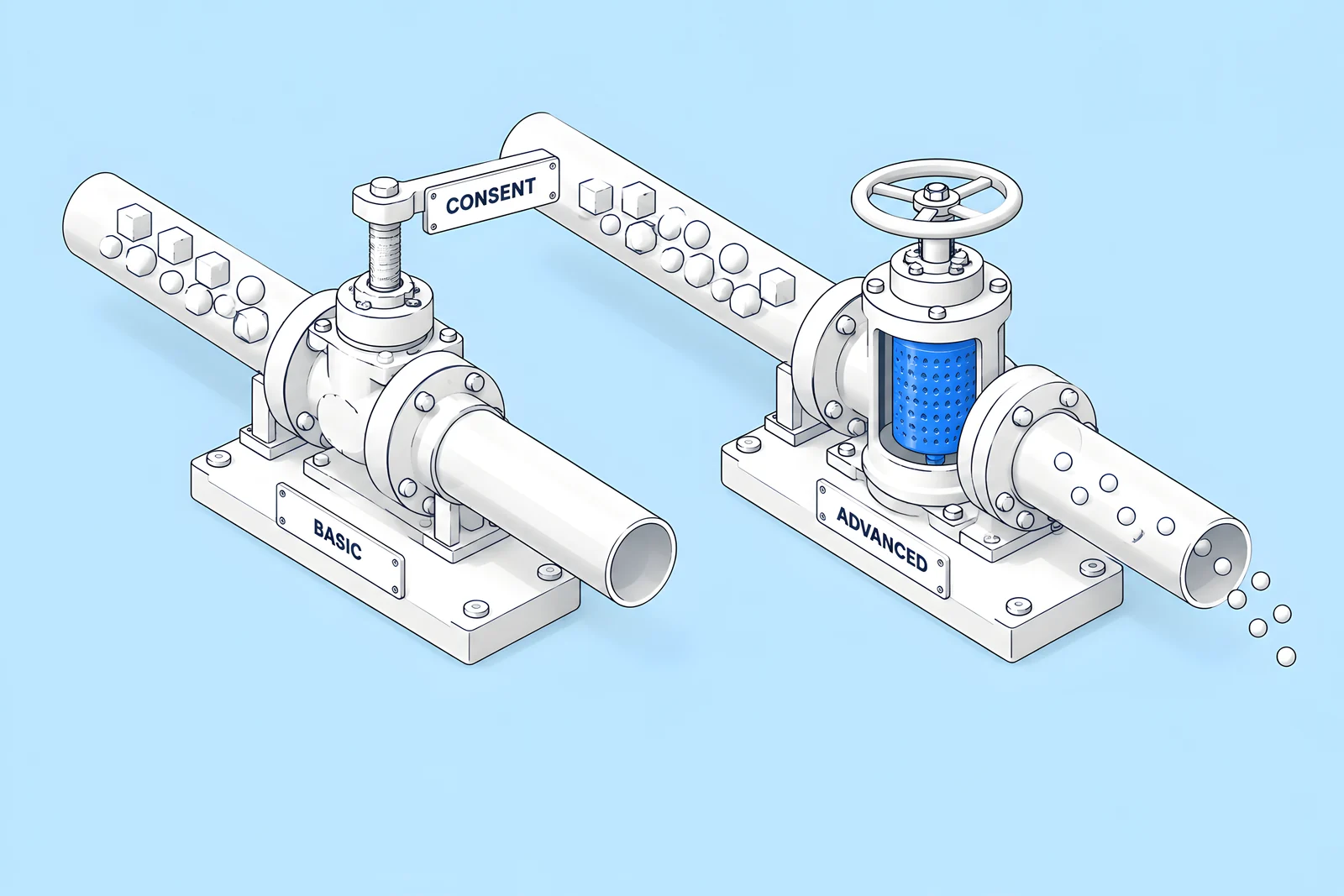
Google's consent mode lets Google tags change behaviour based on the visitor's choice. Google's consent mode overview describes two implementations:
| Basic consent mode | Advanced consent mode | |
|---|---|---|
| When Google tags load | Blocked until the visitor interacts with the consent banner | Load when the visitor opens the site, with defaults set to denied unless configured otherwise |
| What is sent before a choice | Nothing, not even the default consent status | Consent state and measurements without cookies |
| After the visitor declines | No data is sent to Google, not even the consent status | Consent state and measurements without cookies continue to be sent |
| Modelling in Google Ads and Analytics | A general model | An advertiser-specific model |
In Google's words: “When you implement consent mode in its basic version, you prevent Google tags from loading until a user interacts with a consent banner.” And: “When you implement consent mode in its advanced version, Google tags load when a user opens the website or app.”
Which one fits your policy is a legal and business decision, not a technical one. Google also notes that you are responsible for obtaining visitors' consent, and that many CMPs send the consent state to Google for you.
How do you load scripts only after consent?
A banner only helps if tags actually wait for it. Three common approaches:
- Tag manager triggers. Load analytics and ad tags through Google Tag Manager and fire them only when the consent state allows. Google's tags for Analytics, Ads and Floodlight have built-in consent checks; for other tags, Google says you can add checks in Tag Manager under Advanced, Consent Settings.
- The CMP's script blocking. Many consent tools can hold back scripts in categories (analytics, marketing) until the visitor accepts that category. Check how your tool does it and test it.
- Fewer hard-coded scripts. Every script pasted into Webflow's head or footer custom code runs on every page unless something stops it. Move tags into the tag manager or the CMP where you can.
Watch speed as well. Google's web.dev guide to loading third-party JavaScript explains that synchronous scripts delay DOM construction and rendering, and that async and defer let the browser keep parsing while a script loads. A consent banner is itself a third-party script, so check how it loads and measure the page before and after you add it.

How do forms and source tracking fit in?
Forms often carry tracking too, so include them in the consent plan:
- Hidden attribution fields (campaign, source, landing page) are filled by scripts that read URLs or cookies. Decide with counsel whether those scripts may run before consent, and document what you store.
- A privacy notice link next to the form tells people how their submission will be used.
- CRM capture can depend on tracking code. For example, HubSpot's non-HubSpot forms tool says it “is dependent on the tracking code”, can only collect submissions if that code loads, and does not collect information from hidden fields. If your consent set-up holds back the HubSpot tracking code until a visitor accepts, plan how forms will reach the CRM for visitors who decline.
How do you test that consent works?
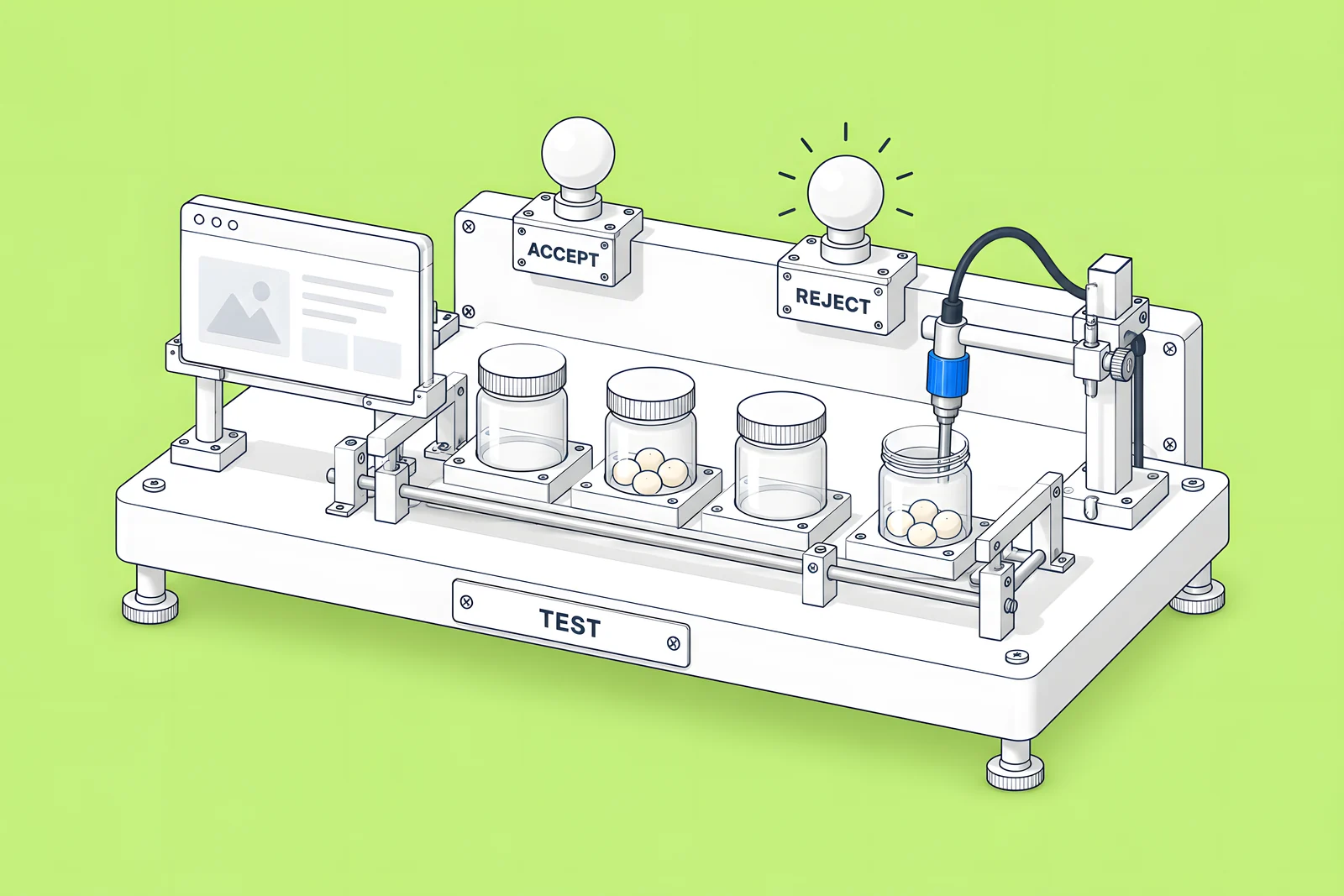
Test in a fresh private browser window each time, so no earlier choice is remembered, and keep a dated record. Check three paths:
- Reject. Choose "reject all". In your browser's developer tools, check the Application or Storage panel: no analytics or advertising cookies should be set. In the Network panel, no analytics or advertising requests should fire, or, with advanced consent mode, only the cookieless measurements Google describes.
- Accept. Choose "accept all". The analytics page view should fire once, ad tags should fire only for the categories accepted, and Webflow Analyze should record the visit if you use it.
- Withdraw. Reopen the banner from its footer link and change the choice. Tags should stop on the next page.
Repeat the test from each region your policy treats differently, and again after any new tag, app or CMP change. Our technical SEO launch checklist is a good companion for the launch-day checks around it.
Who should own consent decisions?
Split ownership so nothing falls between teams:
| Owner | Decides or does |
|---|---|
| Legal or privacy lead | The consent policy, the wording of the banner and privacy notice, regional rules |
| Marketing operations | Which tags run, their categories and their consent triggers |
| Web team or agency | Implementing the CMP, Webflow's tracking default and the tag set-up; running the test |
| Everyone who adds a tag | Asking before adding it, and getting it into the right consent category |
Review the set-up whenever a tag, vendor or law changes, and log each review with the test record. Our Webflow maintenance checklist covers where reviews like this fit into regular upkeep.
How ActiveSet does it
ActiveSet is a Webflow Premium Partner based in Bengaluru, India. We build sites in, or transfer them to, the client's own Webflow workspace, so consent tools, integrations and tracking settings stay under the client's control. We have integrated HubSpot forms on Webflow for Privado. Changes are reviewed on staging with Markup.io before launch, and work is tracked in ClickUp and a shared Slack channel. Consent policy itself stays with the client's legal team.
For help connecting tools to your site, see Webflow integrations.
Sources
- European Union, Your Europe, Data protection and online privacy, checked 14 Oct 2026
- Information Commissioner's Office, What are the exceptions?, checked 14 Oct 2026
- Webflow Help Center, Analyze & Optimize compliance with privacy laws, checked 14 Oct 2026
- Webflow, The marketer's guide to website personalization, Aug 2024 (citing Twilio Segment)
- Webflow Help Center, Analyze & Optimize tracking settings, checked 14 Oct 2026
- Webflow Help Center, Manage site tracking consent, checked 14 Oct 2026
- Webflow Help Center, Integrate DataGrail for consent management, checked 14 Oct 2026
- Webflow Help Center, Integrate Consent Pro for consent management, checked 14 Oct 2026
- Google for Developers, Consent mode overview, last updated 30 Jul 2026, checked 14 Oct 2026
- Webflow Help Center, Custom code in head and body tags, checked 14 Oct 2026
- web.dev, Efficiently load third-party JavaScript, last updated 14 Aug 2019
- HubSpot Knowledge Base, Use non-HubSpot forms, last updated 27 Jul 2026
Frequently Asked Questions
Webflow documents three routes rather than one built-in banner: a consent management app or integration, an existing provider connected through Webflow's APIs, or a banner you build with custom code. Webflow's Analyze and Optimize tracking settings then follow the visitor's choice when set to "Let visitors opt out" or "Don't track by default", which both need a consent tool.
That depends on the tracking default you choose. Webflow's compliance article says that "Always track visitors" and "Let visitors opt out" do not obtain consent before tracking, while "Don't track by default" waits for consent before tracking begins. Webflow also says site owners are responsible for deciding their own tracking policy, so set the default your counsel approves.
No. A banner or consent management platform collects the visitor's choice. Consent mode is how Google tags receive that choice and change what they do. Google says you are responsible for obtaining consent, and many consent platforms send the consent state to Google for you. You need both pieces working together, plus handling for non-Google tags.
Retest whenever something changes: a new tag, a new app, a consent tool update, a site redesign or a change in your policy. Many teams also run the same reject, accept and withdraw test on a regular schedule, such as quarterly, and keep a dated record of each run so they can show what was checked and when.


