When Does a B2B Website Need Webflow Enterprise?

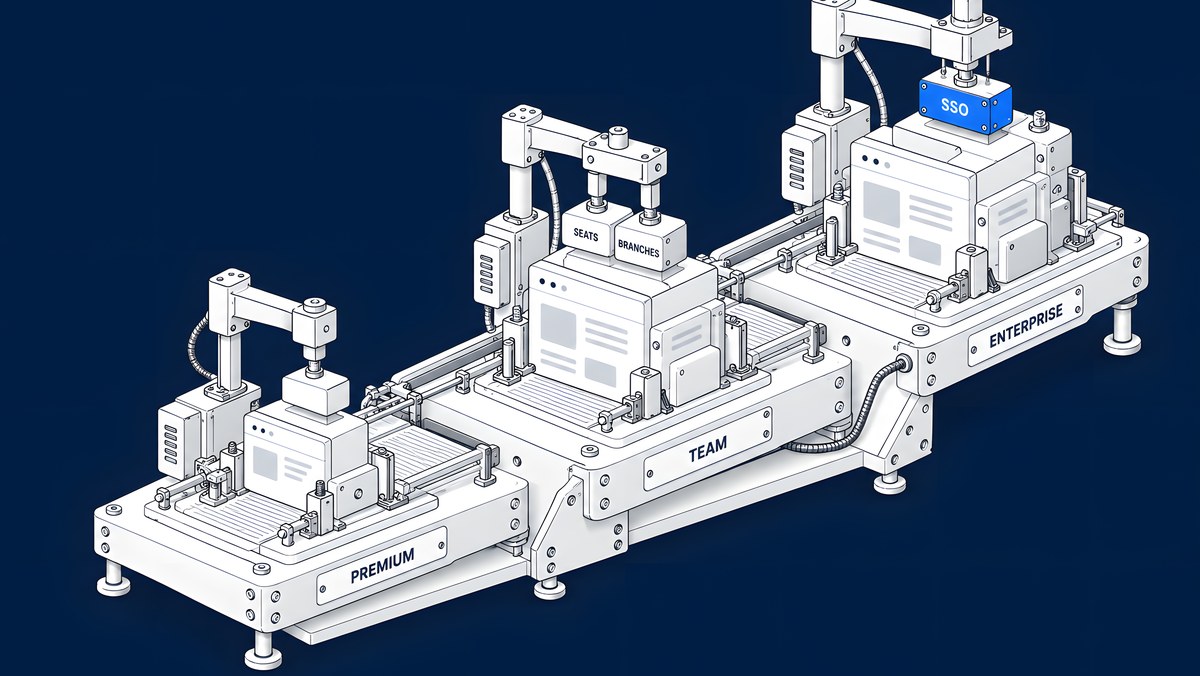
A Premium Site plan covers most B2B marketing sites: it includes 20,000 CMS items and 40 Collections. The Team plan, launched in May 2026, sits between self-serve and Enterprise and adds 100 Collections, bundled seats, Webflow Localize, page branching and single-page publishing. You need Enterprise when IT requires single sign-on or SCIM provisioning, custom roles, granular access controls, design approvals or the audit logs API, when procurement needs invoicing, or when content and traffic outgrow Team's published limits.
Webflow changed its plans in 2026 and its documentation is still catching up in places, so this guide links every claim to Webflow's own pages and flags where they disagree. On price, Webflow lists Premium at $25 a month per site billed yearly ($39 billed monthly) and Team at $2,500 a month on an annual contract; Enterprise is quoted by Webflow and not published. These are list prices in USD from webflow.com/pricing, checked 15 Oct 2026; prices change.
Last updated 15 October 2026.
What do Premium, Team and Enterprise include?
Webflow's plan update article explains that from 13 May 2026 the CMS and Business Site plans were combined into a single Premium Site plan, and that the new Team plan is “an all-in-one plan for fast-growing teams that have outgrown self-serve but aren't ready for Enterprise”. It describes Team as bundling a site with 100 CMS Collections, 10 seats, Webflow Localize, page branching and single-page publishing. Team is billed annually only, and you buy it by talking to Webflow.
Webflow's pricing page groups Team and Enterprise as Platform plans. A summary, as listed on 14 October 2026:
| Area | Premium Site plan | Team | Enterprise |
|---|---|---|---|
| CMS items | 20,000 | 20,000, more for a separate fee | Custom |
| CMS Collections | 40 | 100 | Custom |
| Seats | Bought separately through a Workspace plan | 5 full and 5 limited included | Custom |
| Webflow Localize | Optional add-on | 2 locales included | Custom |
| Page branching and single-page publishing | Not included | Included | Included |
| SSO, SCIM, custom roles, audit logs API | Not included | Not included | Included |
| Billing | Monthly or yearly by card | Annual contract | Annual, by invoice or card |
The comparison below adds collaboration, security and commercial rows, each with its source.
What does each tier cost?
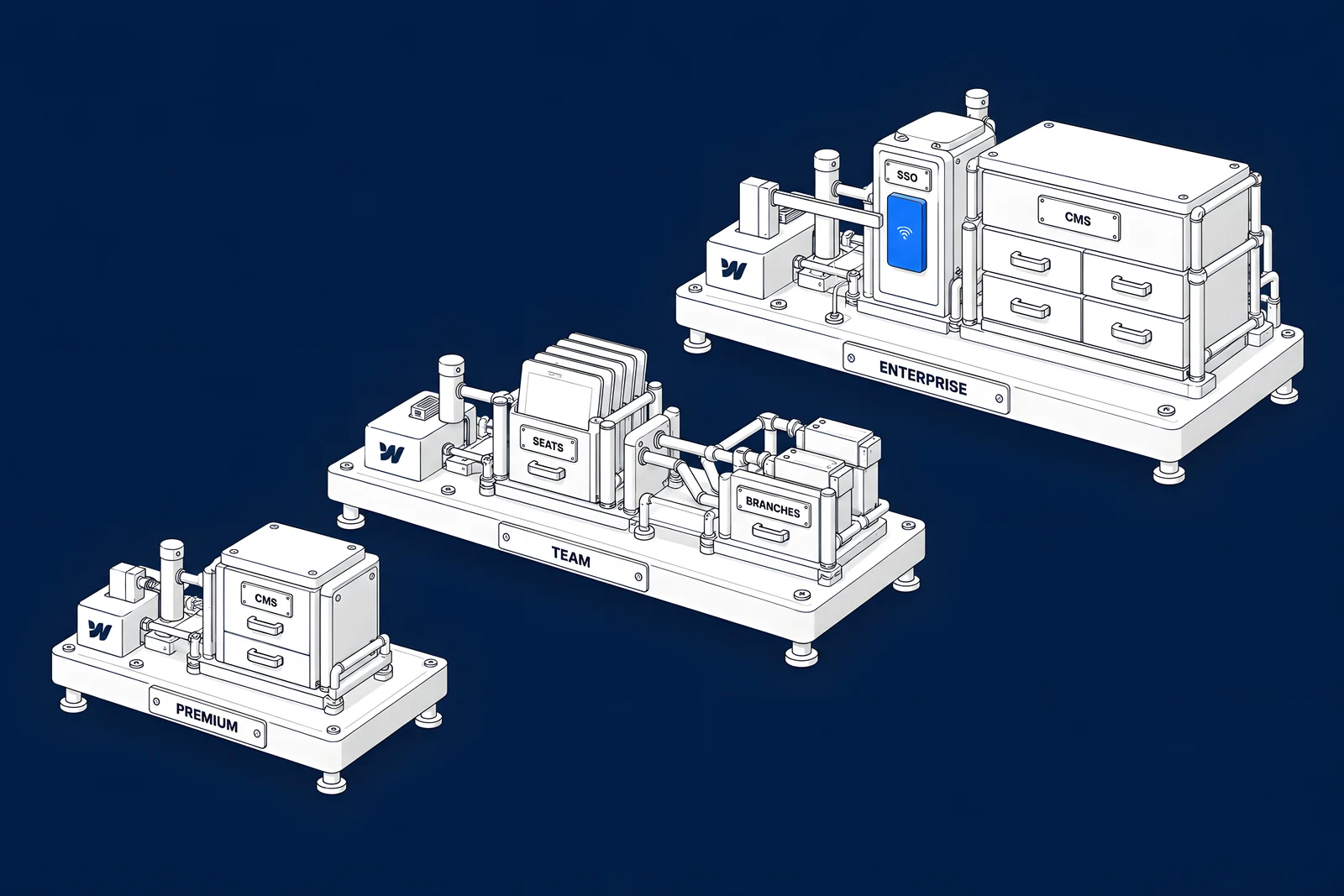
Webflow publishes prices for Premium and Team, not for Enterprise. List prices in USD, checked on webflow.com/pricing on 15 Oct 2026, before tax:
| Tier | Webflow list price | What the price covers | How it is billed |
|---|---|---|---|
| Premium Site plan | $25 a month billed yearly, $39 billed monthly | One site: 20,000 CMS items, 40 Collections, 300 static pages, 50 GB bandwidth | By card, monthly or yearly |
| Seats with Premium | Full seats $39 and Limited seats $15 a month each, billed yearly; reviewers free | The people in your Workspace; the Workspace owner's Full seat is included | By card, at Workspace level |
| Add-ons with Premium | Localize $9 (Essential) or $29 (Advanced) per locale a month; bandwidth from $20 a month for +50 GB, both billed yearly | Languages and extra bandwidth for one site | On the Site plan's billing cycle |
| Team | $2,500 a month, annual contract required: $30,000 a year | A site and Workspace with 5 Full and 5 Limited seats, Webflow Localize with 2 locales, 100 Collections, 500 static pages, page branching and single-page publishing | Annual billing only |
| Enterprise | Not published | Custom limits, plus single sign-on, SCIM, custom roles and the audit logs API | By invoice or card, on an annual schedule |
The billing rules come from Webflow's Help Center. Team “is only available for annual billing”, per the plan update article, and you buy it by contacting Webflow from the pricing page. The Enterprise comparison says Enterprise is billed by invoice or card on an annual schedule, while non-Enterprise plans are billed by card only, monthly or annually, with no invoicing. Add-ons follow the billing cycle of the Site plan (Manage add-ons).
For an Enterprise figure, ask Webflow's sales team for a quote against your requirements; the questions further down this guide are a starting list. Use the calculator to price your own Premium set-up next to Team.
When does Team cost less than buying the parts?
Team bundles parts you could otherwise buy one by one on Premium. Here is what those parts cost at list price, billed yearly, assuming the Workspace owner is one of the five Full-seat users:
| Part of the Team bundle | Bought separately with Premium | Per month |
|---|---|---|
| The site | Premium Site plan | $25 |
| 5 Full seats | The owner's included seat plus 4 × $39 | $156 |
| 5 Limited seats | 5 × $15 | $75 |
| Localize, 2 locales | Essential: 2 × $9 (Advanced: 2 × $29 = $58) | $18 |
| Subtotal at Premium's included 50 GB | $274 (with Advanced Localize: $314) | |
| Bandwidth to match Team | Team lists up to 30 TB a year, an average of 2.5 TB a month; Premium's largest add-on takes it to 2.5 TB a month | $974 |
| Total with that bandwidth | $1,248 (with Advanced Localize: $1,288) |
On list prices alone, a Premium site with Team's seat count, two locales and the largest bandwidth add-on comes to about half of Team's $2,500 a month. The difference pays for what Premium doesn't offer, even as an add-on: page branching, single-page publishing, 100 Collections and 500 static pages, plus the publishing workflows, Site activity log and 24/7 priority support the pricing page lists for Team. Whether those are worth the difference depends on how your team works, which the sections below help you test. Analyze and Optimize are optional add-ons on both, and AI credits are not compared here.
Which collaboration needs point to Team or Enterprise?
Two features are now documented for Team as well as Enterprise:
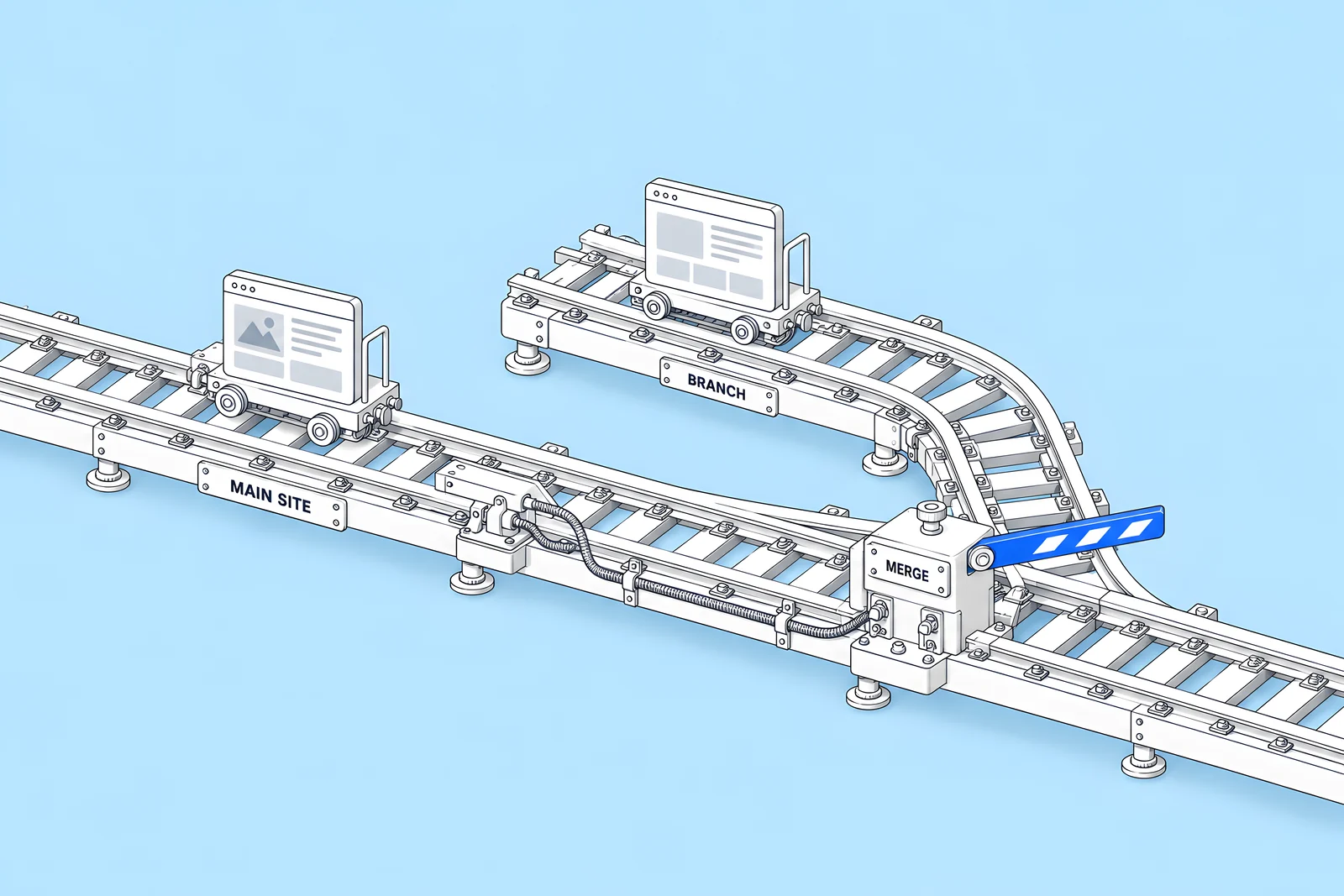
- Page branching. Page branching “is only available on Team and Enterprise Platform plans.” It creates a working copy of a page so several designers can work in parallel and merge when ready. Webflow warns that changes made to the original page's content while it was branched are lost when you merge.
- Single-page publishing. Publishing a single page lets you ship a campaign page or a copy fix without publishing unrelated work in progress. It is available on Team and Enterprise Platform plans only.
Three more features are where Webflow's pages disagree. The pricing page lists publishing workflows, the Site Activity log and API, and custom security headers and SSL certificates under Team as well as Enterprise. The Help Center articles for the publishing workflow, the Site Activity log and custom security headers still describe them as available to Enterprise customers. If one of these is a deciding factor, ask Webflow to confirm it in writing for your contract.
Design approvals, which require sign-off from named reviewers before changes merge, are listed for Enterprise only.
On Premium, collaboration depends on your Workspace plan. Webflow's Workspace plan guide shows that the Growth plan adds site-level role assignment and publishing permissions control, which is enough for many marketing teams.
When do security and IT requirements need Enterprise?
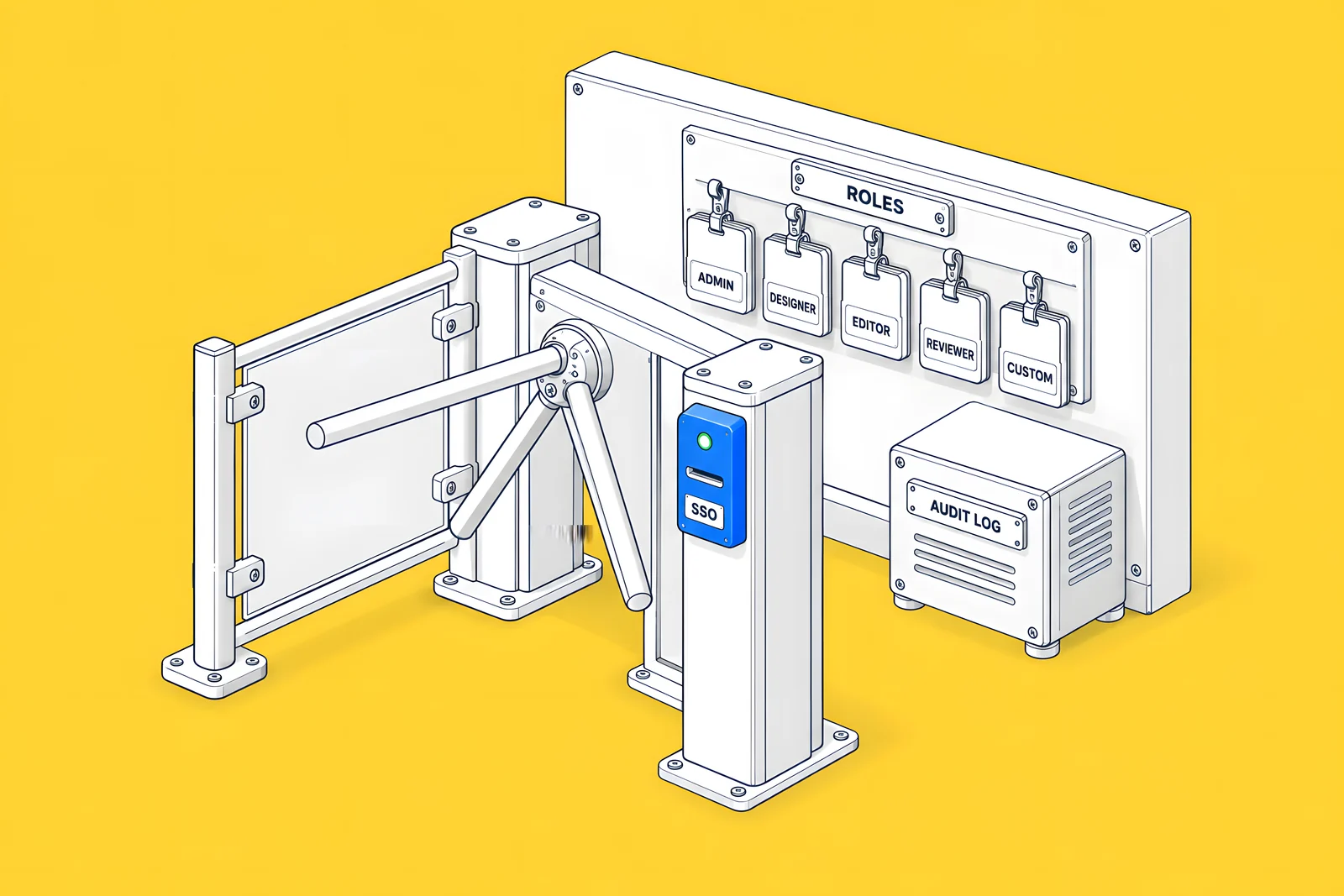
Webflow's Enterprise comparison lists the security set: “Enterprise offers SSO, SCIM user provisioning, custom roles & permissions, Audit logs API, custom SSL certificates, security headers, enhanced DDoS protection, and SOC 2 Type II compliance.” The pricing page, as noted above, now lists custom SSL certificates and custom security headers under Team too, but single sign-on, just-in-time provisioning, SCIM, custom roles, granular access controls and the audit logs API remain Enterprise only.
Two related details:
- HSTS. According to the custom security headers article, HSTS response headers are on automatically for all non-Enterprise sites and cannot be disabled; Enterprise customers can switch them on or off.
- Private staging. Private staging, which makes the staging site require a Webflow log-in, is described for Enterprise customers, and the pricing page does not list it for Team.
If your IT team's checklist includes SSO for every SaaS tool, that single requirement usually decides the plan.
When does content scale outgrow Premium?
Look at four numbers on your current site and your plans for the next year:
- CMS items. Premium includes 20,000. Team includes 20,000 with more available for a separate fee. Enterprise limits are custom.
- Collections. Premium allows 40, Team 100, Enterprise custom.
- Collection structure. The pricing page lists 100 fields and 20 reference fields per Collection for Team.
- API usage. If other systems write to your CMS, the pricing page lists a higher content management API rate limit for Team than for Premium, and a custom one for Enterprise.
Webflow notes that these plan limits cap what you can store, while separate dynamic content limits cap what one page can display, such as 100 items per Collection list by default. Planning the content model well can delay an upgrade; our guide to Webflow CMS architecture and editor handoff covers how, and our guide to planning for Webflow CMS limits shows how to estimate when you will reach them.
What changes for billing and support?
According to Webflow's Enterprise comparison:
- Billing. “Enterprise plans are billed by invoice or credit-card on an annual schedule.” Non-Enterprise plans are billed by card only, monthly or annually, with no invoicing or purchase orders. Team is annual only, per the plan update article.
- Support. Enterprise typically includes guided onboarding, priority support queues and, depending on the agreement, a dedicated customer success manager or solutions architect, plus contractual SLAs for uptime and response times. Self-serve plans have no contractual SLA.
The pricing page also lists SLA terms and priority support for Team, with different uptime and response figures from Enterprise. Read the figures there, and ask for the SLA document itself before you sign.
For a full first-year budget, including agency and add-on costs, see our Webflow website cost guide.
How do you build the case internally?
A plan change on this scale is a purchase, and it will meet the same buying group as any other software. Wynter's How B2B SaaS CMOs Buy Software in 2026 (January 2026) found that “The average buying committee now has 5.1 members: the CMO, finance, IT and security, RevOps and end users.” Forrester's The State of Business Buying, 2026 (21 January 2026) adds that “Procurement professionals are decision-makers in 53% of business buying cycles, engaging from the start of the process.”
So write the case for each of them: the collaboration problem for marketing, the identity and audit requirements for IT, the invoicing and contract terms for finance and procurement. Base each line on a requirement you actually have, not a feature list. The signal check below sorts your needs into those documented for Team and those only documented for Enterprise.
What should you ask Webflow's sales team?
Bring your signal list and ask:
- Which of our requirements does Team cover, and which need Enterprise?
- Are publishing workflows, the Site Activity log and custom security headers included in Team for our contract? Please confirm in writing.
- What CMS item, Collection and API limits will our contract state?
- How many seats, guest teams and Localize locales are included, and what do more cost?
- Are Analyze and Optimize included, or add-ons?
- What bandwidth is included, and what happens if we exceed it?
- What are the uptime and support response terms, and where are they written?
- Can we pay by invoice or purchase order?
- What onboarding and training are included?
- What happens to features and limits if we move back to a self-serve plan later?
How ActiveSet does it
ActiveSet is a Webflow Premium Partner based in Bengaluru, India. We have advised a past client on a Webflow Enterprise plan, and on sales calls we walk larger prospects through the Enterprise path when their requirements point to it. Sites we build live in, or are transferred to, the client's own Webflow workspace, so the plan decision and the contract stay with the client.
If you are scaling a Webflow site, see Webflow development. If you are still choosing a partner, our guide on how to hire a Webflow agency lists the questions to ask.
Disclosure: ActiveSet is a Webflow Premium Partner and earns a commission from Webflow on Webflow plans. The prices in this post are Webflow's own list prices.
Sources
- Webflow, Pricing, checked 15 Oct 2026 (yearly and monthly views)
- Webflow Help Center, Updated pricing and simplified plans for May 2026, checked 14 Oct 2026
- Webflow Help Center, Page branching, checked 14 Oct 2026
- Webflow Help Center, Publish a single page, checked 14 Oct 2026
- Webflow Help Center, Publishing workflow, checked 14 Oct 2026
- Webflow Help Center, Site Activity log, checked 14 Oct 2026
- Webflow Help Center, Custom security headers, checked 14 Oct 2026
- Webflow Help Center, Choose a Workspace plan, checked 14 Oct 2026
- Webflow Help Center, Differences between Enterprise and non-Enterprise plans, checked 14 Oct 2026
- Webflow Help Center, Enable private staging on your site, checked 14 Oct 2026
- Webflow Help Center, Dynamic content limits, checked 14 Oct 2026
- Wynter, How B2B SaaS CMOs Buy Software in 2026, Jan 2026
- Forrester, The State Of Business Buying, 2026, 21 Jan 2026
- Webflow Help Center, Manage add-ons, updated 23 Sep 2026, checked 15 Oct 2026
Frequently Asked Questions
Team is a Platform plan Webflow introduced on 13 May 2026 for teams that have outgrown self-serve plans but do not need Enterprise. Webflow describes it as bundling a site with 100 CMS Collections, 10 seats, Webflow Localize, page branching and single-page publishing. It is billed annually only, and you buy it by contacting Webflow's team from the pricing page.
No. Webflow's pricing page lists single sign-on, just-in-time provisioning and SCIM for Enterprise only, not for the Premium Site plan or the Team plan. If your IT policy requires every tool to sit behind your identity provider, plan for Enterprise or confirm an alternative with your security team before you commit to a lower plan.
On the Team plan, yes. Webflow's pricing page lists 20,000 CMS items for Team with more available for a separate fee, while Premium is capped at 20,000. Enterprise limits are custom. Check the current figures on the pricing page before planning, because Webflow changed its CMS limits in 2026.
No longer. Webflow's page branching article says the feature is available on Team and Enterprise Platform plans. It is not part of the Premium Site plan. Branching lets several designers work on separate copies of pages and merge them when ready, and changes made to the original page while it is branched are lost on merge.
Webflow lists Team at $2,500 a month on an annual contract, which is $30,000 a year at list price (webflow.com/pricing, checked 15 Oct 2026). Team is only available on annual billing and is bought by contacting Webflow. The price covers a site and Workspace with 5 Full and 5 Limited seats, Webflow Localize with 2 locales and 100 CMS Collections; Webflow prices extra seats, locales and CMS items separately.


