Should You Delete, Redirect or Noindex Old Pages on a Webflow Site?

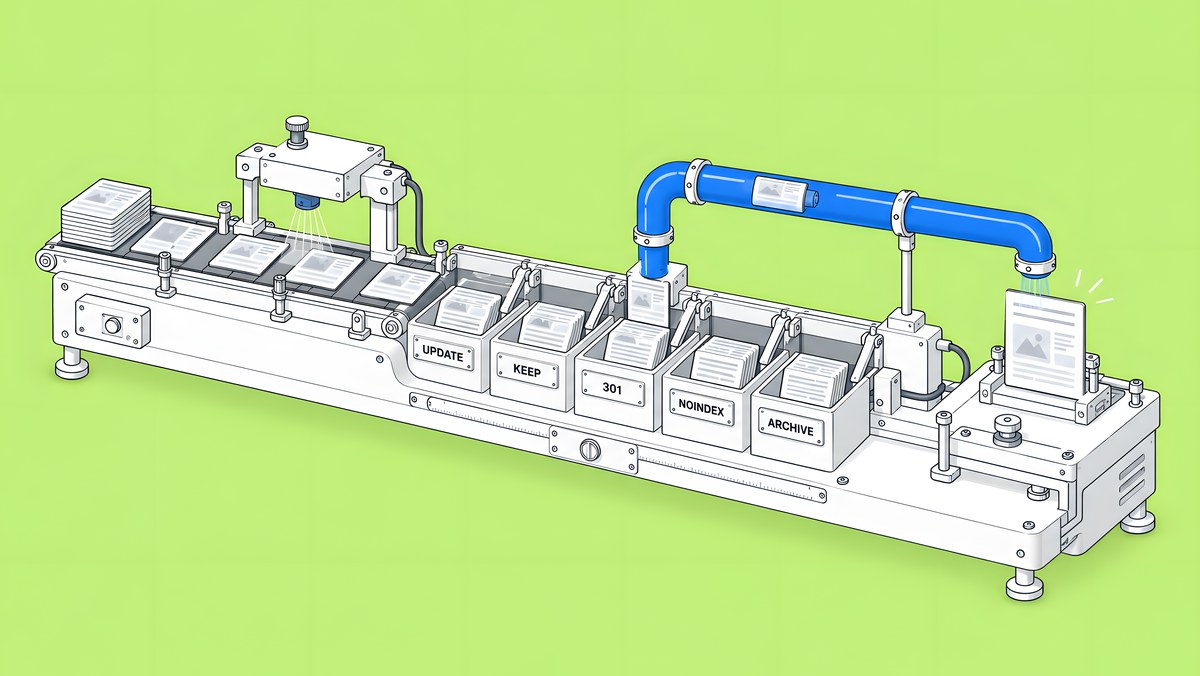
Decide per URL. Update pages that still meet a buyer need. Merge a page into the closest live page and 301 redirect it when one exists. Noindex pages that people still need outside search, such as customer or sales pages. Archive CMS items that are obsolete and have no replacement, and let their URLs return 404. Never use robots.txt to remove a page from search. In Webflow, a redirect for a page or CMS item that still exists only works after you delete, draft, archive, unpublish or re-slug it.
This guide is for content and SEO leads with a few years of blog posts, events, webinars and landing pages on a Webflow site. It covers ongoing pruning of a live site. If you are moving a whole site to Webflow, our redirect map guide covers that job.
Why prune or consolidate old content at all?
Three reasons, in order of importance.
- Accuracy. Old pricing pages, retired features and past events tell buyers things that are no longer true. On a B2B site that costs trust with the people you most want to convince.
- Focus. Several thin posts on one topic compete with each other. One strong page that merges them is easier to keep current and gives search engines and readers one clear answer.
- Visitors. People arrive on old URLs from bookmarks, links and search results for years. Each of those URLs should lead somewhere useful.
Removed pages also linger in AI answers. In its Dead Citations study (24 July 2026, vendor research), OtterlyAI ran a takedown test and reports that “Claude was the most persistent, keeping about 78% of its citations to removed pages alive after deletion”. If an old URL can still be cited after you remove it, deciding where it leads matters.
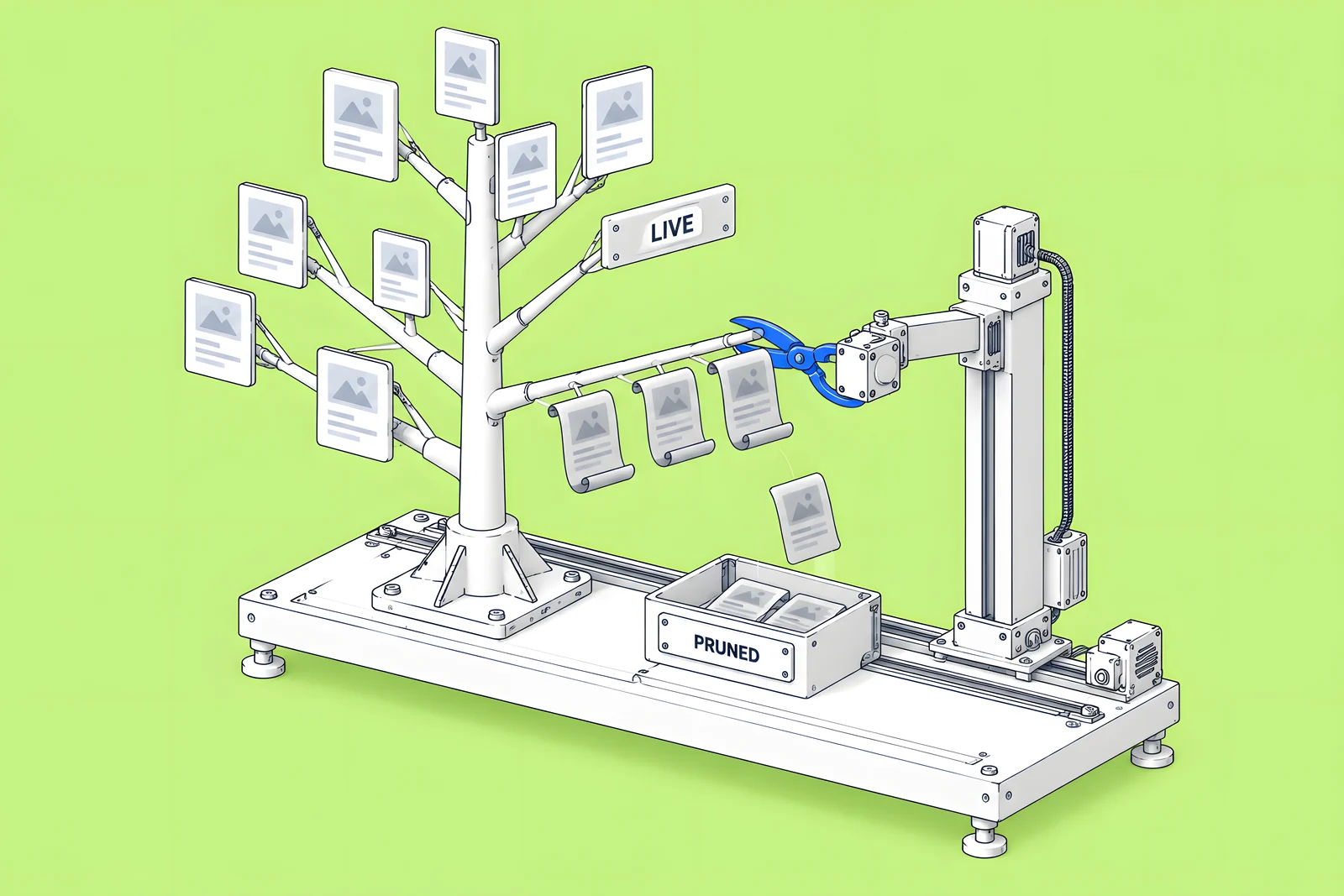
What data do you need for each URL?
Put every URL in one sheet before you decide anything. For each row, collect:
| Column | Where it comes from | Why it matters |
|---|---|---|
| Clicks and impressions, last 12 months | Search Console, Performance report, Pages tab | Shows whether search still sends people here |
| Referring domains | Your backlink tool | Links keep sending visitors to the old URL |
| Conversions | Your analytics | A page can matter for leads with little search traffic |
| Last updated | The CMS item or page | Old dates point to accuracy problems |
| Needed outside search | Sales, customer success, legal | Some pages must stay live even if nobody searches for them |
| Accurate today | A subject owner's read | Inaccurate pages need an update or removal |
| Replacement URL | Your site map | The closest live page, if there is one |
Export your current redirects from Site settings, then Publishing, then 301 redirects, at the same time. Webflow's Import/export 301 redirects article warns that “New imports overwrite all existing redirects”, so every later import should start from that export.
The sheet below checks a pasted URL list for the mistakes that cause redirect chains and broken rules, and suggests an action per row using the same questions as the decision tree.
When should you update, merge, noindex, archive or remove?
Work through the same questions for every URL:
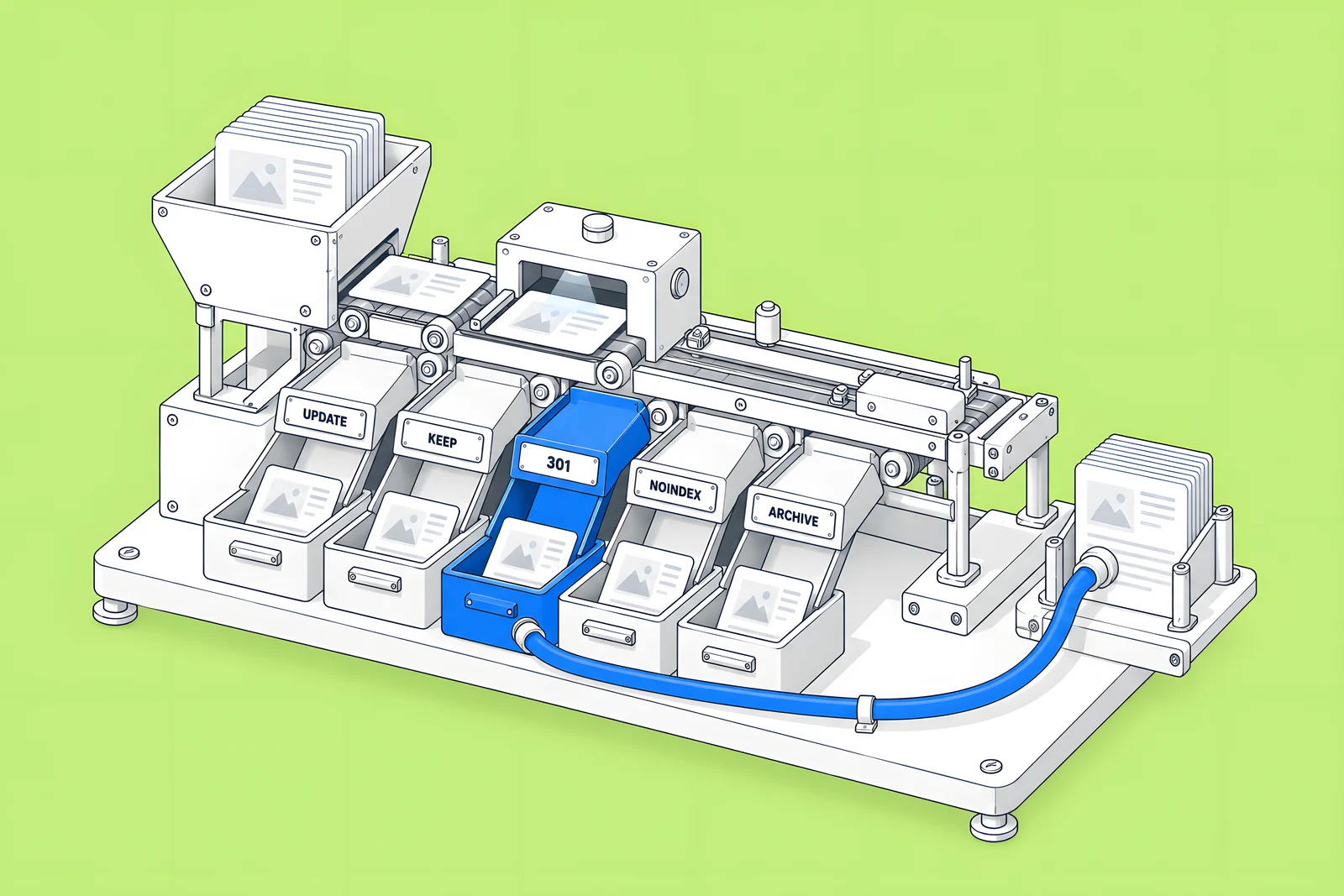
- Does it still answer something buyers or customers need? If yes and it is accurate, keep it. If yes and it is out of date, update it in place, which keeps the URL and its links.
- If not, is there a closer live page that replaces it? Merge any useful content into that page and 301 redirect the old URL to it.
- If there is no replacement, do people still need it outside search? Customer onboarding pages, partner pages or legal notices can stay live with a noindex tag.
- Does it still earn links or visits? Consider merging it into a related page so those visitors land somewhere useful, then redirect.
- If none of the above, remove it. Archive the CMS item or delete the page and let the URL return 404.
Avoid redirecting everything to the homepage. Google's site move guidance says not to redirect many old URLs to one irrelevant destination such as the home page, because it can confuse users and might be treated as a soft 404. Redirecting several old pages to one new page that consolidates their content is fine.
How do you redirect a page or CMS item that still exists in Webflow?
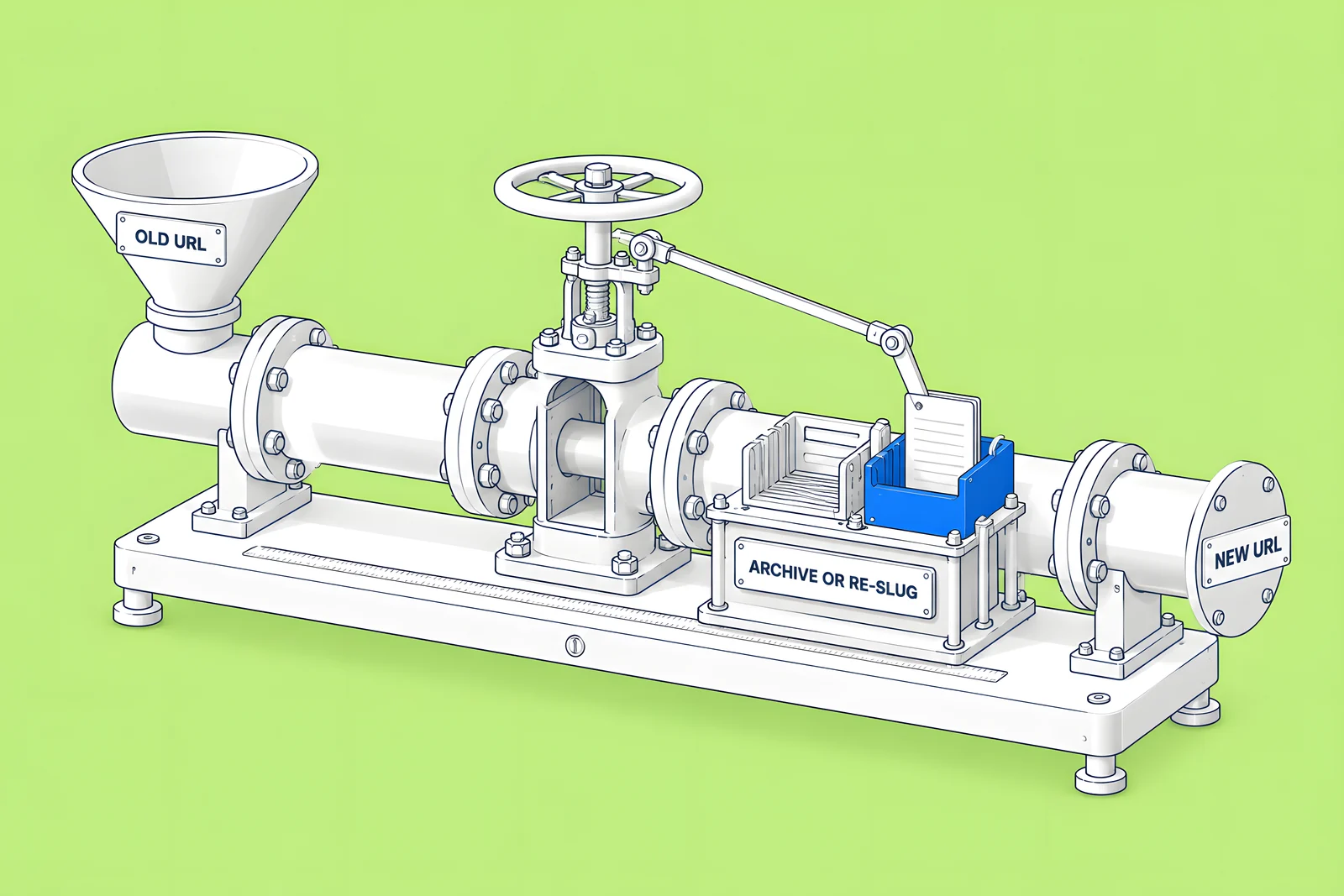
Webflow needs the old page or item out of the way before a redirect can take over its URL. Its redirect documentation sets the order: “To redirect an existing Collection item page on your Webflow site to a new URL, you'll need to archive, delete, or unpublish the item, save it as a draft, or change its slug before setting the redirect.” For a static page, delete it, save it as a draft or change its slug first.
Then add the rule:
- Go to Site settings, then Publishing, then 301 redirects.
- Enter the old path, for example /blog/old-post, and the redirect-to path.
- Click Add redirect path and publish the site.
- Open the old URL in a new tab and confirm it lands on the new page.
Four details from the same article:
- Slug changes can create the redirect for you. When you change a page slug in Page settings and tick “Permanently redirect the old URL to this new one”, Webflow creates the 301 and lists it with your other redirects.
- Order matters. Webflow runs redirects in the order they were added, oldest first, so specific rules must come before broad wildcard rules.
- Locales need their own rules. Redirects are relative to the root domain and do not apply to localized slugs, so /old-url and /es/old-url are two rules.
- Keep the list lean. Webflow has no hard limit but recommends 1,000 redirects at most, because every rule is added to a file browsers download. Use wildcards where a whole folder moves.
Point every redirect straight at the final page. If /a already redirects to /b and /b is now merged into /c, update the /a rule to go to /c as well.
How do you noindex a page or a single CMS item?
Use Webflow's Sitemap indexing toggle, not robots.txt. Webflow's Disable search engine indexing article covers both cases:
- Static page: Page settings, then SEO settings, then turn Sitemap indexing off and publish. Webflow adds a robots noindex meta tag and removes the page from the sitemap. The toggle only works when the auto-generated sitemap is on.
- CMS item: open the item, go to Item details, turn Sitemap Indexing off, then save and publish. Webflow says: “When disabled, the CMS item will include a noindex meta tag, instructing search engines not to index it.” This is only available on paid Site plans.
Do not also block the page in robots.txt. Webflow is direct: “To ensure that a previously indexed page is not indexed, don’t add it in the robots.txt.” Google's noindex documentation explains why: “For the noindex rule to be effective, the page or resource must not be blocked by a robots.txt file, and it has to be otherwise accessible to the crawler.” A blocked page never shows Google its noindex tag.
Webflow also notes that turning off indexing does not remove content that is already indexed; Google's removals tool exists for urgent cases.
What should a removed page return?
A 404, with a helpful custom 404 page behind it. Google's Page indexing report help says “404 responses are not necessarily a problem, if the page has been removed without any replacement.” Google's documentation on how HTTP status codes affect its crawlers adds that all 4xx errors except 429 are treated the same, and URLs already in the index that return one are removed from it. A 410 sends the same signal to Google as a 404.
In Webflow, archiving a live CMS item removes it from the site with the next full-site publish. According to Save and publish Collection items, “Archived items remain in the CMS and can be unarchived”, which makes archiving safer than deleting when you are unsure.
Design the 404 page while you are at it. Webflow's 404 error page article suggests pointing visitors back to the homepage or giving them a navigation menu. Collection lists cannot be added to the 404 page, so link to your main sections by hand.

How do you check the results afterwards?
Check once after the publish, then on a schedule.
| When | Check | Passes when |
|---|---|---|
| After publishing | Open every redirected URL | One 301 hop to the intended page, which returns 200 |
| After publishing | View source on each noindexed page | The robots noindex meta tag is present |
| After publishing | Open a removed URL | Your custom 404 page appears |
| Weekly for a month | Search Console Page indexing report | New "Not found (404)" URLs are ones you removed on purpose |
| Monthly | Internal links | Navigation, related posts and body links point at live URLs, not redirects |
| Before deleting any rule | Redirect list | The rule is at least a year old and the old URL no longer gets visits |
Google advises keeping redirects “for as long as possible, generally at least 1 year”. Our Webflow maintenance checklist puts this review into a monthly routine, and the technical SEO launch checklist covers the same checks for a launch.
How ActiveSet does it
ActiveSet is a Webflow Premium Partner based in Bengaluru, India. For Privado, our Webflow work since May 2022 includes ongoing technical SEO alongside CMS templates for webinars, events and the glossary, the kind of content that needs regular pruning. On a past rebuild from a client's Figma files, our work included 301 mapping and a domain transition. Changes are reviewed on staging with Markup.io before they go live.
If your site has years of content and no clear rules for what stays, see Webflow SEO.
Sources
- Webflow Help Center, How do I set up redirects in Webflow?, updated 8 Sep 2026, checked 14 Oct 2026
- Webflow Help Center, Import/export 301 redirects, updated 8 Sep 2026, checked 14 Oct 2026
- Webflow Help Center, Disable search engine indexing, updated 8 Sep 2026, checked 14 Oct 2026
- Webflow Help Center, Save and publish Collection items, updated 8 Sep 2025, checked 14 Oct 2026
- Webflow Help Center, 404 error page, updated 14 Oct 2024, checked 14 Oct 2026
- Google Search Central, Block Search Indexing with noindex, checked 14 Oct 2026
- Google Search Central, How HTTP status codes affect Google's crawlers, checked 14 Oct 2026
- Google Search Central, Site Moves and Migrations, checked 14 Oct 2026
- Google Search Console Help, Page indexing report, checked 14 Oct 2026
- OtterlyAI, Dead Citations: 19.3% of AI Search Sources Are No Longer There (vendor research), 24 Jul 2026
Frequently Asked Questions
Not when the posts have no value and no replacement. Google's Page indexing help says 404 responses are not necessarily a problem if a page was removed without any replacement. Problems come from removing pages that still earn links, visits or conversions. Check those numbers first, and redirect or merge the pages that still carry them.
No. Webflow and Google both advise against it for removal. A page blocked in robots.txt cannot be crawled, so Google never sees its noindex tag and may keep showing it if other pages link to it. Use Webflow's Sitemap indexing toggle to add noindex, and keep the page crawlable until it drops out.
Not quite. Archiving a live item removes it from the site with the next full-site publish, but the item stays in the CMS and can be unarchived. Deleting removes it for good. Both make the old URL free for a 301 redirect, which Webflow requires before it will redirect an existing item's URL.
The most common causes are that the old page or CMS item is still live, so Webflow serves it instead, or a broader wildcard rule added earlier catches the URL first. Also check that the site was published after adding the rule, that special characters such as ? and = are escaped with % in the old path, and that localized paths have their own rules.
Google's site move guidance says to keep redirects for as long as possible, generally at least one year, and suggests that from a user's view you might keep them indefinitely. Before deleting a rule, confirm the old URL no longer receives visits and that your own pages no longer link to it.


