How Do You Write a Website Brief for a Webflow Project?

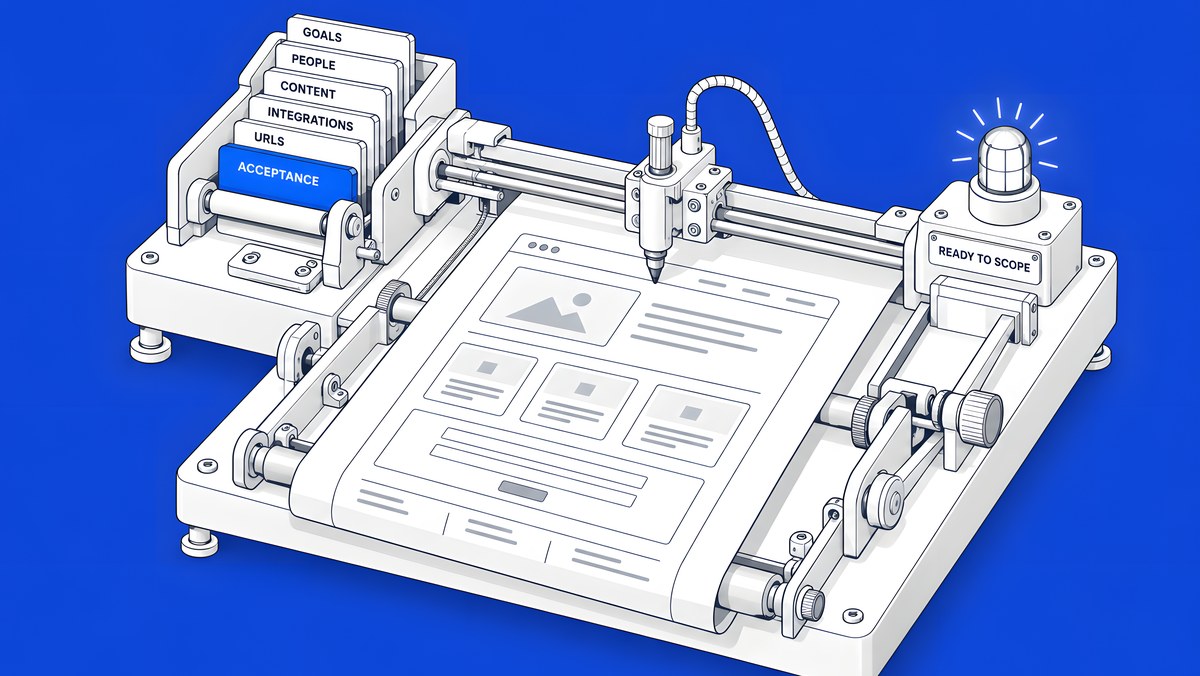
A useful Webflow website brief fits on a few pages and answers eight things: why the site is changing and how you will measure it, who decides and signs off, what content and CMS types exist and who will edit them, which tools must connect to the site, which URLs, rankings and forms must not break, your budget range, your fixed dates, and how you will accept the finished build. Write those down before you talk to agencies and every proposal you get back will price the same project.
This guide walks through each part of the brief, with a back-planner that works out phase dates from your launch date and a brief builder at the end that you can fill in and copy as plain text. Nothing you type leaves your browser.
Why does a brief matter for a Webflow project?
Because most of the cost and delay in a website project comes from things nobody wrote down at the start: a stakeholder who joins at the last review, a CRM field nobody mentioned, a set of URLs that rank and were never mapped. Webflow's own survey work shows how common the problem is. In The 2026 State of the Website (Webflow with Vanson Bourne, survey June to July 2025), Webflow reports: “46% of organizations struggle to always deliver their projects on time. 53% struggle to keep their projects within budget.”
A brief does not remove those risks, but it moves them to the cheapest point in the project: before anyone designs or builds. It also makes proposals comparable. If three agencies scope three different projects, their numbers tell you nothing. If they all scope your brief, the differences are real.
A good brief is short. It is not a requirements document for every pixel. It states the decisions you have made, flags the ones you have not, and names who will make them.
What goals and measures should the brief state?
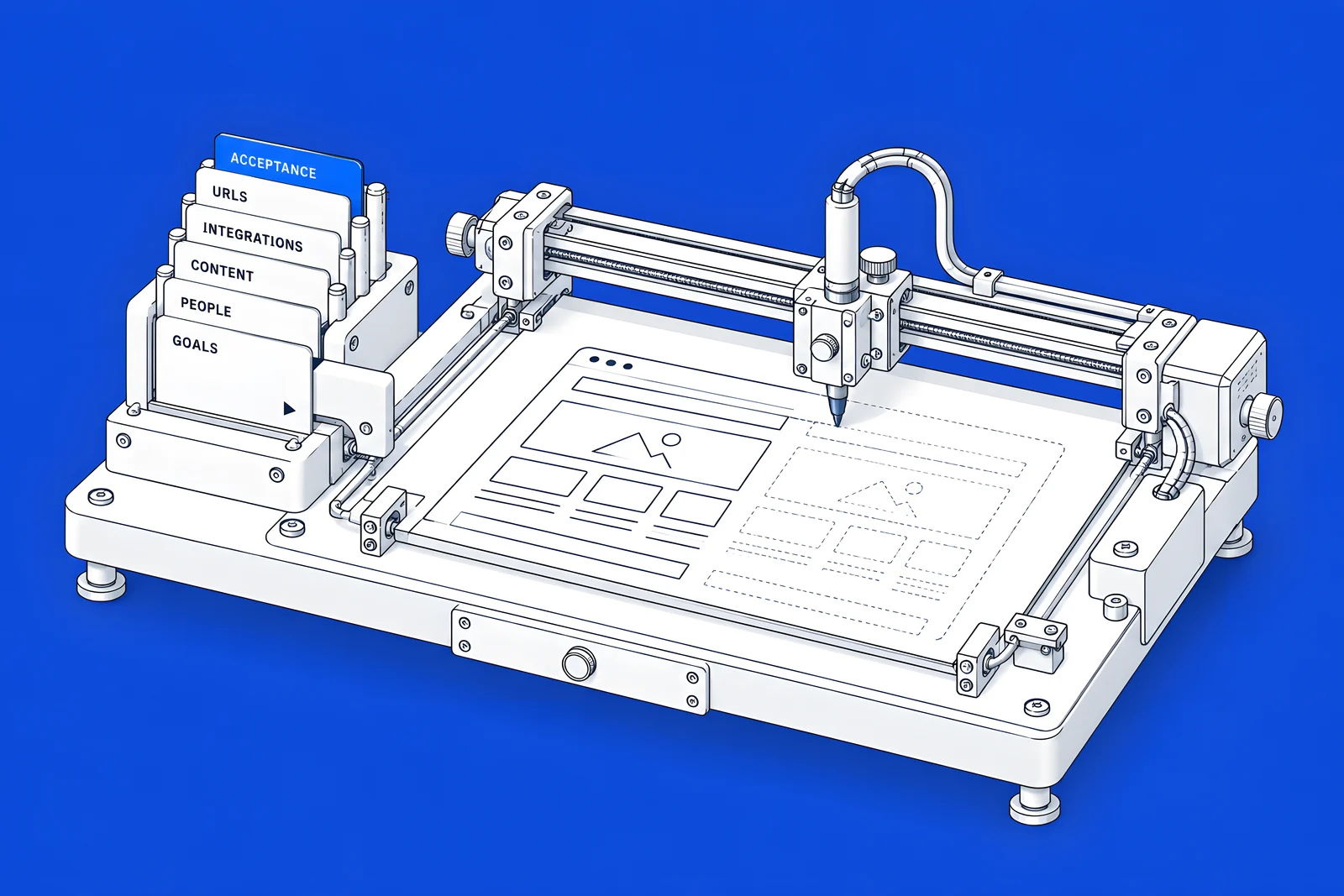
Start with the business reason, in one or two sentences. "Our site still describes the product we sold two years ago" is a reason. "We want a modern site" is not, because nobody can tell when it is done.
Then add measures you can actually check after launch:
- The business goal. For example, more qualified demo requests, fewer sales calls spent explaining the product, or a site the marketing team can update without a developer.
- Page goals. What each key page should get a visitor to do: book a demo, start a trial, read a case study, contact sales.
- Baseline numbers you already have. Current conversions, top landing pages and organic clicks from Search Console. You need the before figures to judge the after.
- The three pages that must improve most. This tells the agency where design and copy effort should go first.
Keep targets honest. If you do not have a baseline, say so, and make "set up measurement" part of the project rather than inventing a number.
Who are the stakeholders and approvers?
Name every person who can say yes or no, and the order in which they review. Website projects stall when a senior reviewer appears late and reopens decisions that were already signed off.
The groups behind a B2B purchase are bigger than most briefs assume. Forrester's The State of Business Buying, 2026 (21 January 2026) found that “The typical buying decision now includes 13 internal stakeholders and nine external influencers, with that number rising for more complex or strategic purchases.” The same release reports that “Procurement professionals are decision-makers in 53% of business buying cycles, engaging from the start of the process.” For software bought by marketing leaders, Wynter's How B2B SaaS CMOs Buy Software in 2026 (January 2026) puts it this way: “The average buying committee now has 5.1 members: the CMO, finance, IT and security, RevOps and end users.”
A website project is a purchase too, so expect the same people. List them in the brief:
| Role | What to write down |
|---|---|
| Decision-maker | One name who makes the final call when reviewers disagree |
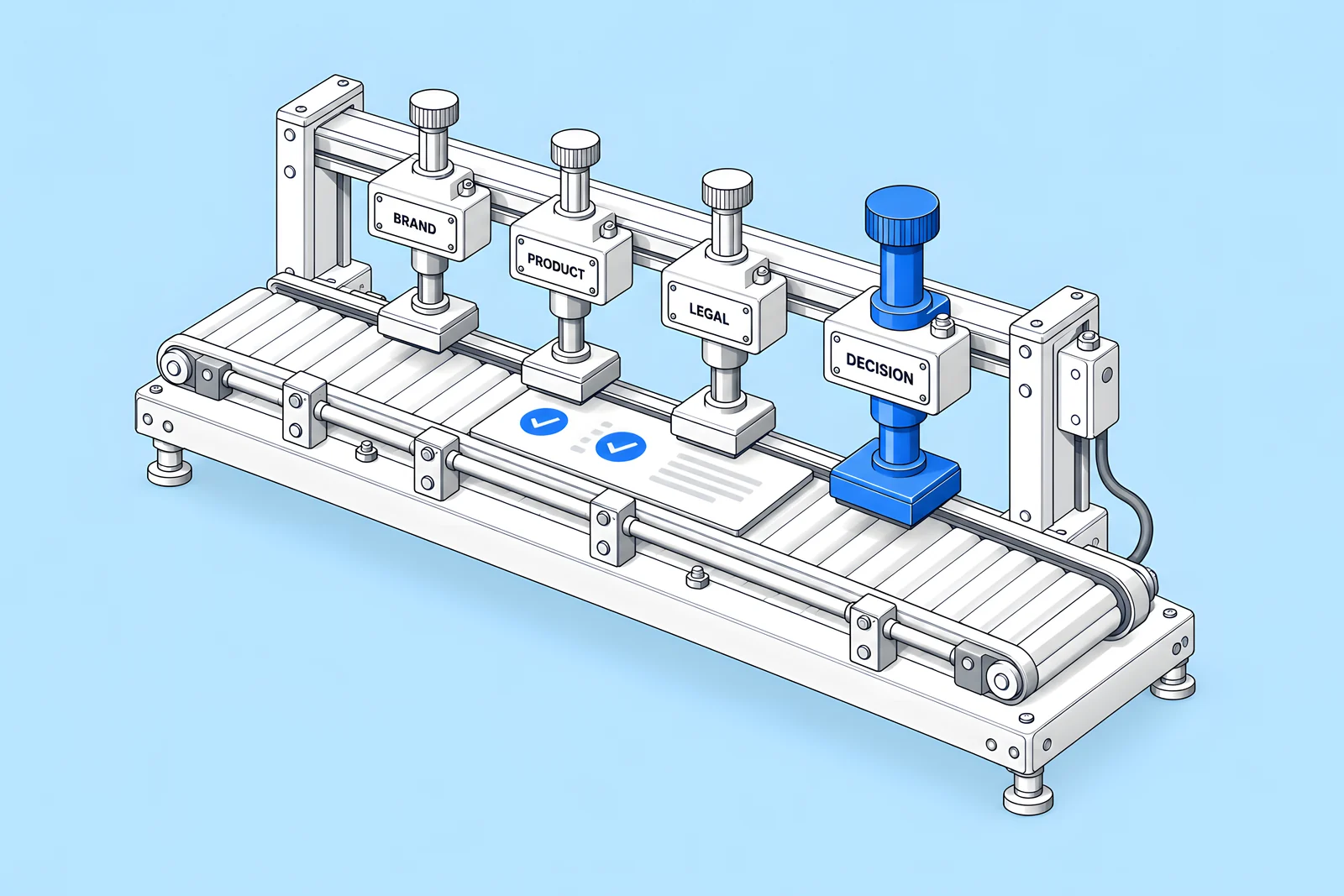
| Approvers | Each reviewer and the order they review in (brand, product, legal) |
| Procurement | Who issues the contract and what they need from a supplier |
| IT and security | Who reviews hosting, access and any single sign-on requirement |
| Site owners after launch | Who edits pages and CMS content day to day |
What should it say about content, CMS and editors?
Content is where most scope surprises hide, so be specific:
- A content inventory. Which pages exist today, which stay, which merge and which go. A spreadsheet export from a crawl is enough.
- Who writes new copy. Your team, the agency or a copywriter. Say who approves it and when it will be ready, because a build without final copy is a build that gets redone.
- Repeating content types. Blog posts, case studies, events, job listings, integrations, team members. Each one is likely to become a CMS Collection. How many Collections and items a site can hold depends on your Site plan or Platform plan, so give rough counts.
- Who edits after launch. Webflow has a content editor role for people who update copy, media and CMS content in a simplified interface without changing the design. Name the people who will use it.
- Languages. If the site needs more than one language or region, say which ones. Webflow Localize handles locales, and some Localize features depend on the plan.
- Images and video. Where they come from: a brand library, a photographer, stock or new illustration.
Which integrations and data flows must be listed?
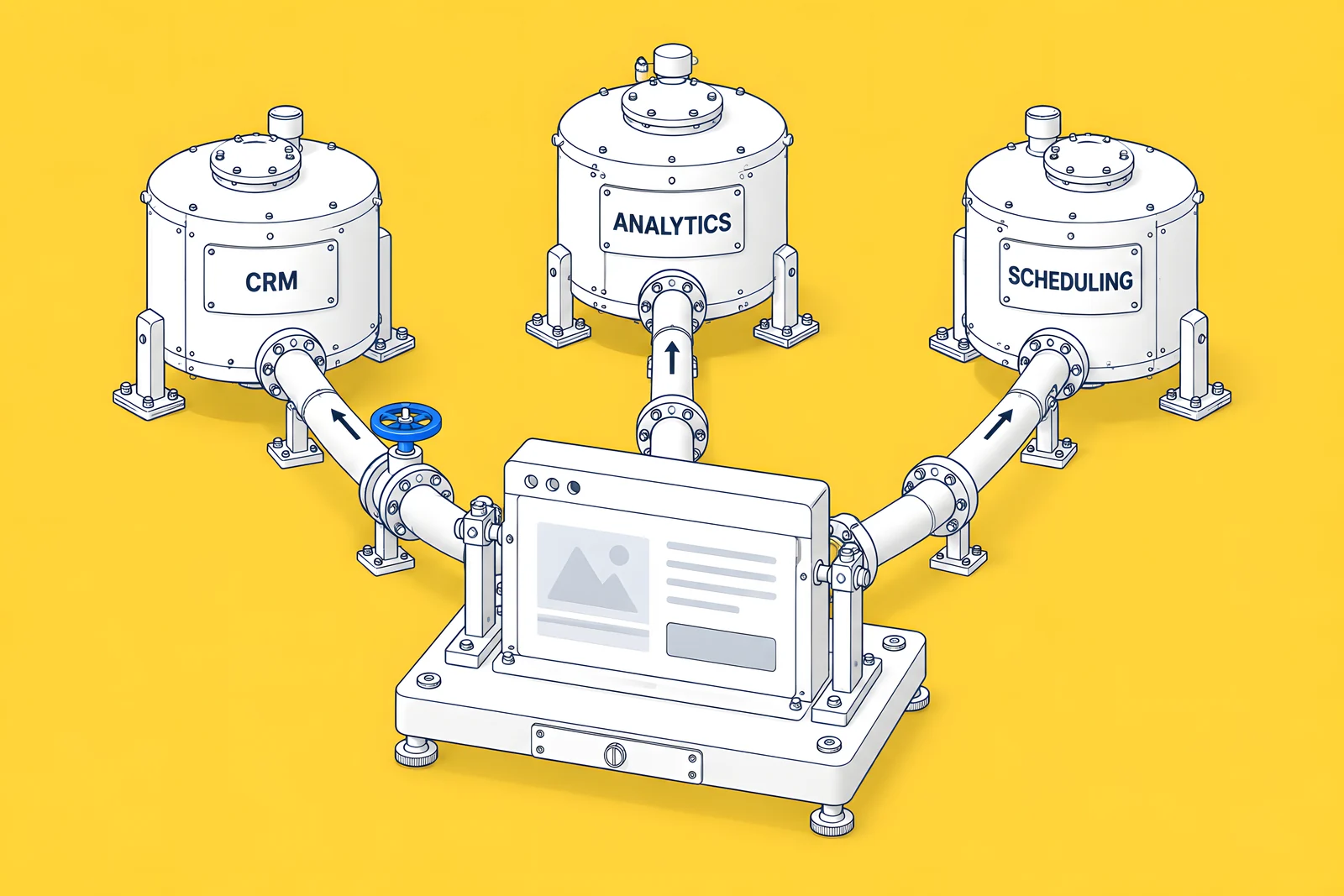
List every tool the site sends data to or pulls data from, and who owns each one. For each, note what has to happen, not only the tool's name.
| Area | Questions the brief should answer |
|---|---|
| CRM and forms | Which CRM? Which forms go where? Which hidden fields, such as campaign source, must be captured? |
| Analytics and consent | Which analytics and ad tags run? Is there a consent tool, and who decides the consent policy? |
| Scheduling, chat and product links | Demo booking, chat widgets, sign-up and log-in links into your product |
| Security and access | Single sign-on, who gets Webflow access, any review IT needs before launch |
| Other data | Job boards, event platforms, documentation or help-centre links |
If you are unsure how something works today, write "unknown, needs discovery". That is far more useful than leaving it out, because it tells the agency to budget time to find out.
What about SEO, URLs and migration?
If the current site earns search traffic, the brief must protect it. Write down:
- The current platform and whether the move is a redesign on Webflow or a migration onto it.
- The URLs that earn traffic and links, from Search Console and a backlink tool.
- Your redirect expectation. Every changed URL should redirect one-to-one to its closest new page. Adding 301 redirects in Webflow needs a paid Site plan or a paid Workspace plan, and a CSV import overwrites all existing redirects, so the plan needs an owner. Our guide to the redirect map for a Webflow migration covers the method.
- Access. Who will grant Search Console and analytics access to the agency, and when.
Agencies cannot price migration work they cannot see. A URL count, even a rough one, changes the scope more than almost anything else in the brief.
How should you share budget and timing?
Give a budget range. A range lets agencies tell you what fits inside it and what does not, instead of guessing at your ceiling. If you genuinely have no number yet, say what the project is worth to the business and ask agencies to propose options at different levels. Our Webflow website cost guide explains what drives the price.
For timing, separate fixed dates from preferences:
- Fixed dates and why. A product launch, an event, a funding announcement, a contract ending on the old platform.
- Preferred dates. Useful, but movable.
- Internal availability. Holidays, board meetings and busy seasons that will slow reviews. Review time on your side is part of the timeline.
Then plan backwards from the launch date. The planner below takes your launch date and the number of weeks you expect for each phase and gives you the start date each phase needs. It has no default durations: use your own estimates or the ones agencies give you. For what typically stretches a schedule, see our Webflow redesign timeline.
How will you accept the finished site?
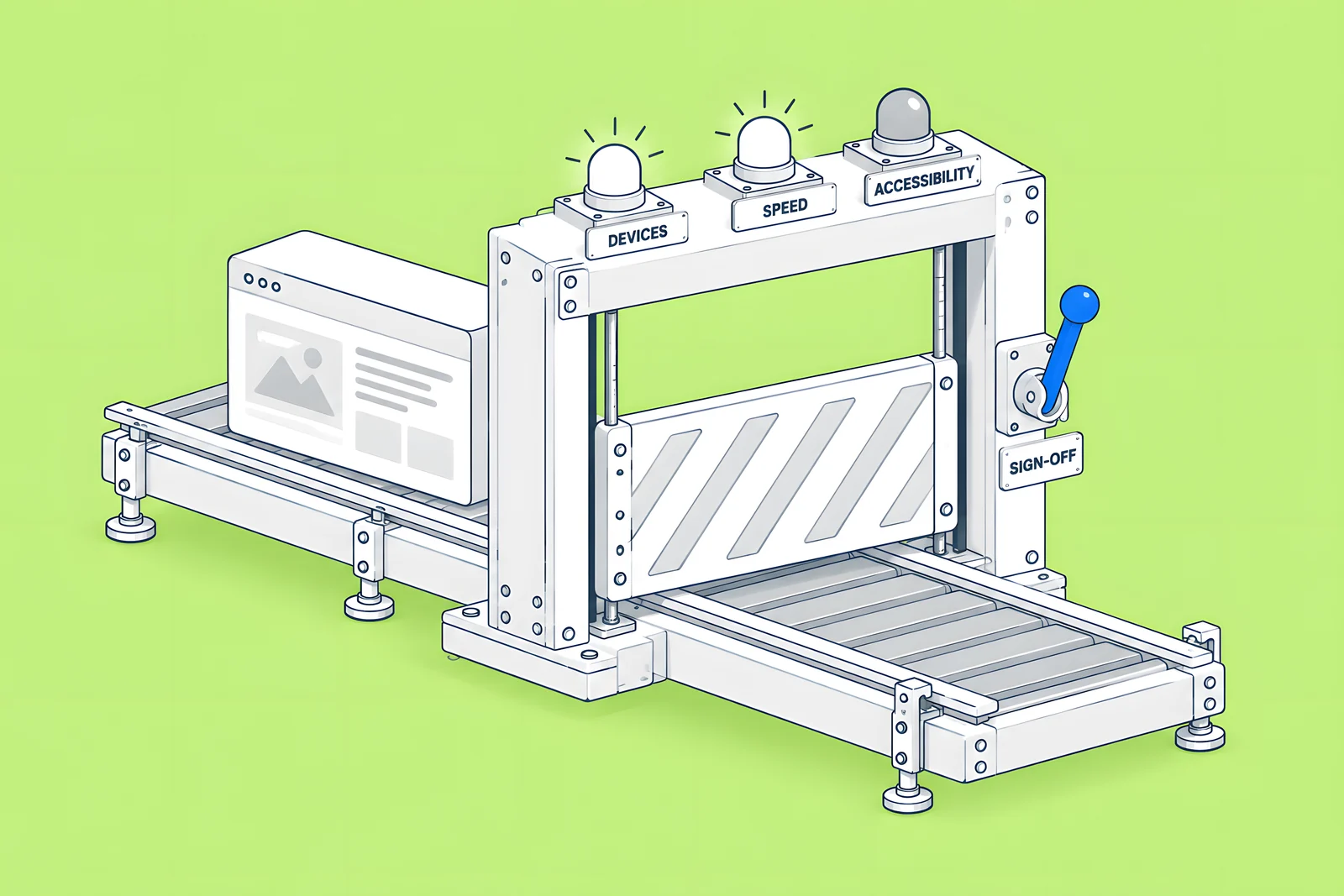
Write the acceptance criteria into the brief, so "done" is agreed before work starts rather than argued about at the end. For each page type, note what must be true before you sign off:
- Browsers and devices you will test on, based on your own analytics.
- Accessibility expectations, for example keyboard navigation, alt text and colour contrast, and how they will be checked.
- Speed expectations, with the tool and conditions you will measure with, since different tools give different numbers.
- Content checks: final copy in place, CMS items filled, forms tested end to end into the CRM.
- Who signs off launch, by name.
Webflow gives you two useful tools for this stage. The staging subdomain (yoursite.webflow.io) lets the team review and approve the site before it goes to your custom domain. Comments let reviewers leave feedback directly on elements, and each comment thread records the operating system, browser, viewport and device it was left on, which saves a round of "which screen were you on?" questions. If you are handing over Figma designs, our Figma to Webflow handoff guide has a section on accepting the build.
Use the builder below to draft your brief. Tick what you have covered, add a short note to each line and copy the result as text or CSV. It stays in your browser.
How ActiveSet does it
ActiveSet is a Webflow Premium Partner based in Bengaluru, India. Our usual order starts with a discovery questionnaire and call, then stylescapes, Figma design, the Webflow build, a review on staging with Markup.io, and launch. Work is tracked in ClickUp and a shared Slack channel. A brief that covers the eight areas above lets the discovery call go straight to the decisions that are still open.
If you are planning a redesign, see Webflow website redesign. If you are still choosing a partner, our guide on how to hire a Webflow agency lists the questions to ask.
Sources
- Webflow (with Vanson Bourne), The 2026 State of the Website, survey June to July 2025, checked 14 Oct 2026
- Forrester, The State Of Business Buying, 2026, 21 Jan 2026
- Wynter, How B2B SaaS CMOs Buy Software in 2026, Jan 2026
- Webflow Help Center, Dynamic content limits, checked 14 Oct 2026
- Webflow Help Center, Edit site content as a content editor, checked 14 Oct 2026
- Webflow Help Center, Webflow Localize overview, checked 14 Oct 2026
- Webflow Help Center, How do I set up redirects in Webflow?, checked 14 Oct 2026
- Webflow Help Center, Import/export 301 redirects, checked 14 Oct 2026
- Webflow Help Center, Webflow staging subdomain, checked 14 Oct 2026
- Webflow Help Center, Comments, checked 14 Oct 2026
Frequently Asked Questions
Most useful briefs fit on two to five pages. The aim is to record decisions, open questions and owners, not to specify every design detail. If a section grows long, move the detail into an appendix, such as a content inventory spreadsheet or a list of URLs, and keep the brief itself readable in one sitting by every approver.
A range helps. It lets agencies propose what fits and explain what does not, so you compare like with like. If you cannot share a figure yet, describe what the project is worth to the business and ask for options at different levels. Leaving budget out entirely usually leads to proposals that are hard to compare.
One owner, usually the marketing lead running the project, writes it and collects input from sales, product, brand, IT and whoever will edit the site after launch. The decision-maker should read and approve it before it goes to agencies, so the scope you share is the scope you will actually sign off.
The brief is yours: it describes goals, constraints, content, integrations and how you will accept the site. The scope of work is the agency's answer: what they will deliver, in which phases, with which assumptions. A clear brief makes scopes from different agencies easier to compare, because they all answer the same questions.
Yes, with one addition. A migration brief needs more detail on the current platform, the URLs that earn traffic and links, and who owns the redirect plan. The goals, stakeholders, content, integrations and acceptance sections stay the same whether the site is already on Webflow or moving to it.


