How Do You Prepare a Squarespace Site for a Move to Webflow?


There is no automated way to move a Squarespace site into Webflow; Webflow's own guide calls it a rebuild, not a transfer. Squarespace exports a WordPress-format XML file that holds layout pages, one blog and basic text and image blocks, and its images have to be downloaded one at a time. So preparation means a full URL and SEO inventory, a plan for every content type, an image plan, confirmed font licences, a list of forms and scripts, and a redirect and DNS plan, all finished before kickoff.
This guide is for the marketing lead at a B2B company whose site runs on Squarespace and who is planning a Webflow rebuild. It covers what Squarespace will and will not hand over, and the inventory to finish so that the first workshop is about decisions, not about finding logins.
Can you import a Squarespace site into Webflow?
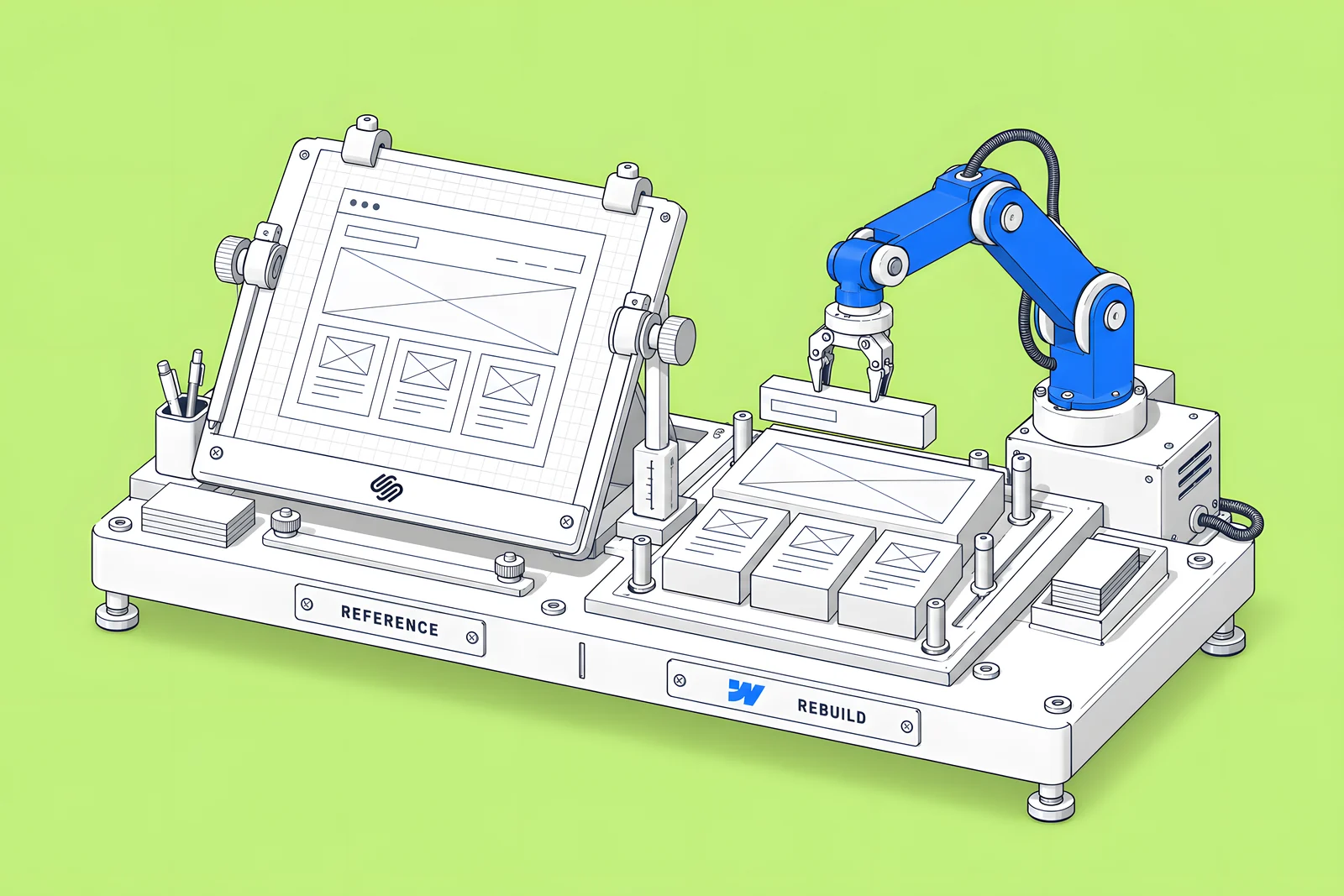
No. Webflow's guide to migrating from Squarespace says there is no automated way to convert a Squarespace site into a Webflow site, and that designs, layouts and content cannot be imported directly. You recreate page layouts, styles, CMS structure and interactions in Webflow, using the Squarespace site as a visual and structural reference.
That changes how to think about scope. A Squarespace move is a redesign-sized project even if the design stays the same, because every page is built again. The upside is that you can fix what the old site got wrong: page structure, CMS models, image weight and slow scripts. Webflow's guide explicitly suggests documenting existing performance and SEO issues to address during the move.
Webflow's The website migration playbook (April 2025) organises the work into “four key areas where preparedness is key to the success of your migration: Design, Content, Deployment, and Integration.” The sections below follow that order, with Squarespace's specifics in each.
Most teams do not do this alone. A study by Forrester Consulting commissioned by Webflow, The Total Economic Impact of Webflow (September 2024, five interviewed Webflow customers; vendor-commissioned research), reports: “All five interviewees’ organizations chose to collaborate with an external agency for the initial migration efforts.” Five interviews is a small sample, but it matches the reality that a rebuild needs design, development and SEO hands at once.
What can Squarespace export, and what can't it?
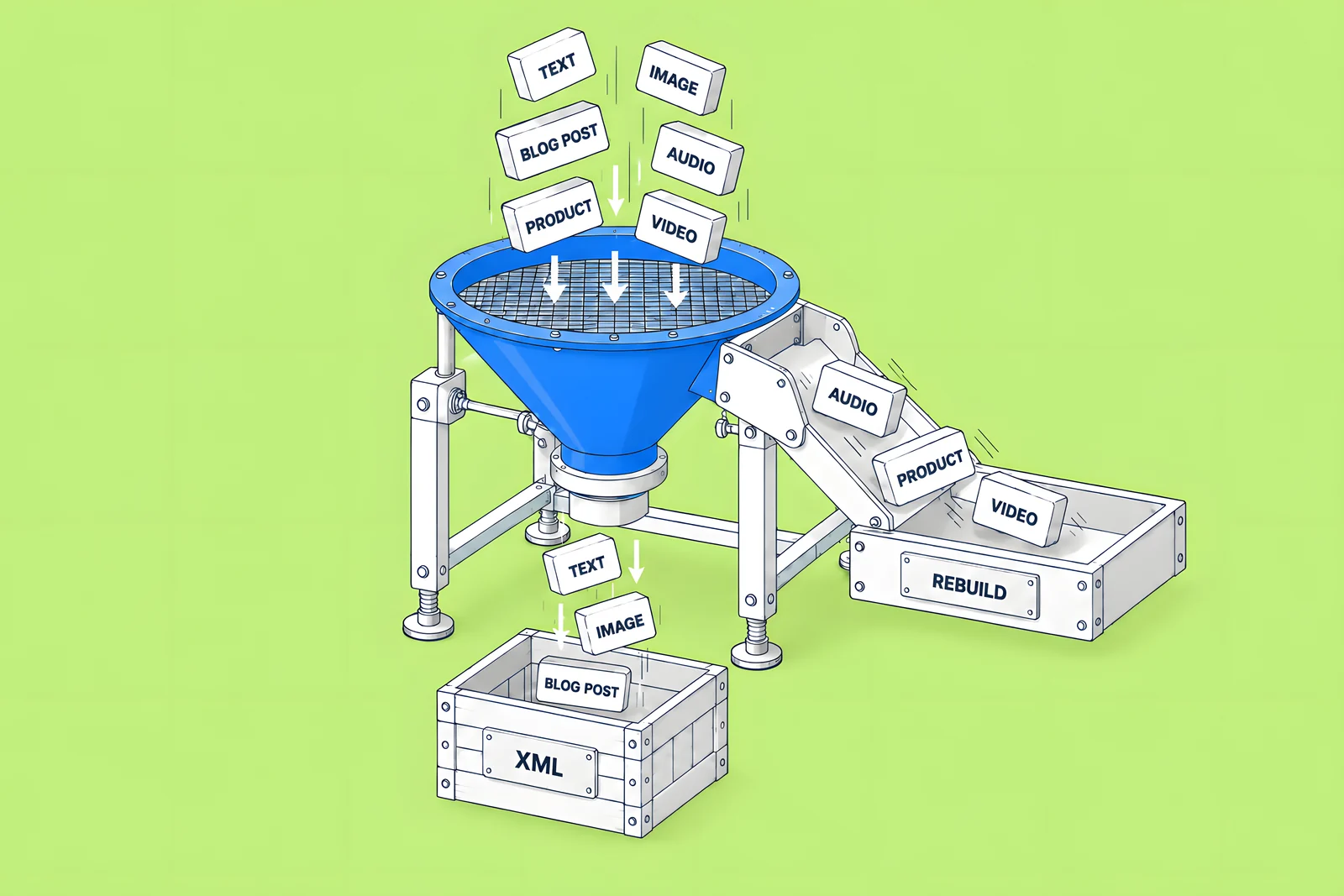
Squarespace's help article Export your site content (updated 9 October 2026) says the export is an .xml file in WordPress format, and that many features rely on Squarespace's own JavaScript and CSS, so some content does not export. Its lists are specific:
| Exports in the .xml | Does not export |
|---|---|
| Layout pages | Album, cover, index, info, calendar, portfolio and store pages |
| One blog page, with its posts and up to 1,000 comments per post | Any second or further blog page |
| Text blocks and image blocks | Audio, product and video blocks |
| Text from other blocks, such as embeds, with minimal structure | Page-specific headers, footers and sidebars |
| Gallery pages, on version 7.0 only | Dropdowns, drafts, style settings and custom CSS |
Three practical consequences:
- One blog only. If your site has more than one blog page, the export makes you choose a primary blog. The others have to be exported some other way or copied by hand.
- The site must be live. Squarespace says the site must be published and public to export, and you cannot export from a trial site. Do not cancel or let the plan lapse before your export and asset download are complete.
- Products are separate. Squarespace's product export creates a .csv of up to 10,000 products, but it leaves out featured images, product image alt text, variant images, additional product information and customer reviews.
Use the comparison below to plan each content type's route into Webflow.
How do you inventory pages, URLs and SEO settings?
Start with a full list of URLs, because it drives the redirect map, the content plan and the launch checks. Webflow's guide asks you to record, for every current URL, its meta title, meta description, Open Graph tags and canonical tag, plus any existing redirects, locale paths, schema and your analytics setup.
Build it from several sources and merge them:
- A crawl of the live site, with status code, title, description and canonical for each URL.
- The Squarespace sitemap, which lists pages the crawl may miss.
- Search Console, for the pages that earn clicks and impressions.
- Analytics, for campaign and referral landing pages.
- Existing redirects. In Squarespace these live in the URL mappings panel under Developer tools; copy the whole field into your inventory.
Note folder nesting and any language paths or subdomains, such as /fr/ or es.domain.com, because they decide how Webflow's locales and redirects have to be set up. Then record a baseline for the important pages: clicks, impressions and conversions over a complete period. You will need it to judge the launch fairly.
How should you move blog posts, images and files?
Blog posts can travel as structured content. Convert the XML to a cleaned spreadsheet (title, slug, date, author, summary, body HTML, featured image), then import it with Webflow's CMS import. Know its rules before you build the file:
- CSV files can be up to 4 MB, so large blogs may need several files.
- Rich text fields accept HTML, but Webflow may clean out elements, classes and attributes it does not support.
- Reference fields match on plain text converted to a slug, or on the custom slug itself.
- File fields cannot be imported; upload those files by hand.
- Images imported by URL do not get responsive variants.
That last point matters for speed. Webflow's Responsive images article says variants are only created when images are uploaded directly in Webflow, for example in the Assets panel or a CMS image field, and that images added through CSV import or the API do not create them. So either resize and compress images before import, or upload key images directly. Webflow's upload limit is 4 MB per image.
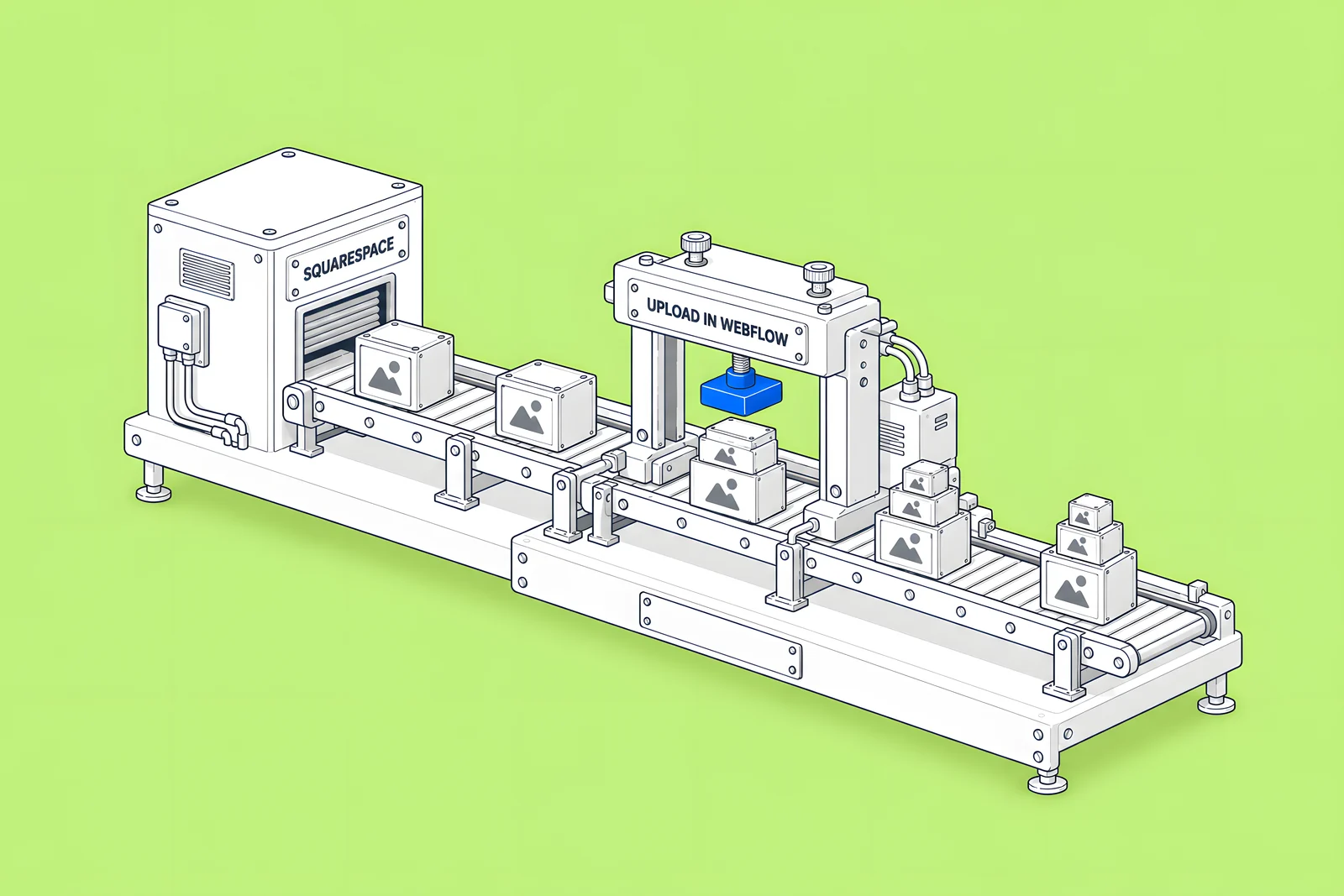
Images are the slowest part of the job. Webflow's Squarespace guide warns that Squarespace does not support bulk image export, so images are downloaded one at a time from the Asset library. Budget time for that, and record file names and alt text as you go. Also check any image URLs left inside imported rich text: if they still point to Squarespace, they depend on the Squarespace site staying online. Squarespace itself warns, for WordPress imports, that image reference links stop working after the Squarespace site is cancelled.
What about fonts, forms, scripts and integrations?
These are the items most often discovered late. List each one with its owner:
- Fonts. Audit every font, including Adobe Fonts and uploaded custom fonts, and confirm you have a licence to use each one on the new site. Webflow's custom fonts article asks you to check the licence before uploading, and Adobe Fonts connect through an Adobe Fonts API token in Webflow. Document sizes, line heights and letter spacing so the type system can be rebuilt.
- Forms. List every form, its fields and where submissions go today: email, CRM, email marketing tool. Each one is rebuilt in Webflow and reconnected.
- Scripts and extensions. Copy every custom code snippet from the head, body and footer, and list Squarespace extensions, embedded tools and third-party widgets. Decide which ones the new site still needs; a rebuild is the cheapest moment to drop old tags.
- Well-known files. Webflow's Squarespace guide asks you to note any well-known files for transfer, and Webflow's Site plan guide lists well-known files support as a Premium feature.
- Interactions. Note hover states, animations and page transitions you want to keep; they will be rebuilt with Webflow Interactions.
How do redirects and DNS work for a Squarespace move?
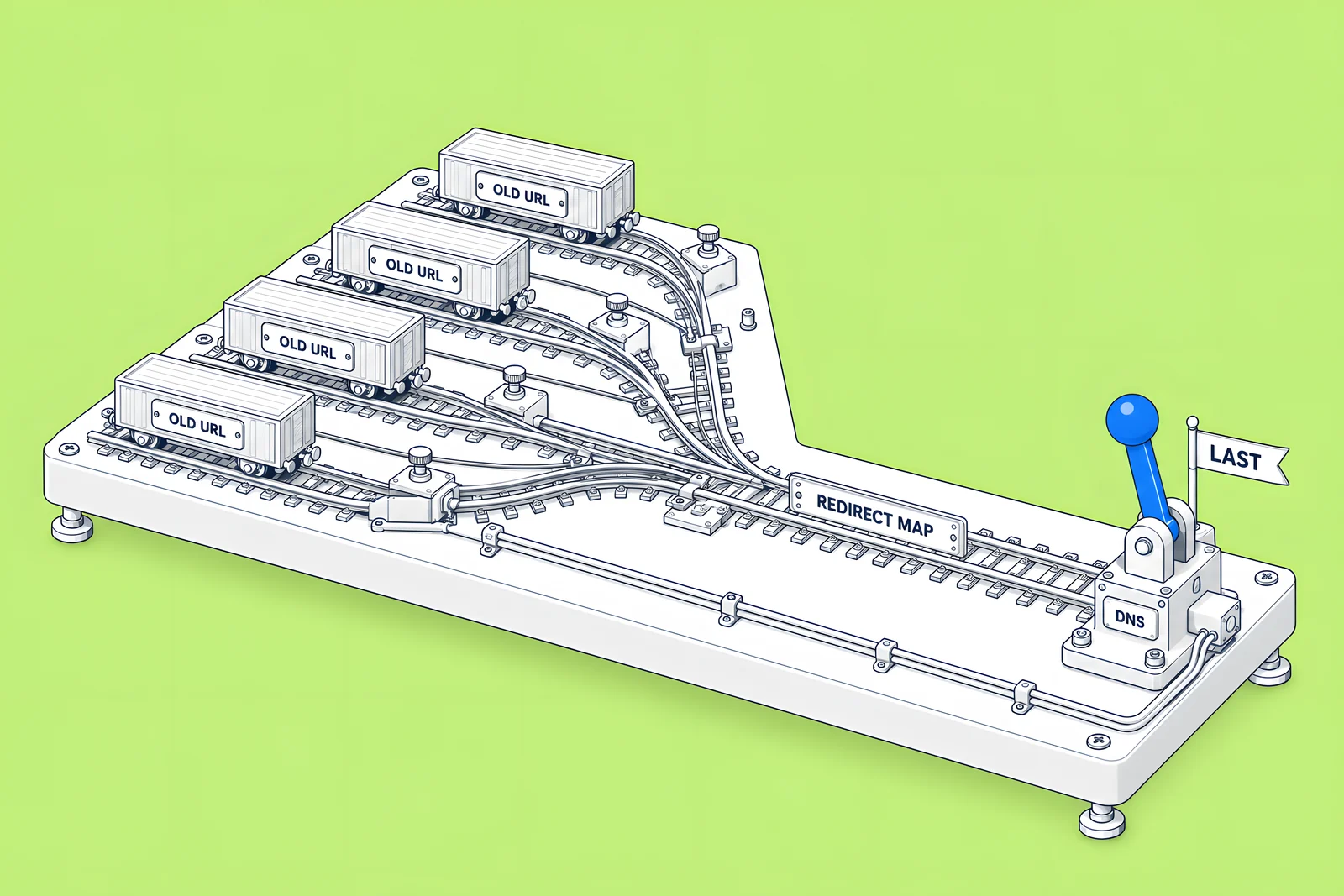
Map first, switch last. Every URL whose path changes needs a 301 redirect, set up in Webflow under Site settings > Publishing > 301 redirects, individually or by CSV import. A CSV import overwrites all existing redirects, so export first and add to that file. Webflow's Squarespace guide says to add redirects before the domain cutover. Our redirect map guide covers mapping rules, wildcards and testing in detail.
For DNS, Webflow's guide says to note whether your domain is registered through Squarespace or a third-party registrar, because that affects how you handle the cutover. Whoever controls the registrar or DNS host must be available on launch day. Webflow's article on updating DNS records when migrating a live site recommends lowering the domain's TTL to the lowest value available at least one full TTL period before changing records, and copying the records you need from Site settings > Publishing > Production. Change DNS only after everything else is built, tested and approved.
Who on your team needs to be involved?
A rebuild touches more people than a redesign, because content, search, domains and integrations all move at once. Name one owner for each area before kickoff:
| Area | Owner's job before kickoff |
|---|---|
| Content | Confirm which pages, posts and assets move, merge or retire |
| SEO | Supply Search Console access, the URL inventory and the baseline |
| Domain and DNS | Confirm the registrar, hold DNS access and be available on launch day |
| Forms and CRM | List each form's destination and test the new ones |
| Brand | Confirm font licences and any design changes in scope |
| Approver | One person who signs off scope, content and launch |
The single approver matters most. Migrations stall when sign-off sits with a committee that meets once a fortnight.
What should be ready on kickoff day?
Use the score below to check readiness. Anything unticked is a question your agency or in-house team will ask in the first week anyway, so answering it now shortens the project. Once kickoff is done, expect a written plan and a first draft of the URL map back from whoever runs the build.
How ActiveSet does it
ActiveSet is a Webflow Premium Partner based in Bengaluru, India. Our usual order is a discovery questionnaire and call, stylescapes, Figma design, the Webflow build, a Markup.io review on staging, then launch, with work tracked in ClickUp and a shared Slack channel. On a past rebuild from a client's Figma files, our Webflow work included a courses CMS migration, 301 mapping and a domain transition. Finished sites sit in the client's own Webflow workspace, with editor guides or short recorded walkthroughs at handover.
If you are planning a move, see Webflow website migration. Moving from WordPress instead? Our WordPress to Webflow migration checklist covers that route, the technical SEO launch checklist covers launch day, and our guide to CMS architecture and editor handoff covers modelling the content you bring across.
Sources
- Webflow Help Center, Migrate your site from Squarespace to Webflow, updated 16 Jul 2026, checked 14 Oct 2026
- Squarespace Help Center, Export your site content, updated 9 Oct 2026, checked 14 Oct 2026
- Squarespace Help Center, Export products to a .csv, updated 10 Jun 2026, checked 14 Oct 2026
- Squarespace Help Center, URL mappings, updated 8 Sep 2026, checked 14 Oct 2026
- Webflow Help Center, How do I import content into the Webflow CMS?, updated 18 Aug 2026, checked 14 Oct 2026
- Webflow Help Center, Responsive images, updated 8 Sep 2026, checked 14 Oct 2026
- Webflow Help Center, Upload custom fonts, updated 7 Jul 2026, checked 14 Oct 2026
- Webflow Help Center, Integrate Adobe Fonts into a specific site, updated 7 Jul 2026, checked 14 Oct 2026
- Webflow Help Center, Choose a Site plan, updated 2 Aug 2026, checked 14 Oct 2026
- Webflow Help Center, Import/export 301 redirects, checked 14 Oct 2026
- Webflow Help Center, How to update DNS records when migrating a live site to Webflow, updated 2 Feb 2026, checked 14 Oct 2026
- Webflow, The website migration playbook, April 2025
- Forrester Consulting (commissioned by Webflow), The Total Economic Impact of Webflow, September 2024
Frequently Asked Questions
Not as a site. Webflow says there is no automated way to convert a Squarespace site, and its CMS import takes CSV files, not XML. Convert the blog posts in the XML into a cleaned CSV with one column per Collection field, then import that into a Webflow Collection. Pages, layouts and styles are rebuilt in the Designer using the old site as a reference.
One at a time. Webflow's Squarespace migration guide notes that Squarespace does not support bulk image export, so images are downloaded individually from the Asset library. Plan time for this on image-heavy sites, keep file names and alt text as you go, and upload key images directly in Webflow so it creates responsive variants.
Only one blog page exports. Squarespace's export asks you to choose a primary blog when a site has more than one, and the others are left out of the .xml file. Copy the other blogs' posts by hand or export them in a separate step, and include their URLs in your redirect map.
Last. Build and test the Webflow site, add the 301 redirects, and get sign-off first. Webflow recommends lowering the domain's TTL at least one full TTL period before you change any records, so the switch spreads quickly. Whether the domain is registered through Squarespace or another registrar changes who makes the change, so confirm access early.
No. Squarespace's product export creates a .csv of up to 10,000 products, but it does not include featured images, product image alt text, variant images, additional product information or customer reviews. Collect product images and alt text separately before the Squarespace site is closed.


